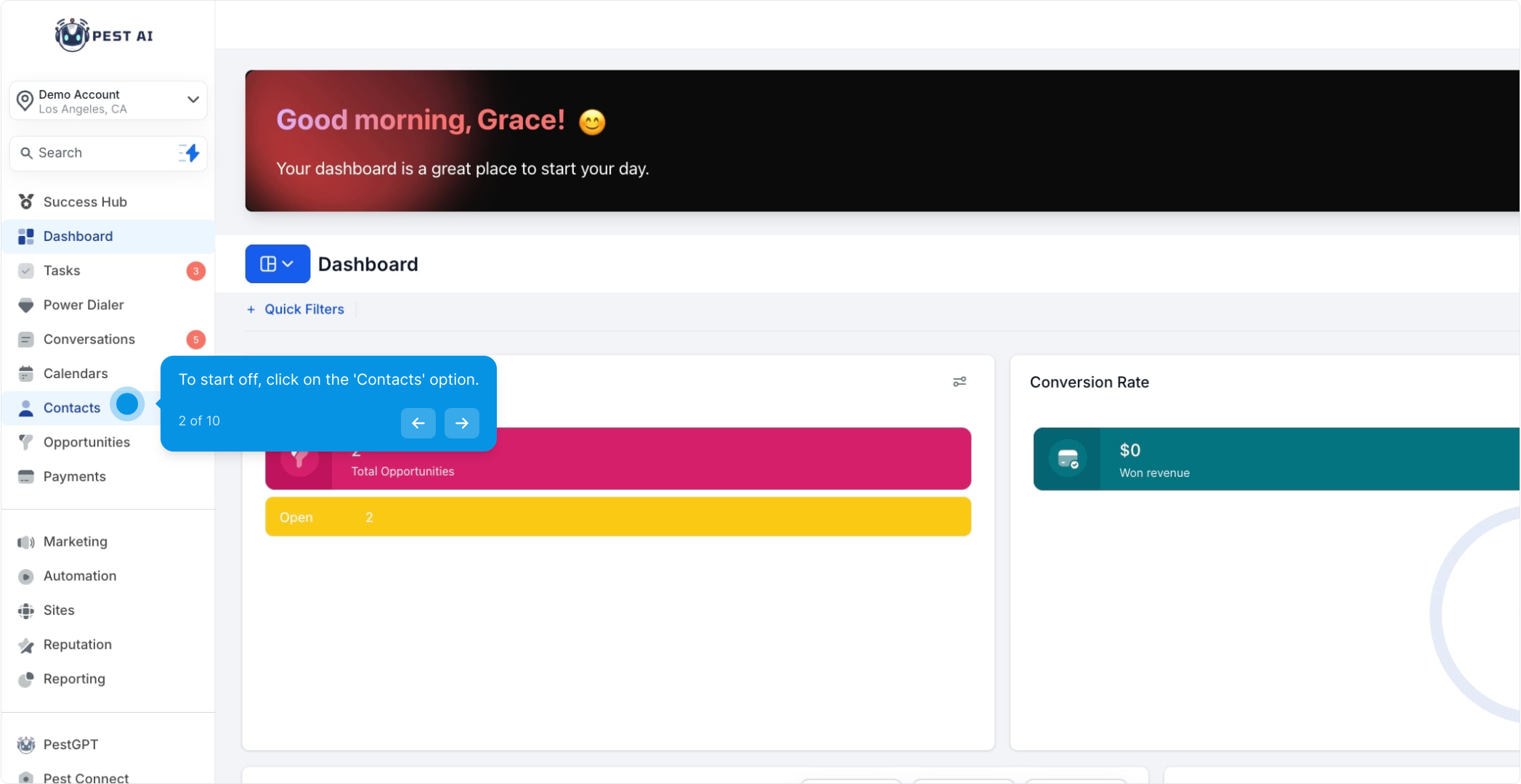
2. To start off, click on the 'Contacts' option.

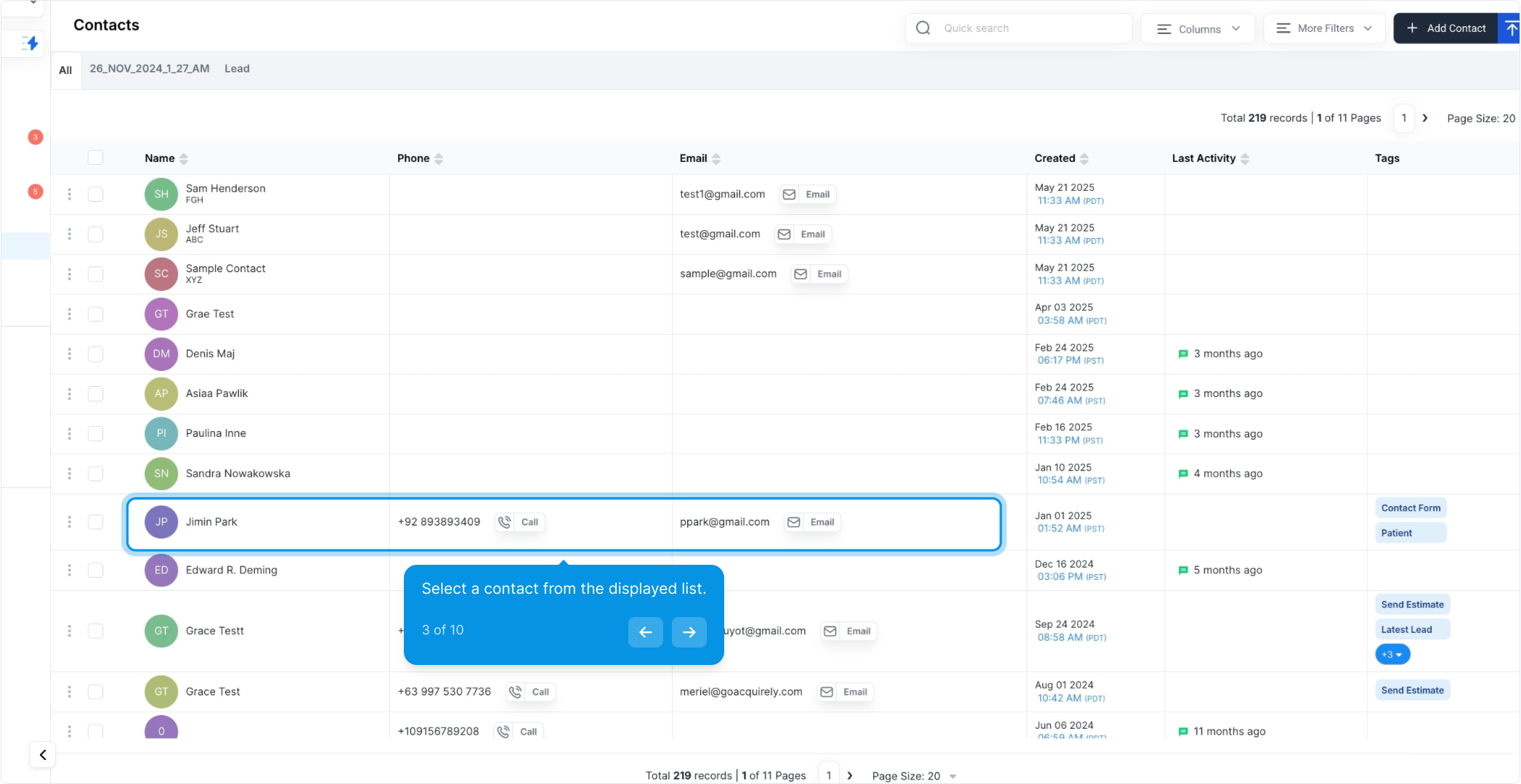
3. Select a contact from the displayed list.
The answers are stored within each contact record.
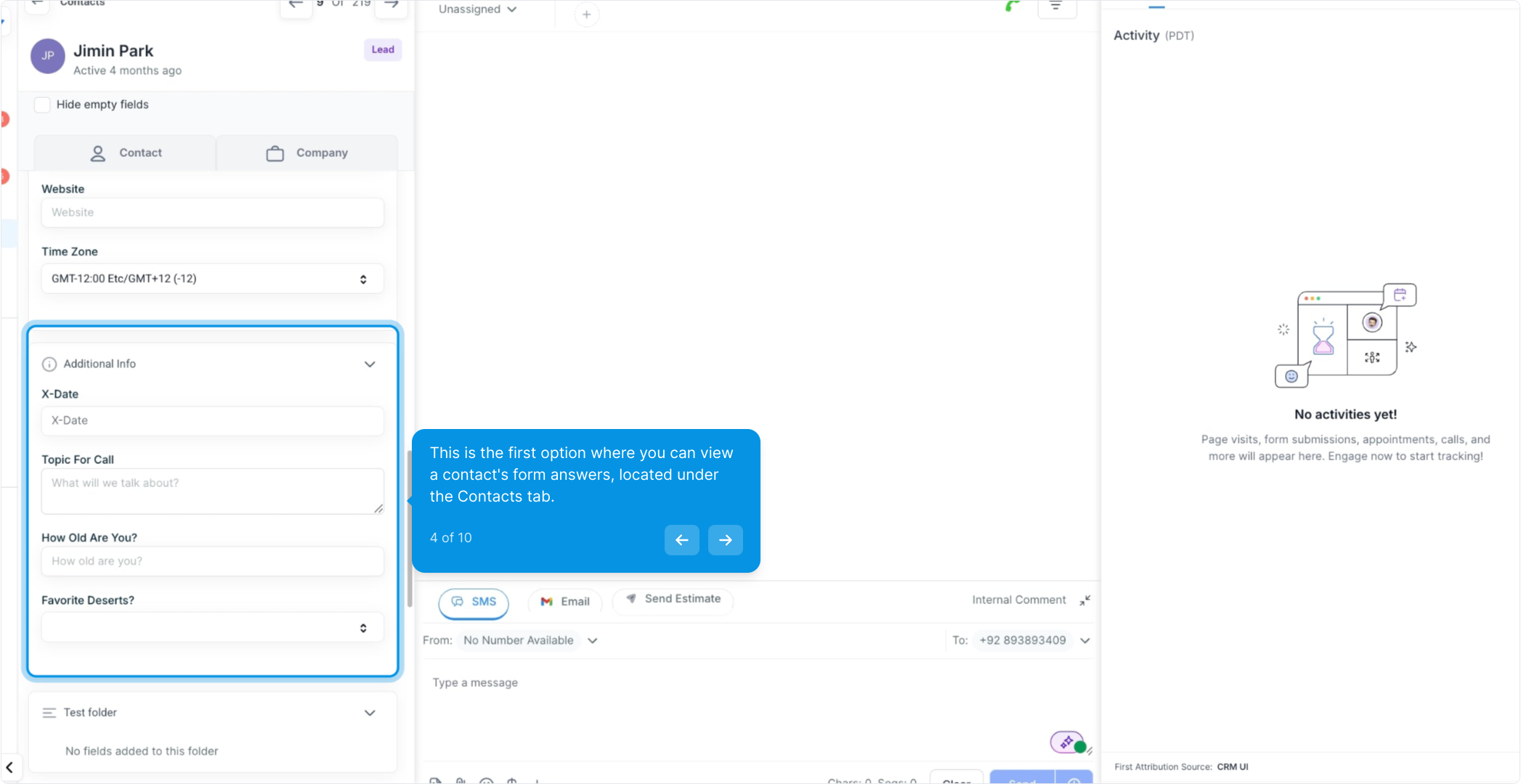
4. This is the first option where you can view a contact's form answers, located under the Contacts tab.
To access answers submitted for a specific contact, navigate to their contact page.
Click on "Additional Information" on the left side to find the stored answers.
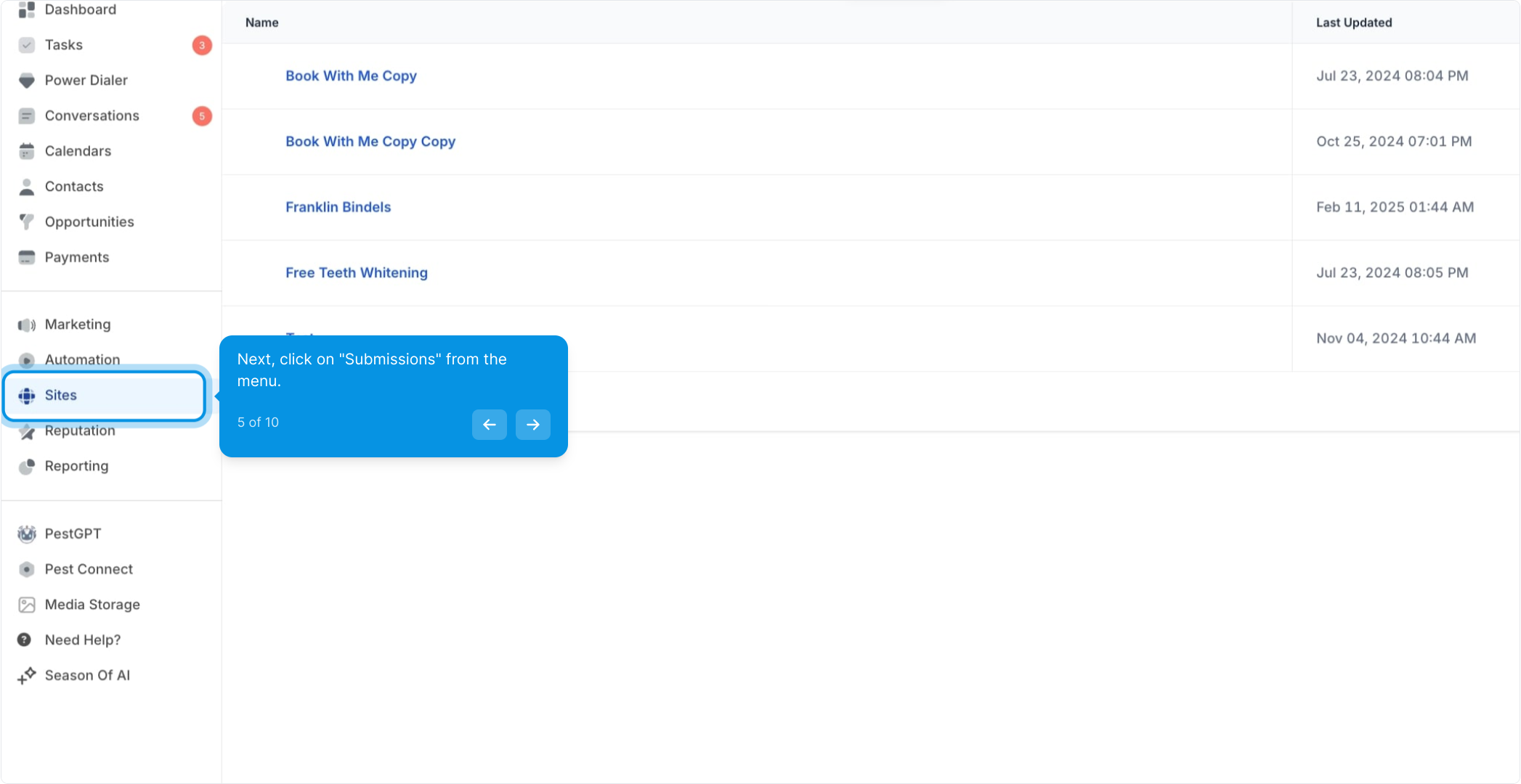
5. Next, click on "Submissions" from the menu.

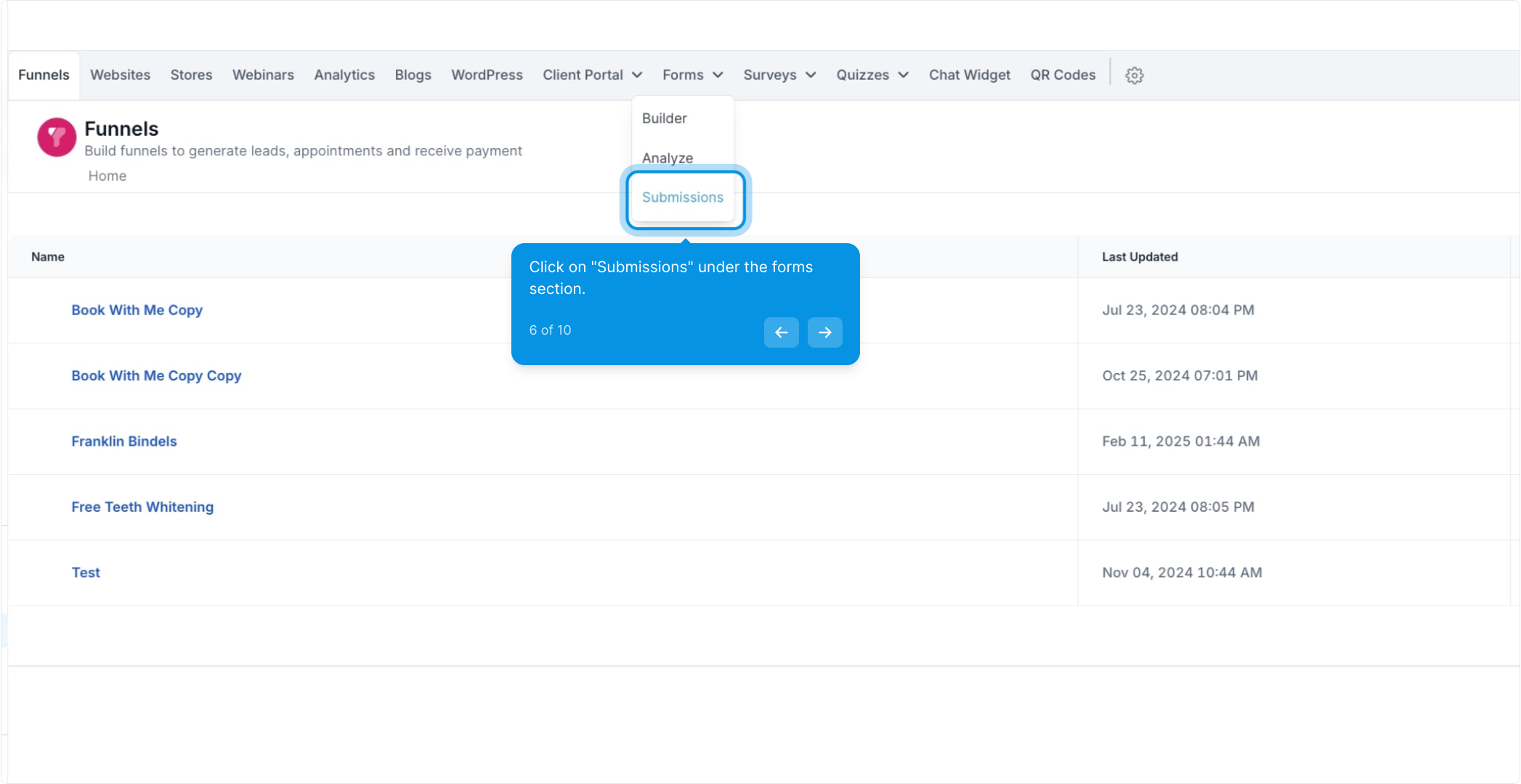
6. Click on "Submissions" under the forms section.

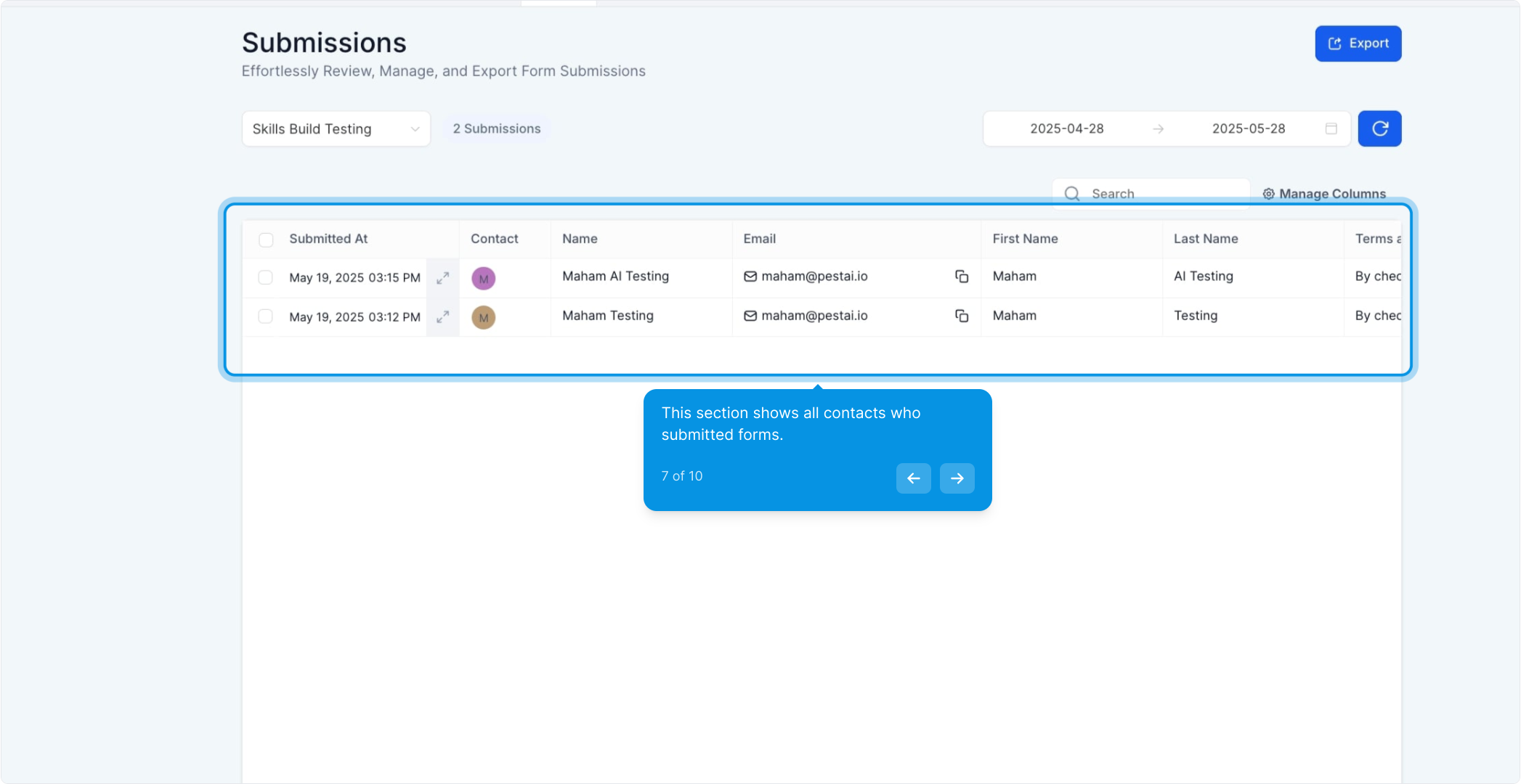
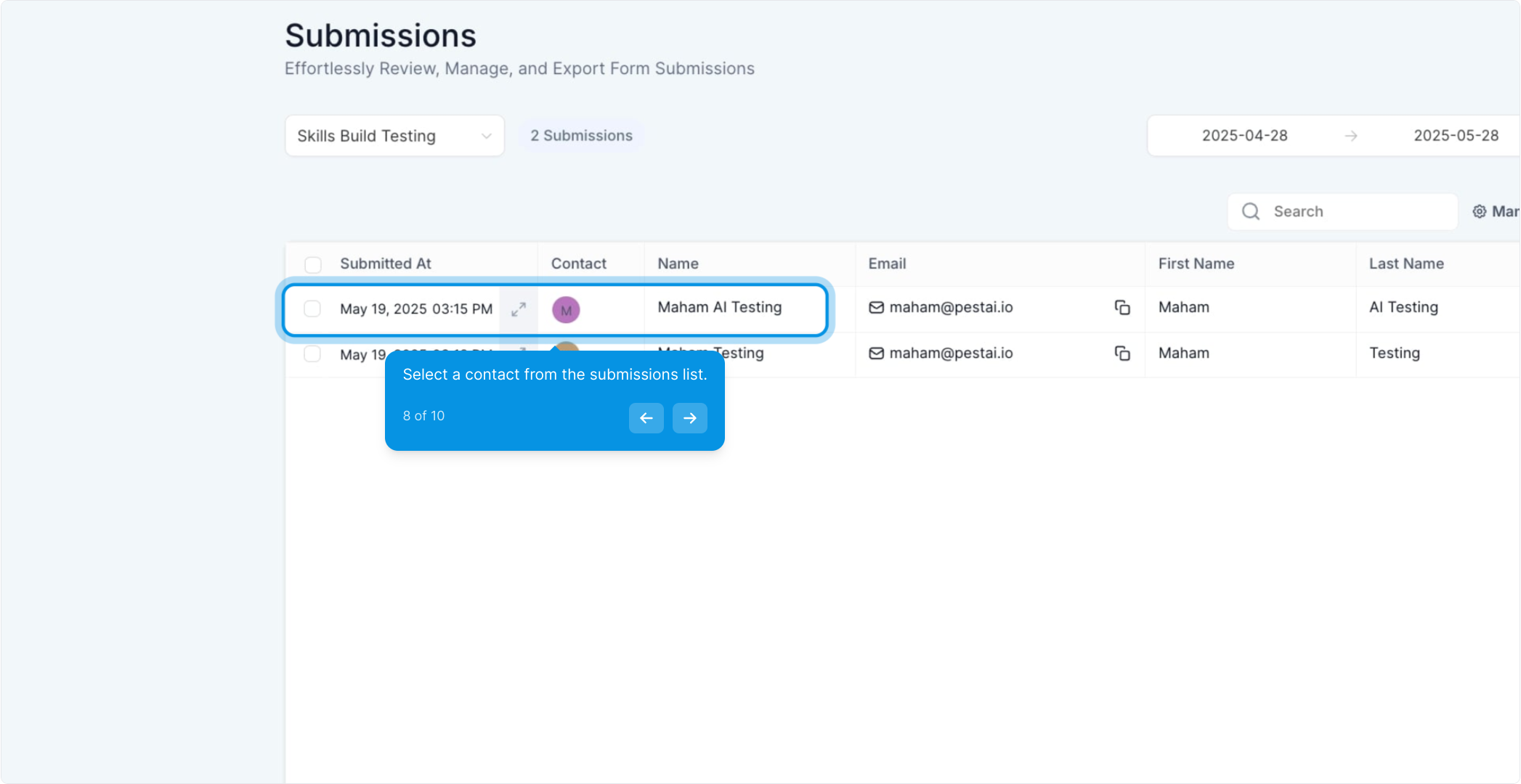
7. This section shows all contacts who submitted forms.

8. Select a contact from the submissions list.
Search by contact to view all answers submitted through forms.
You can also filter by date, just make sure you use the correct dates.
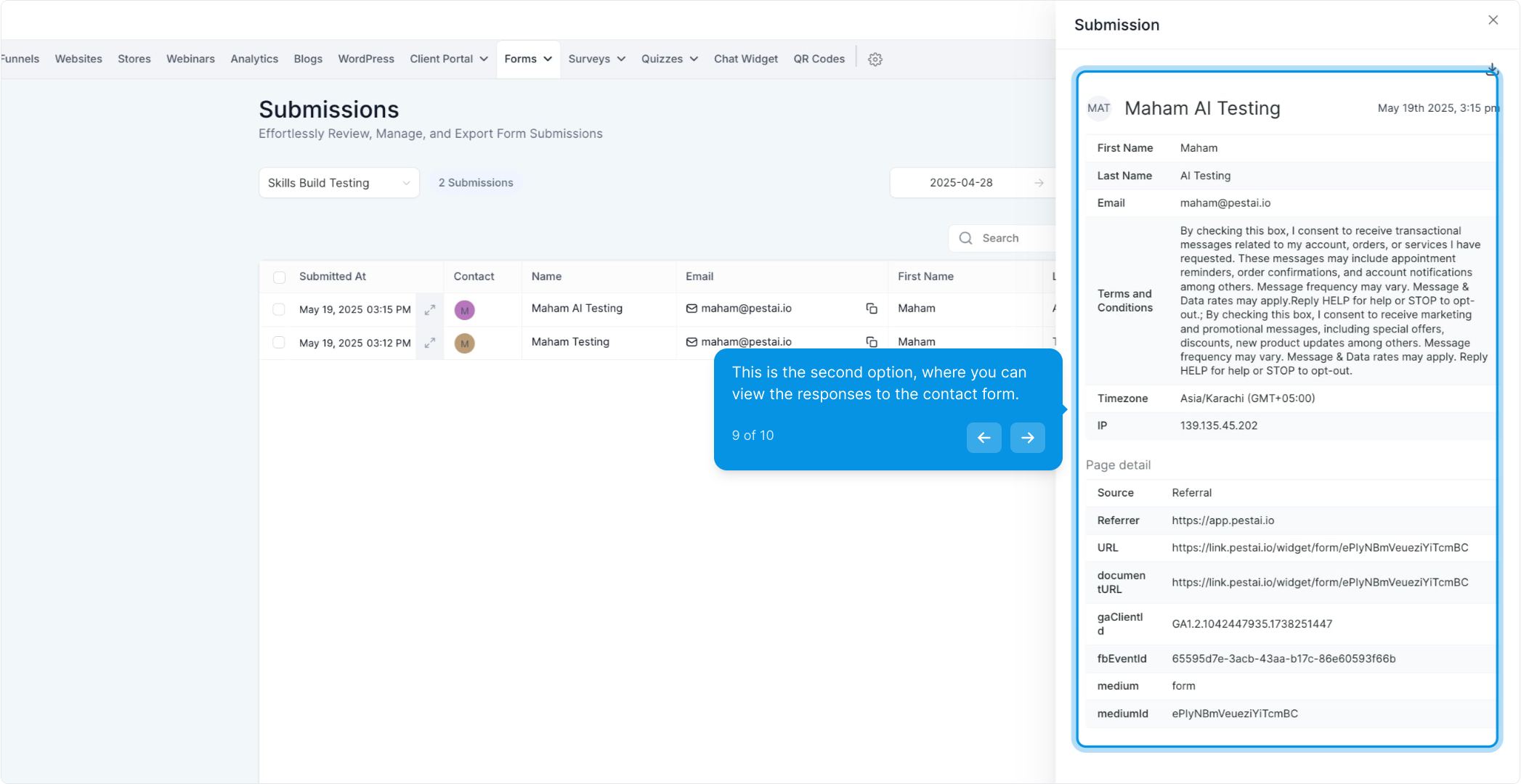
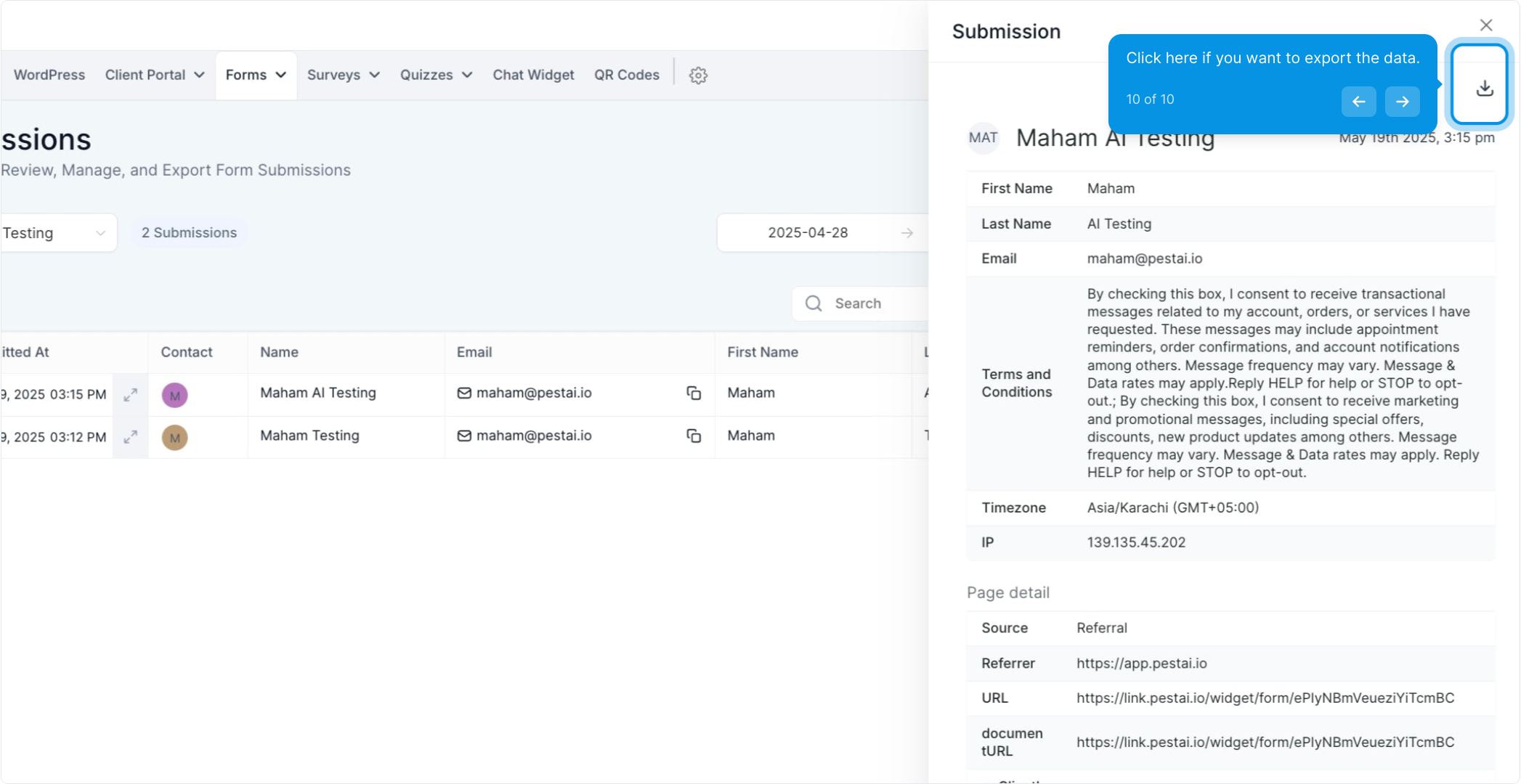
9. This is the second option, where you can view the responses to the contact form.

10. Click here if you want to export the data.