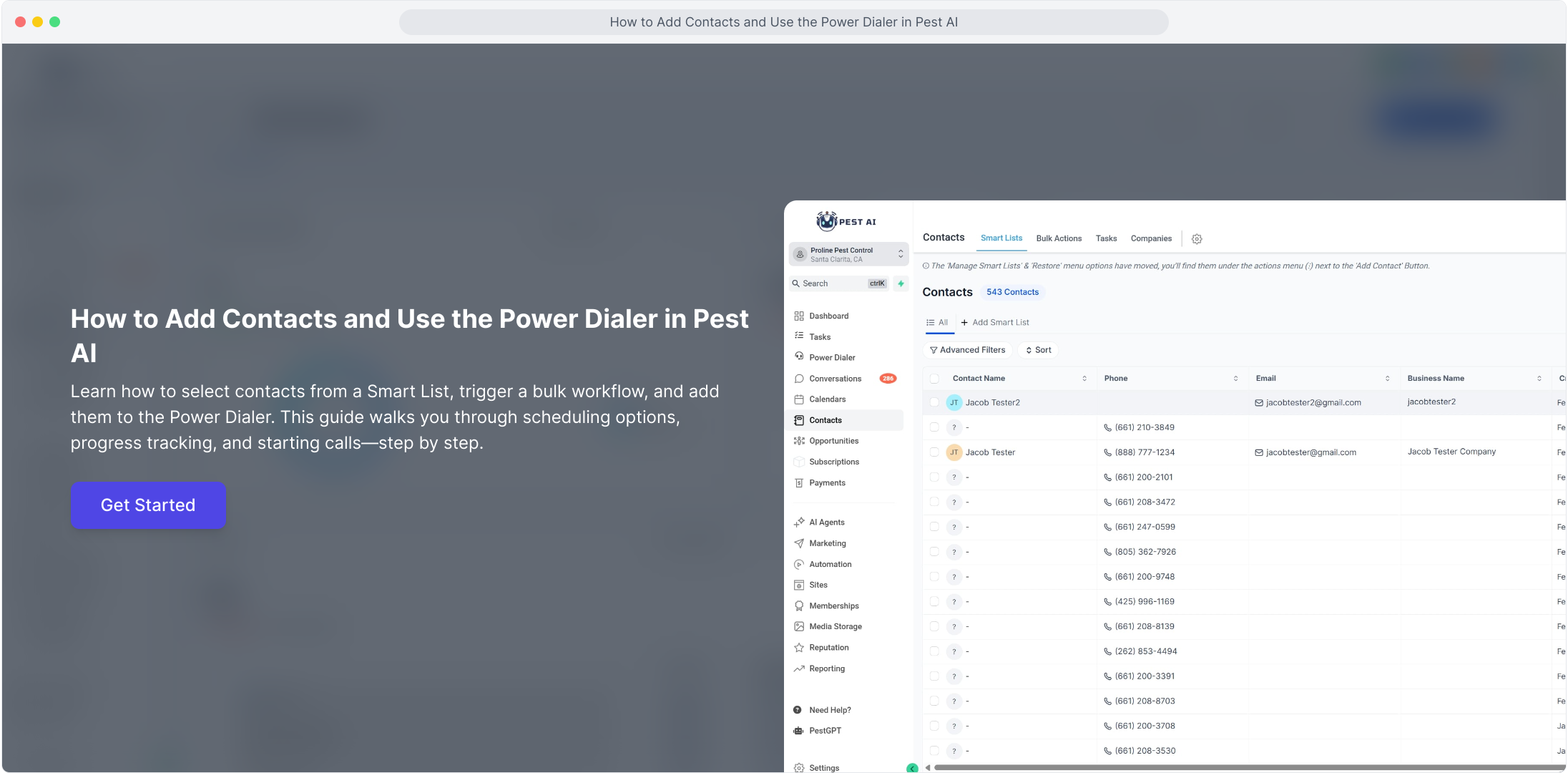
1. How to Add Contacts and Use the Power Dialer in Pest AI
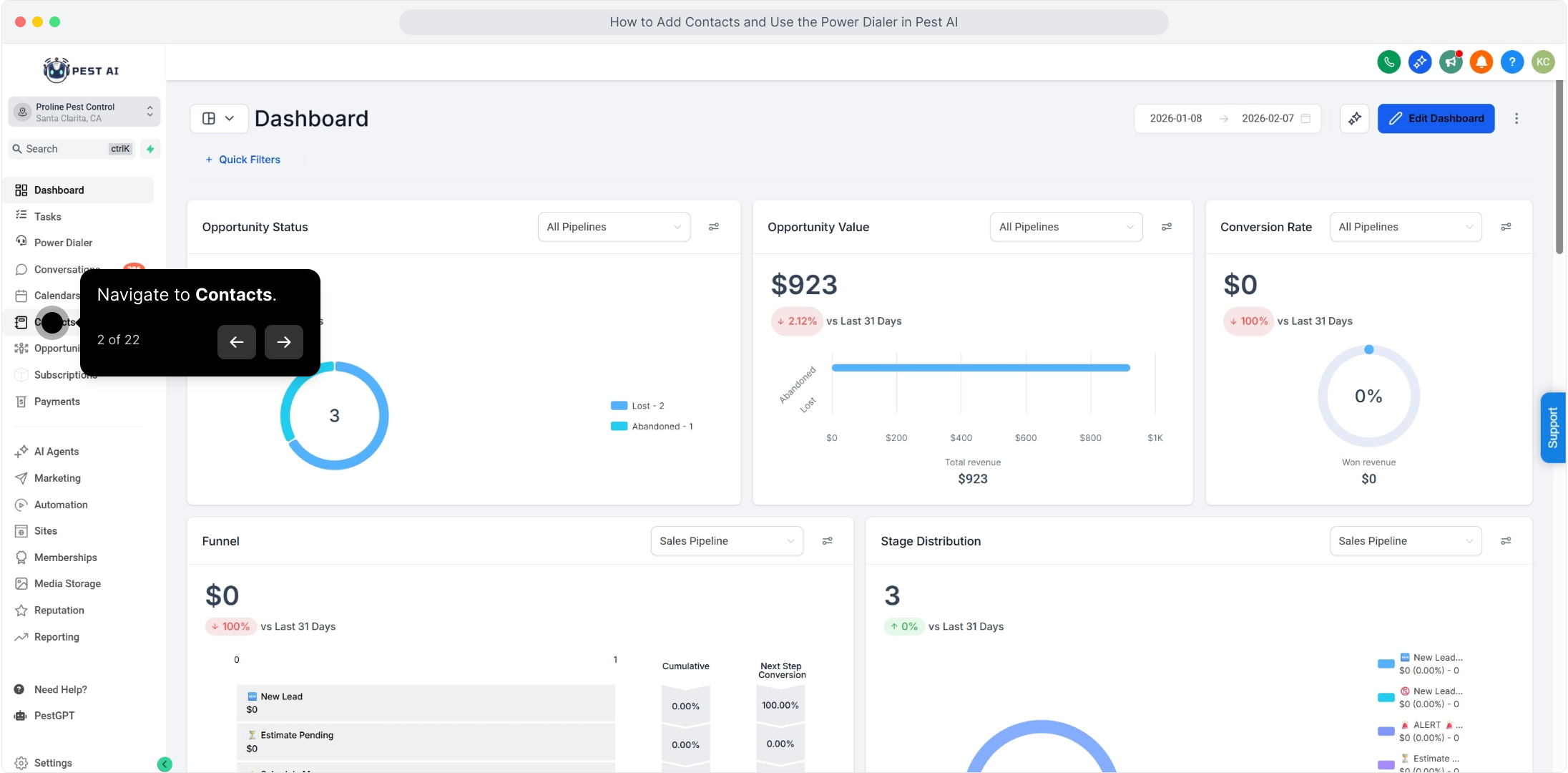
2. Navigate to Contacts.
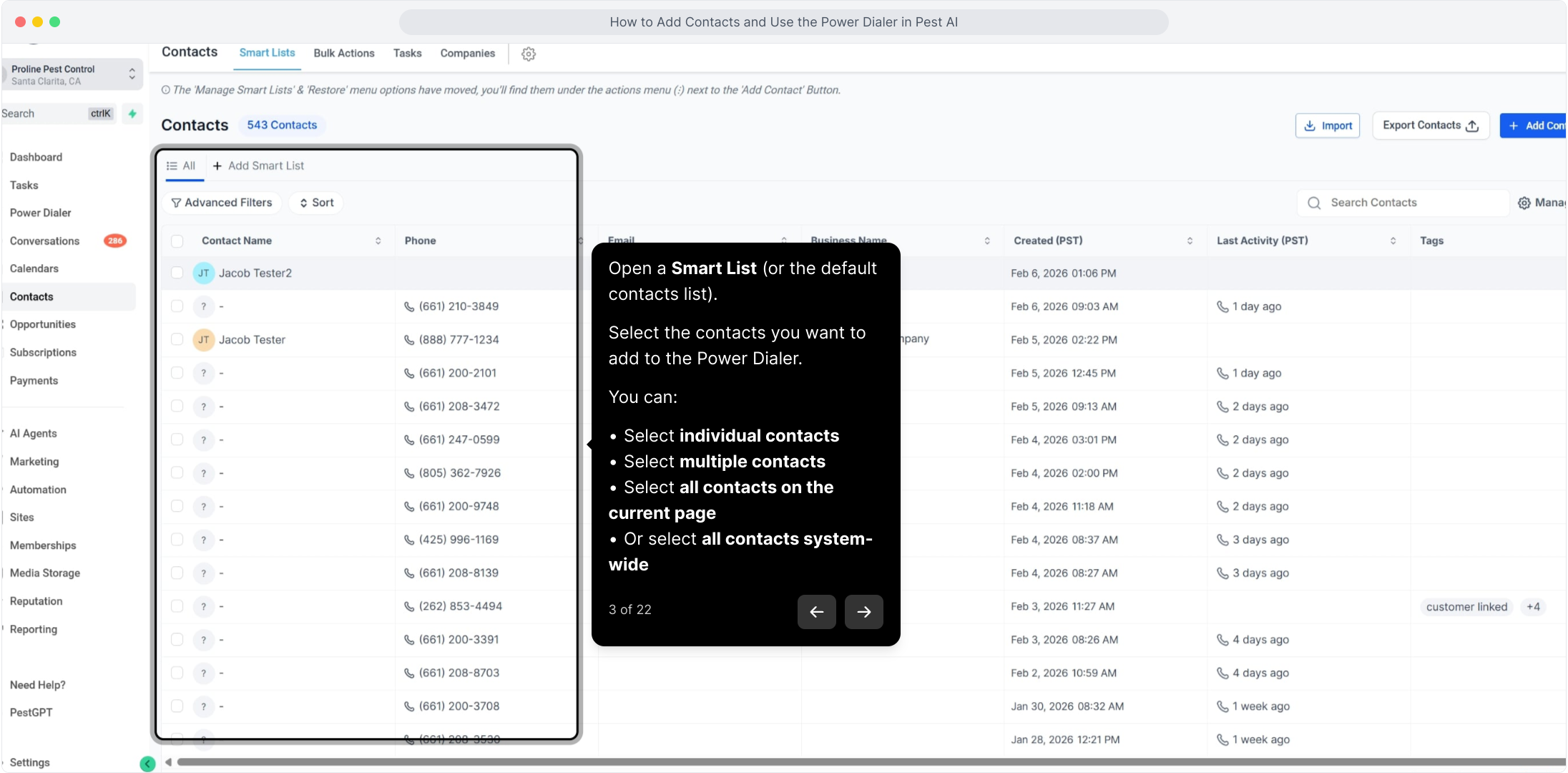
3. Open a Smart List (or the default contacts list).
Select the contacts you want to add to the Power Dialer.
You can:
Select individual contacts
Select multiple contacts
Select all contacts on the current page
Or select all contacts system-wide
4. For this example I'll select 2 contacts
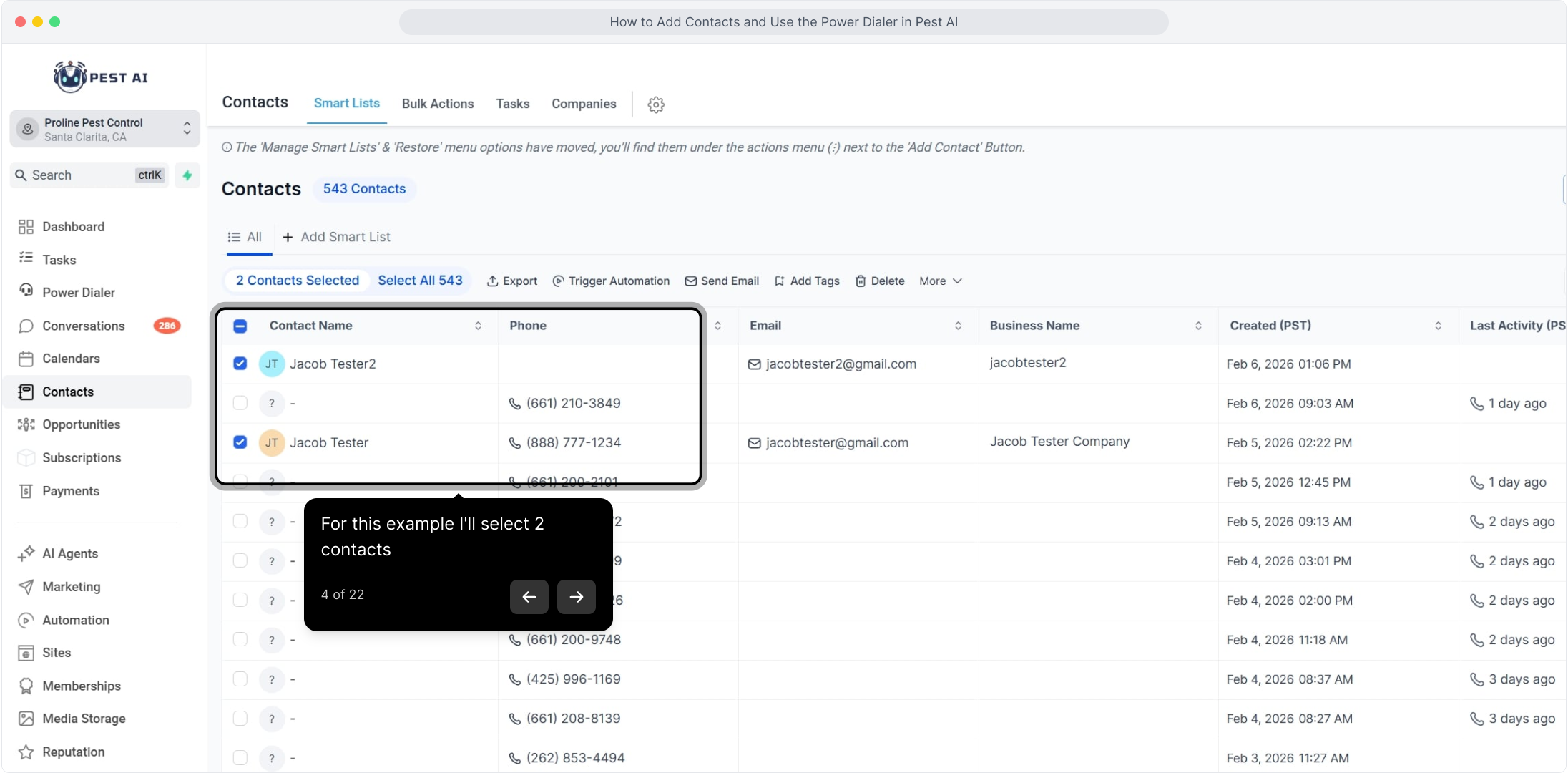
5. Once your contacts are selected, click Trigger Automation.
A pop-up window will appear.
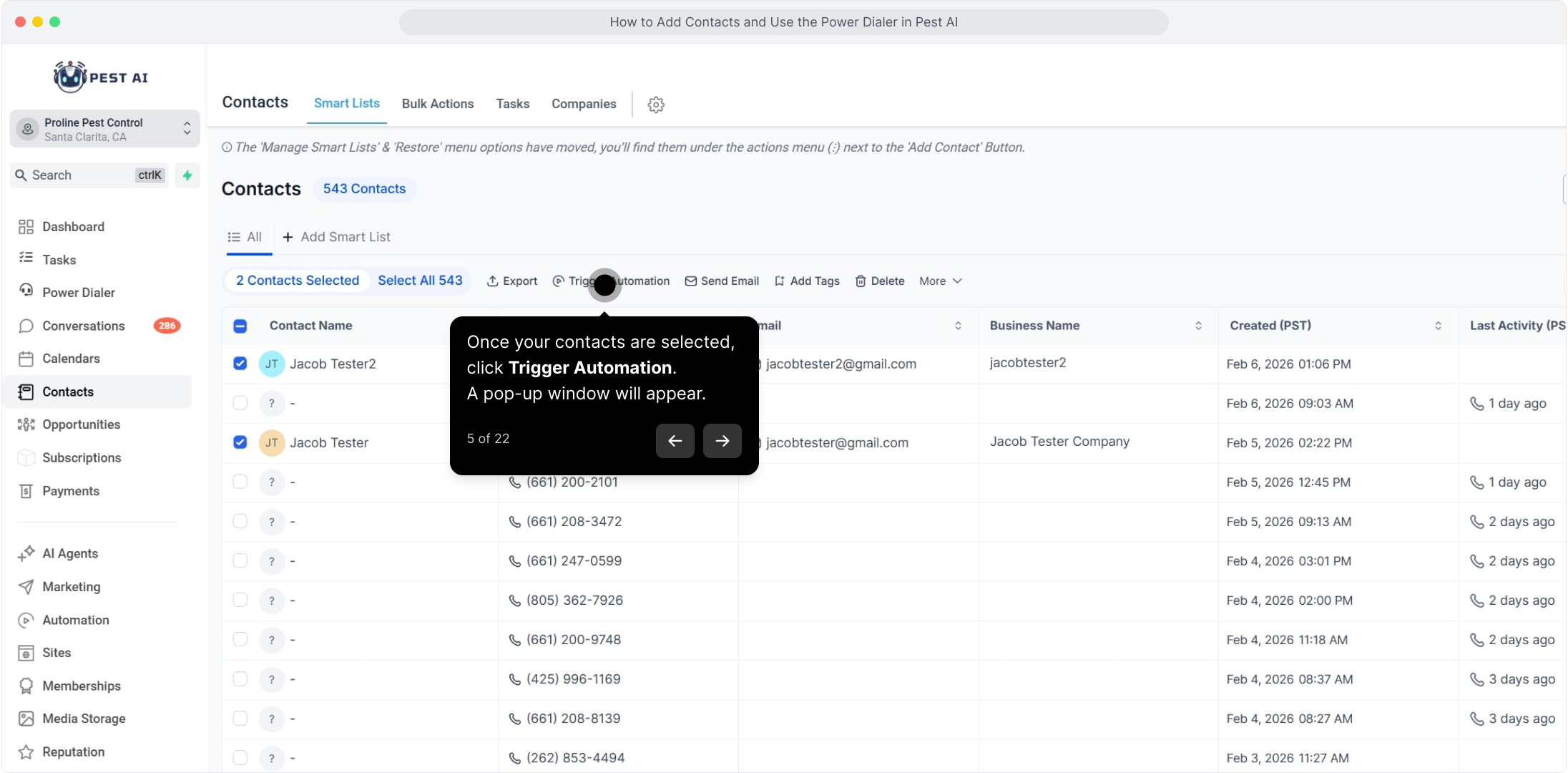
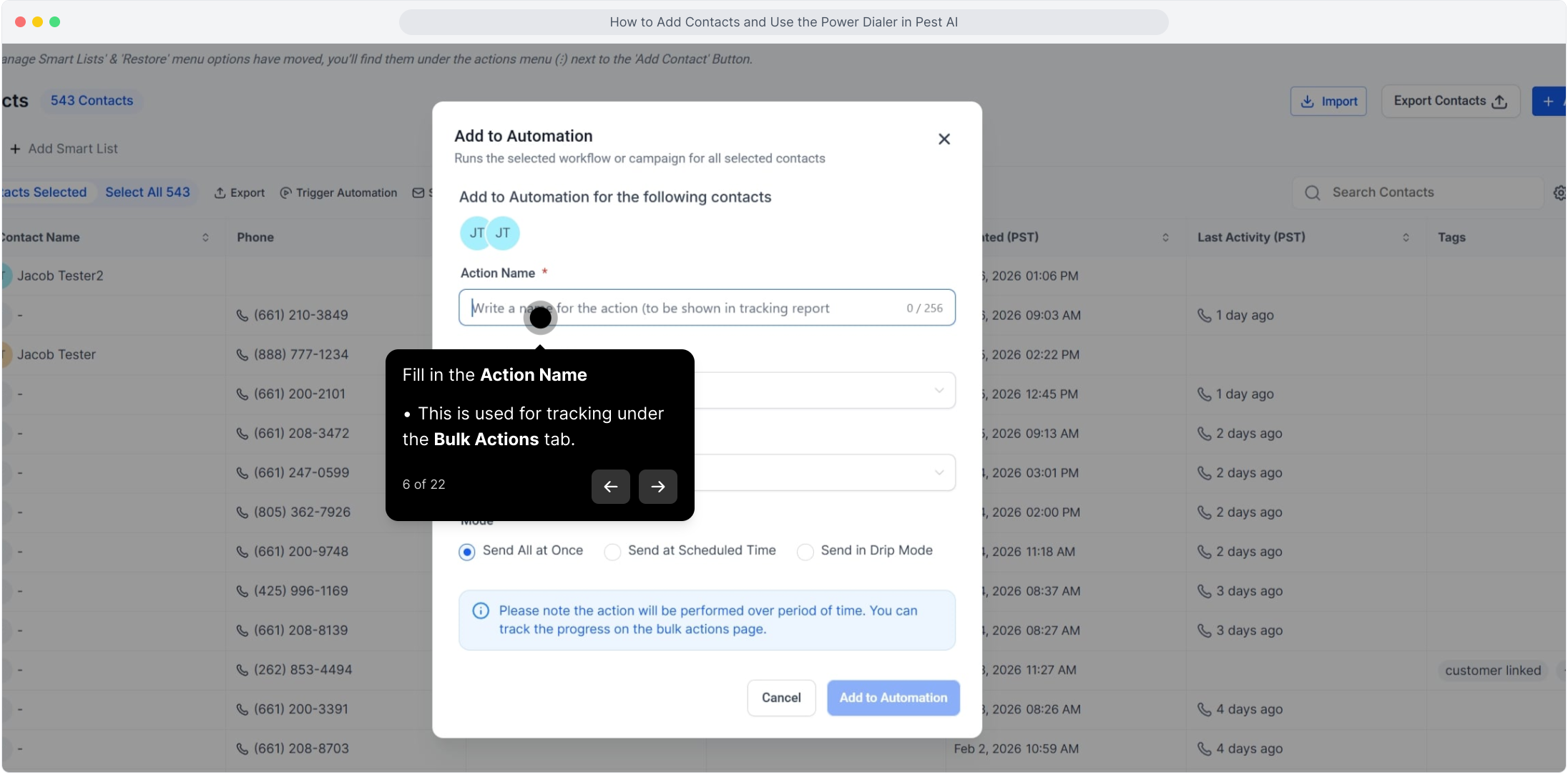
6. Fill in the Action Name
This is used for tracking under the Bulk Actions tab.
7. Set the Automation Type to Workflow.
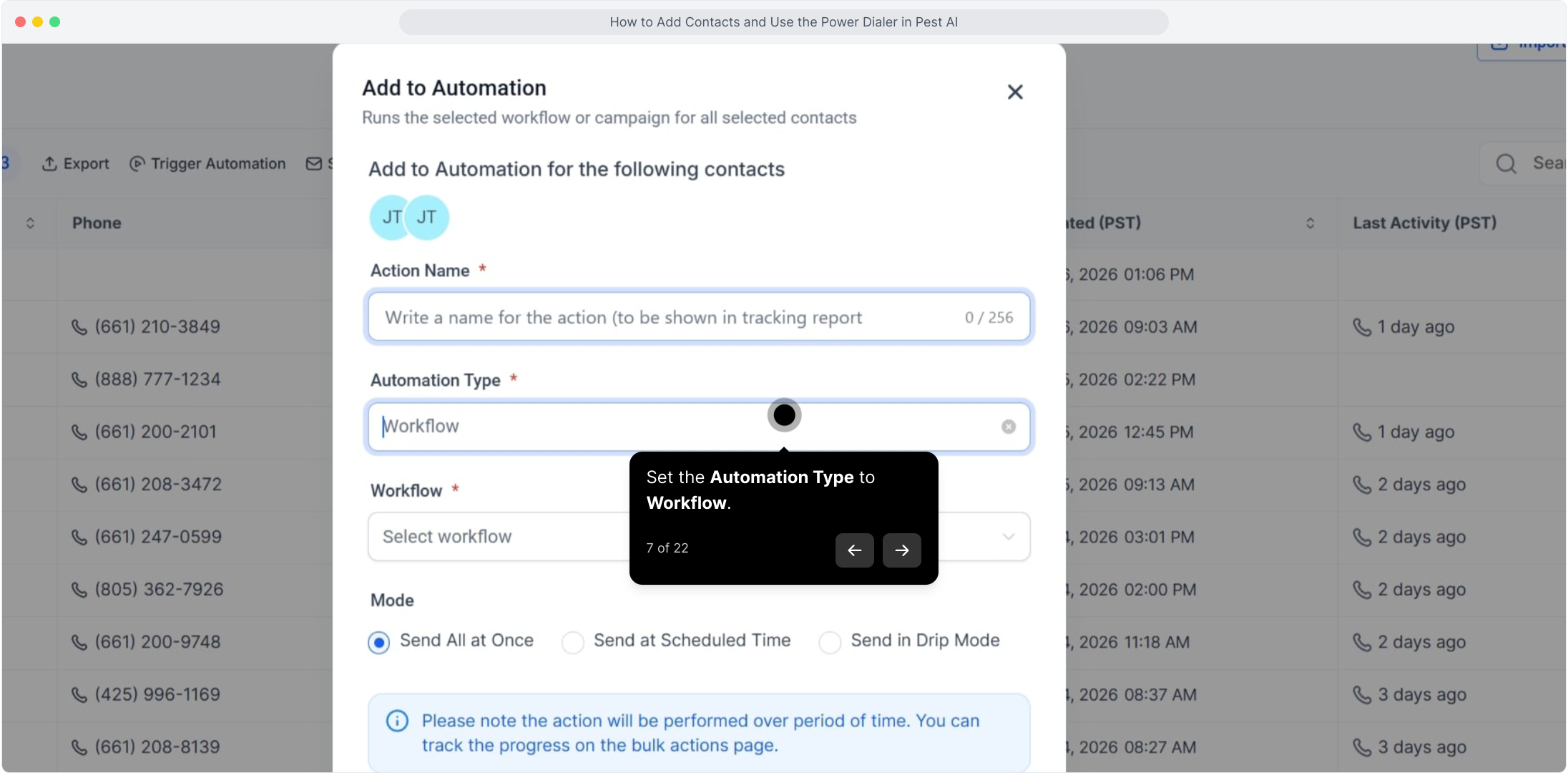
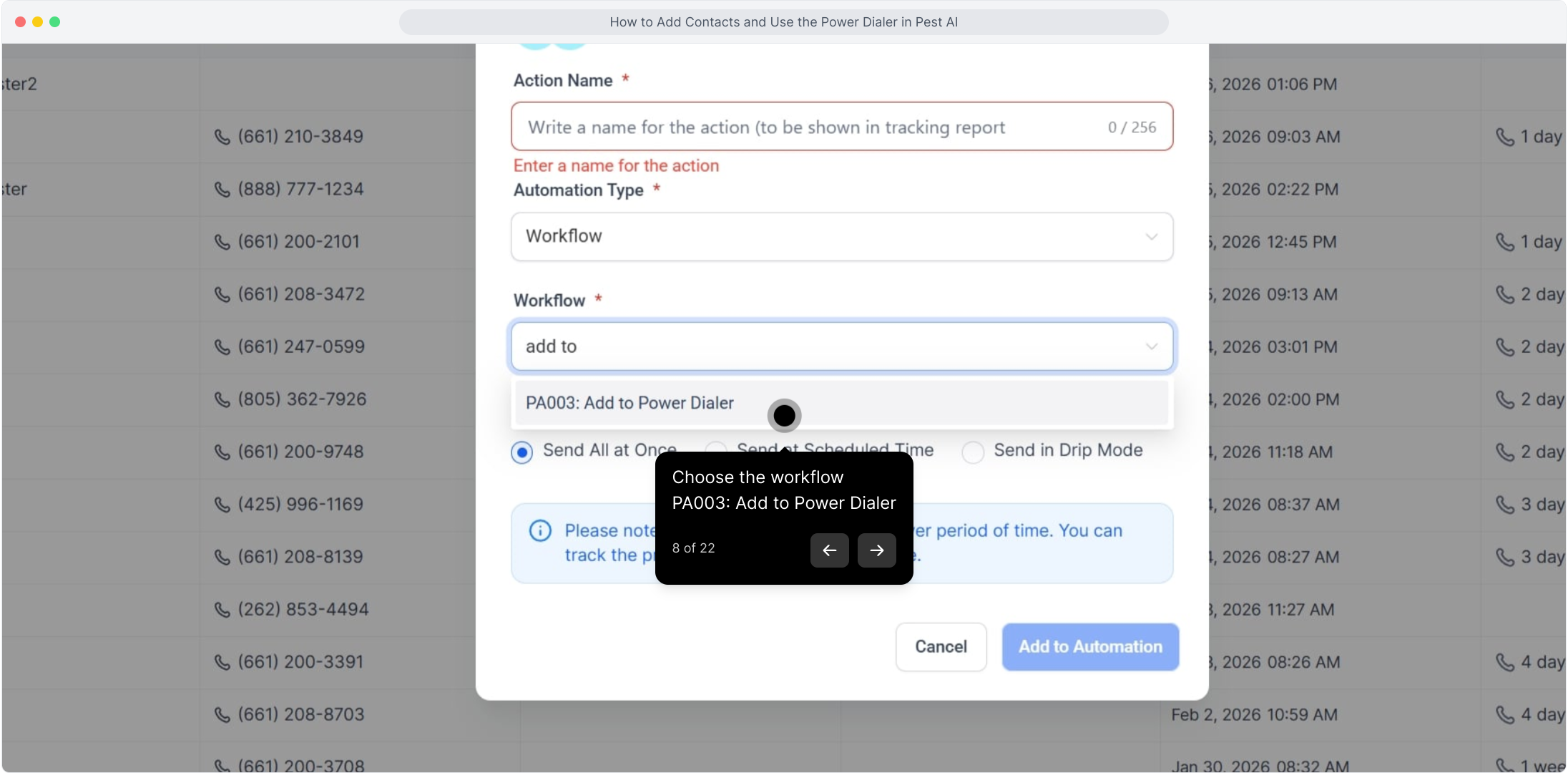
8. Choose the workflow
PA003: Add to Power Dialer
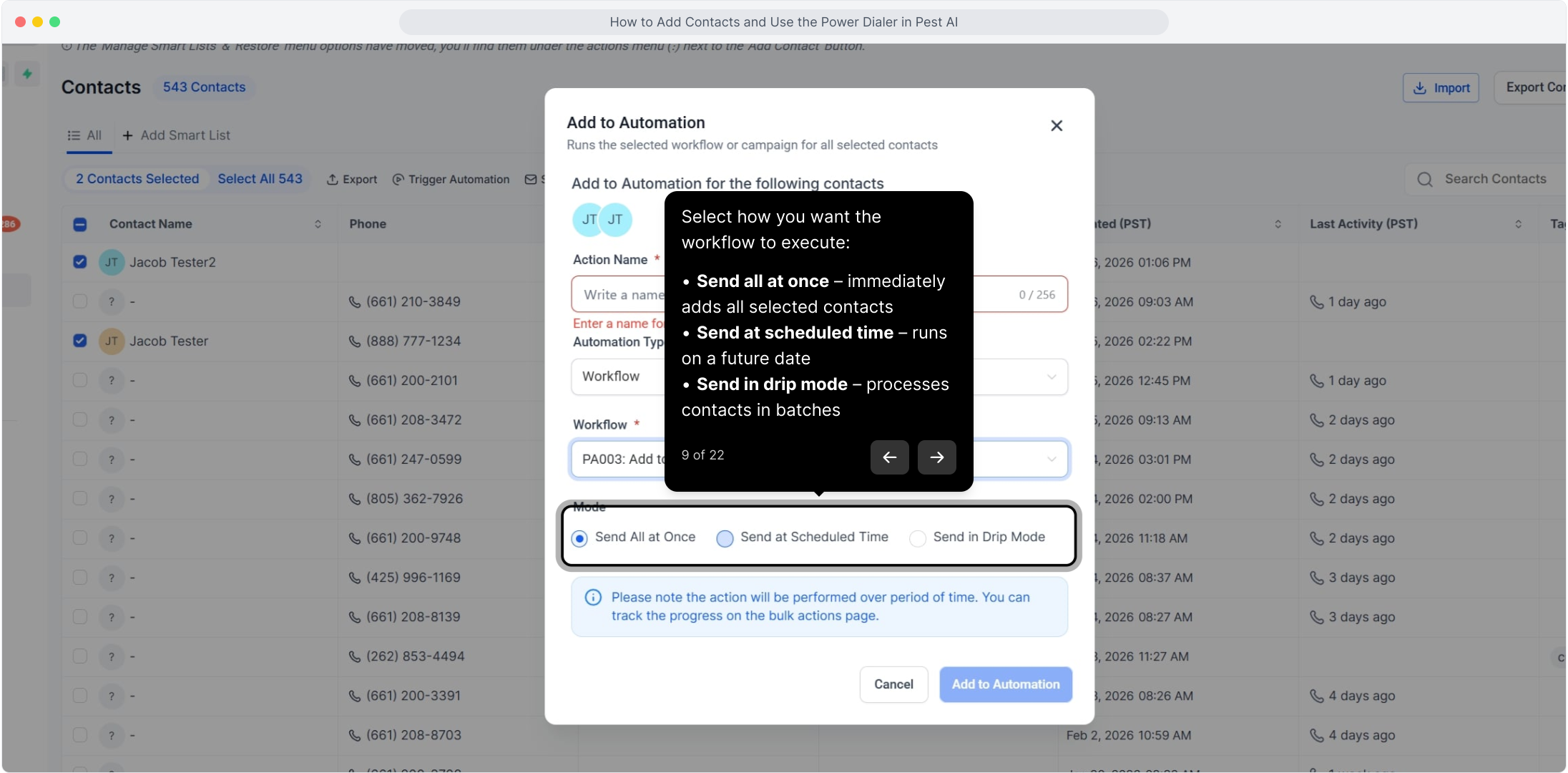
9. Select how you want the workflow to execute:
Send all at once – immediately adds all selected contacts
Send at scheduled time – runs on a future date
Send in drip mode – processes contacts in batches
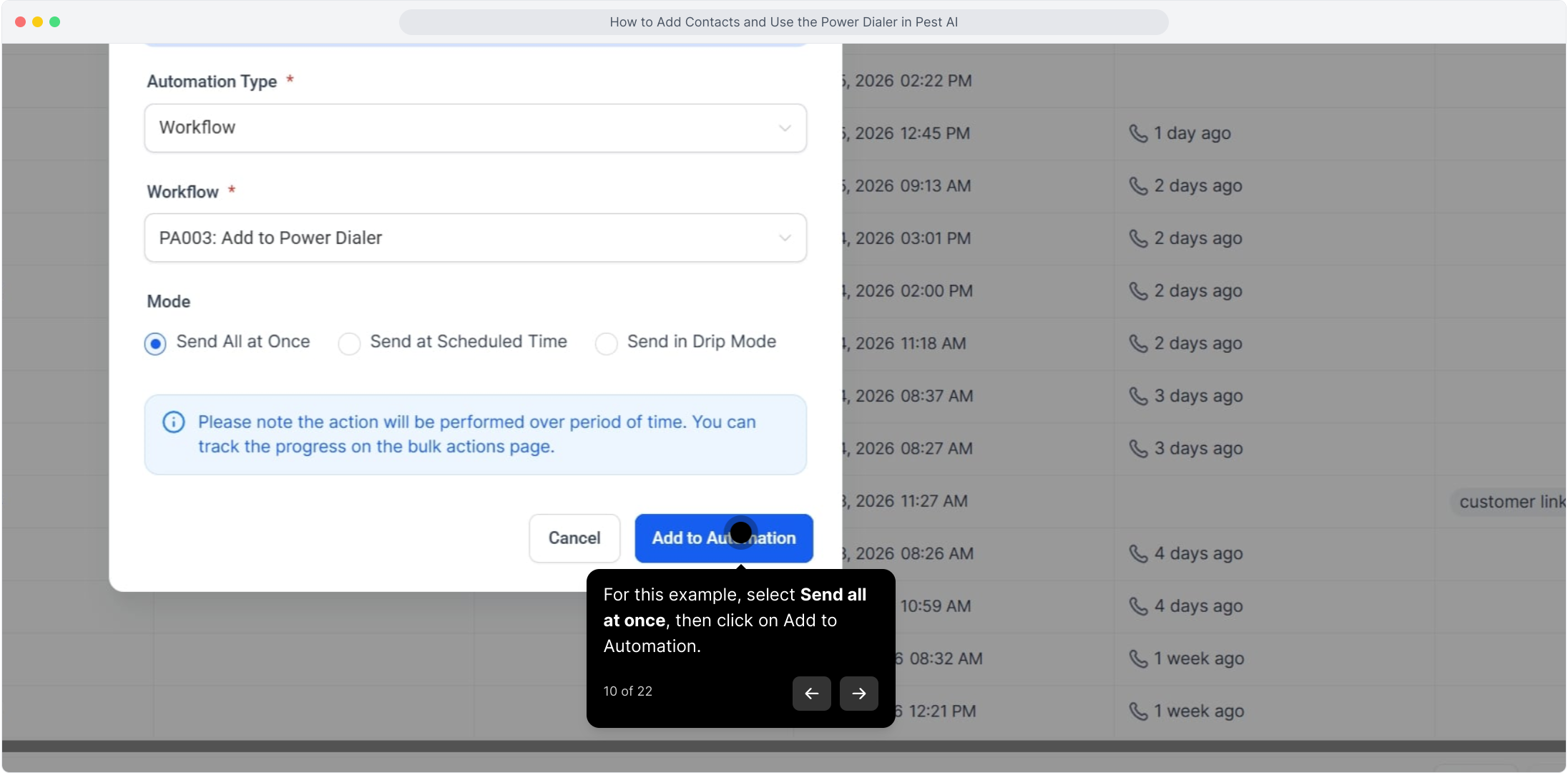
10. For this example, select Send all at once, then click on Add to Automation.
11. Click Check on progress to monitor the status.
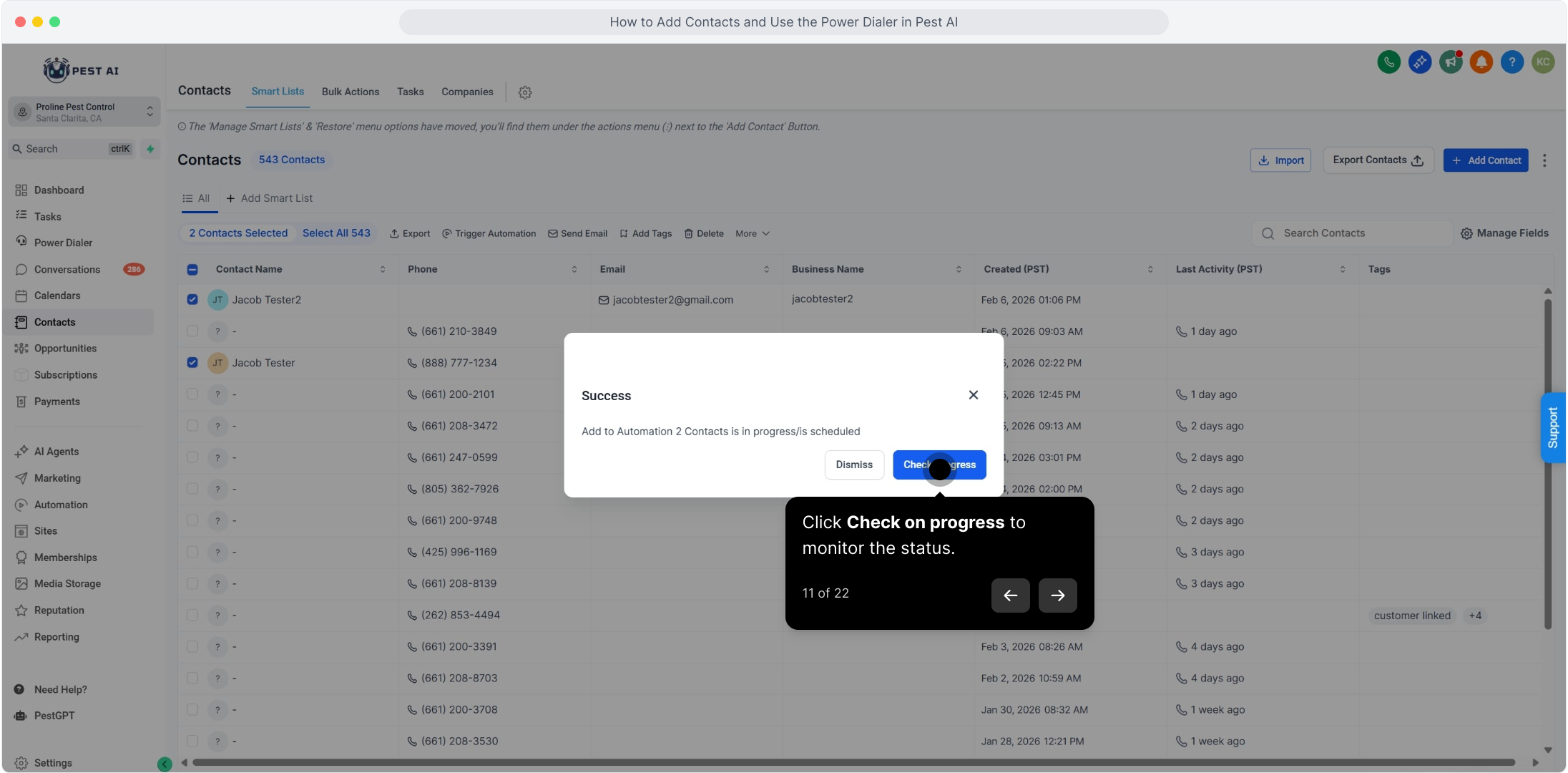
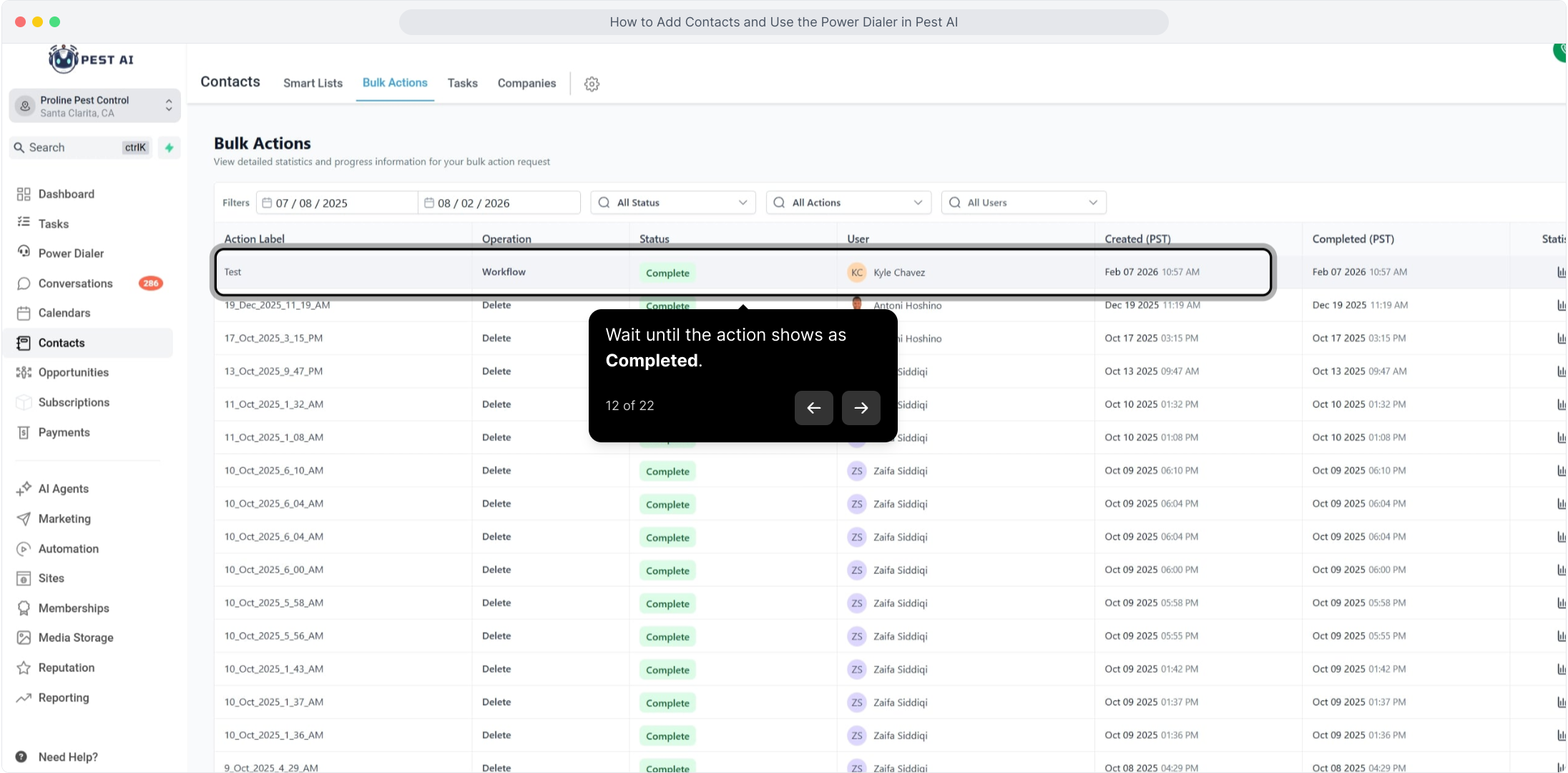
12. Wait until the action shows as Completed.
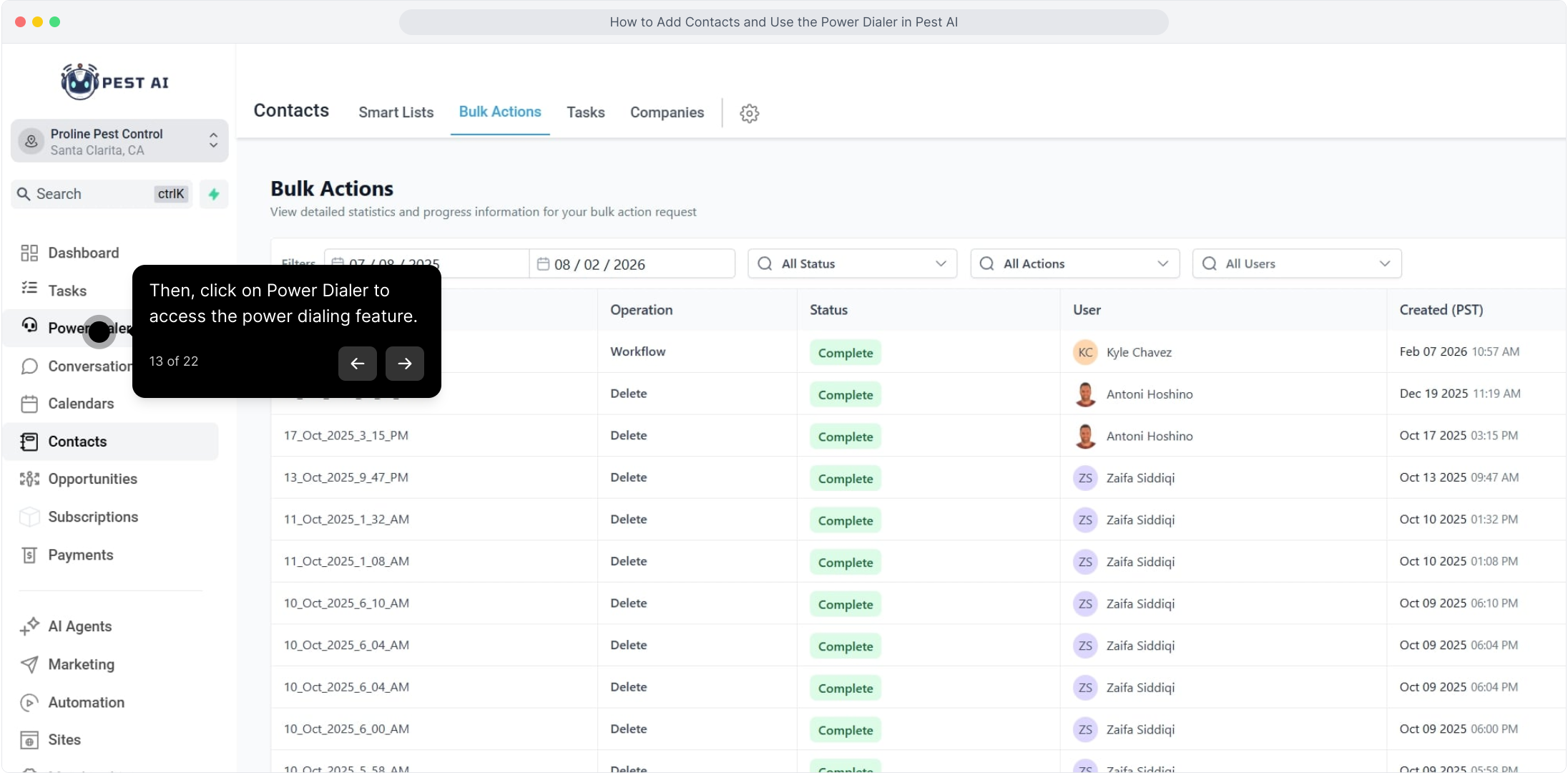
13. Then, click on Power Dialer to access the power dialing feature.
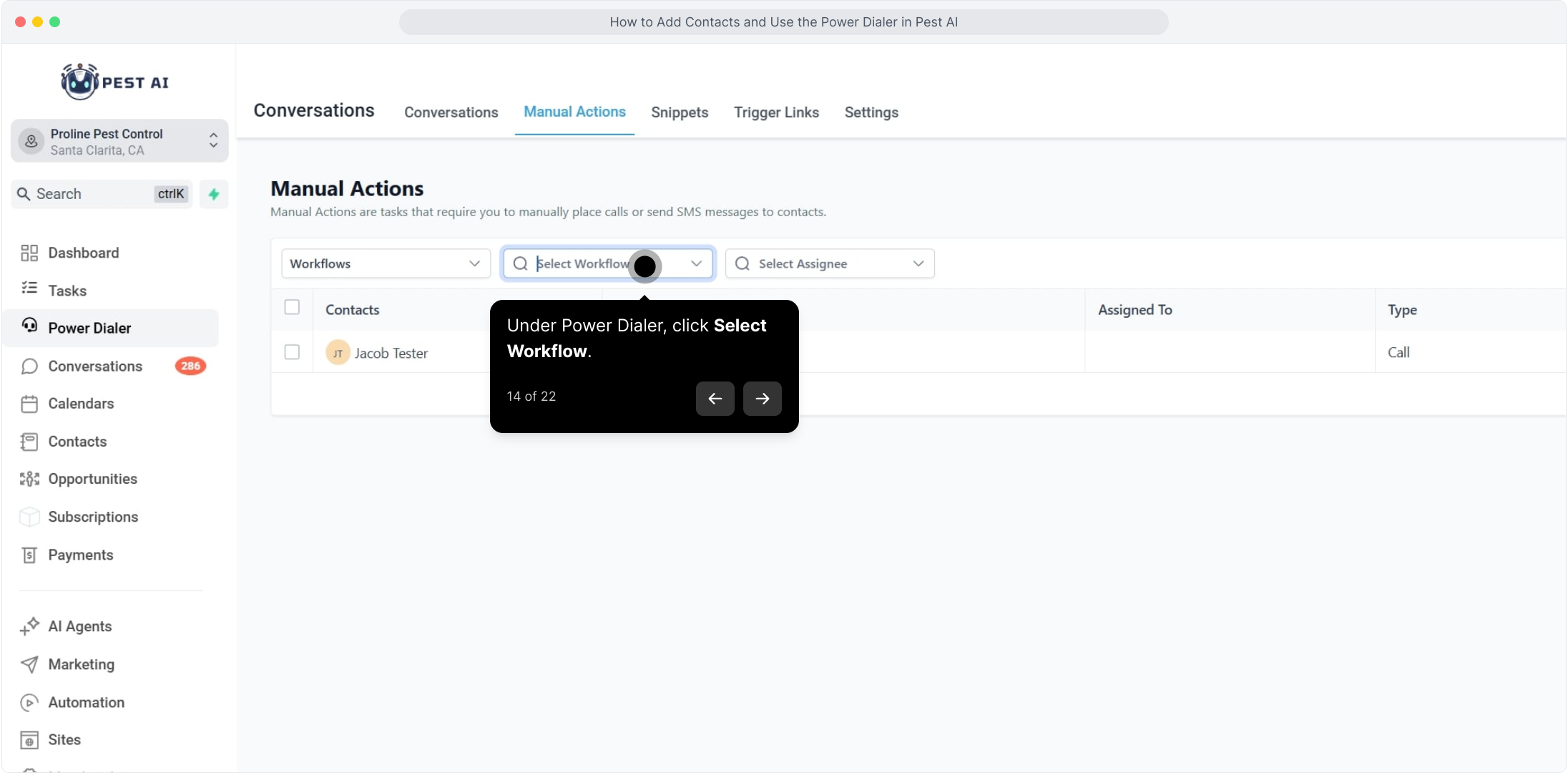
14. Under Power Dialer, click Select Workflow.
15. Search for and select the Power Dialer workflow.
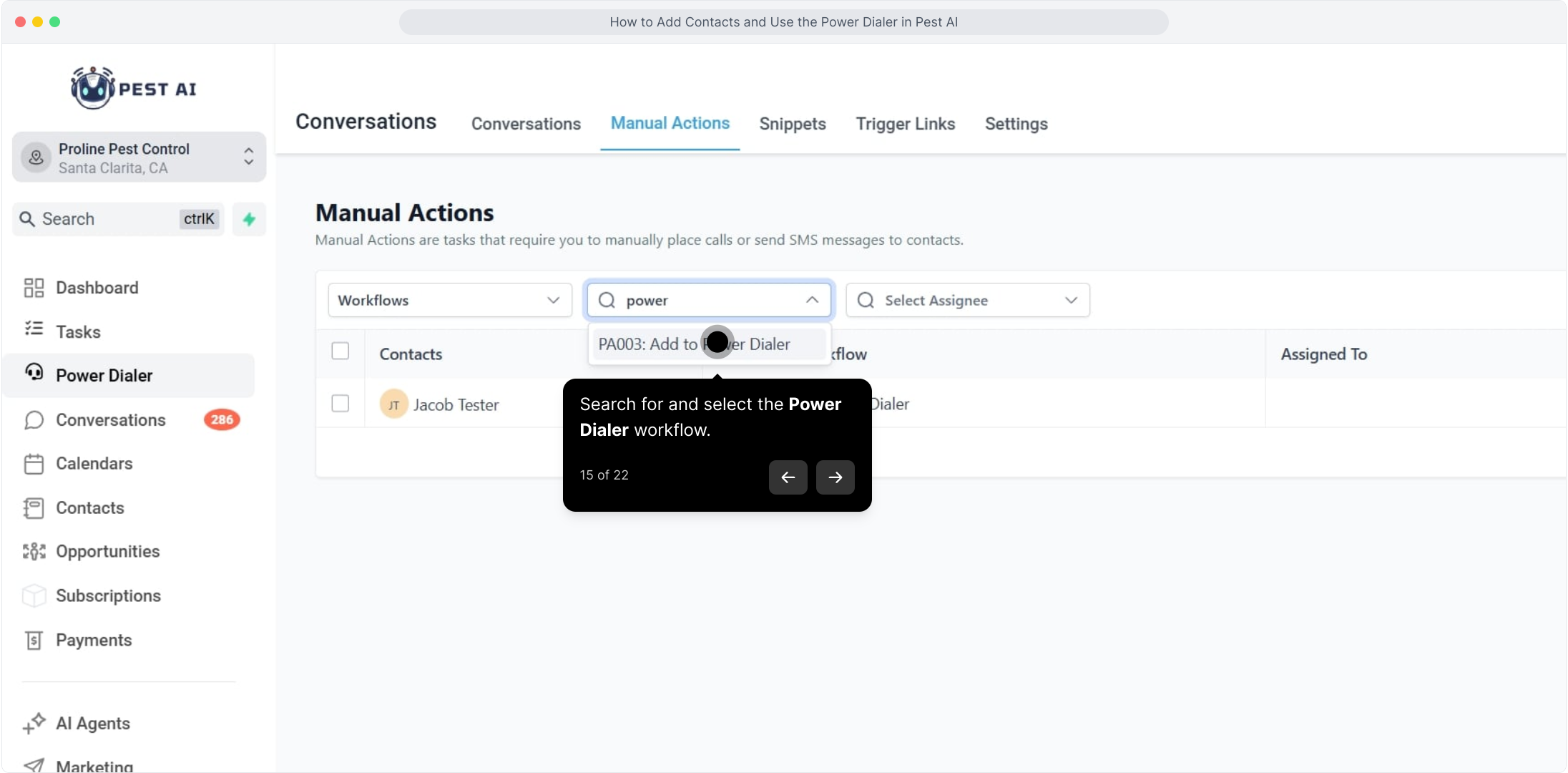
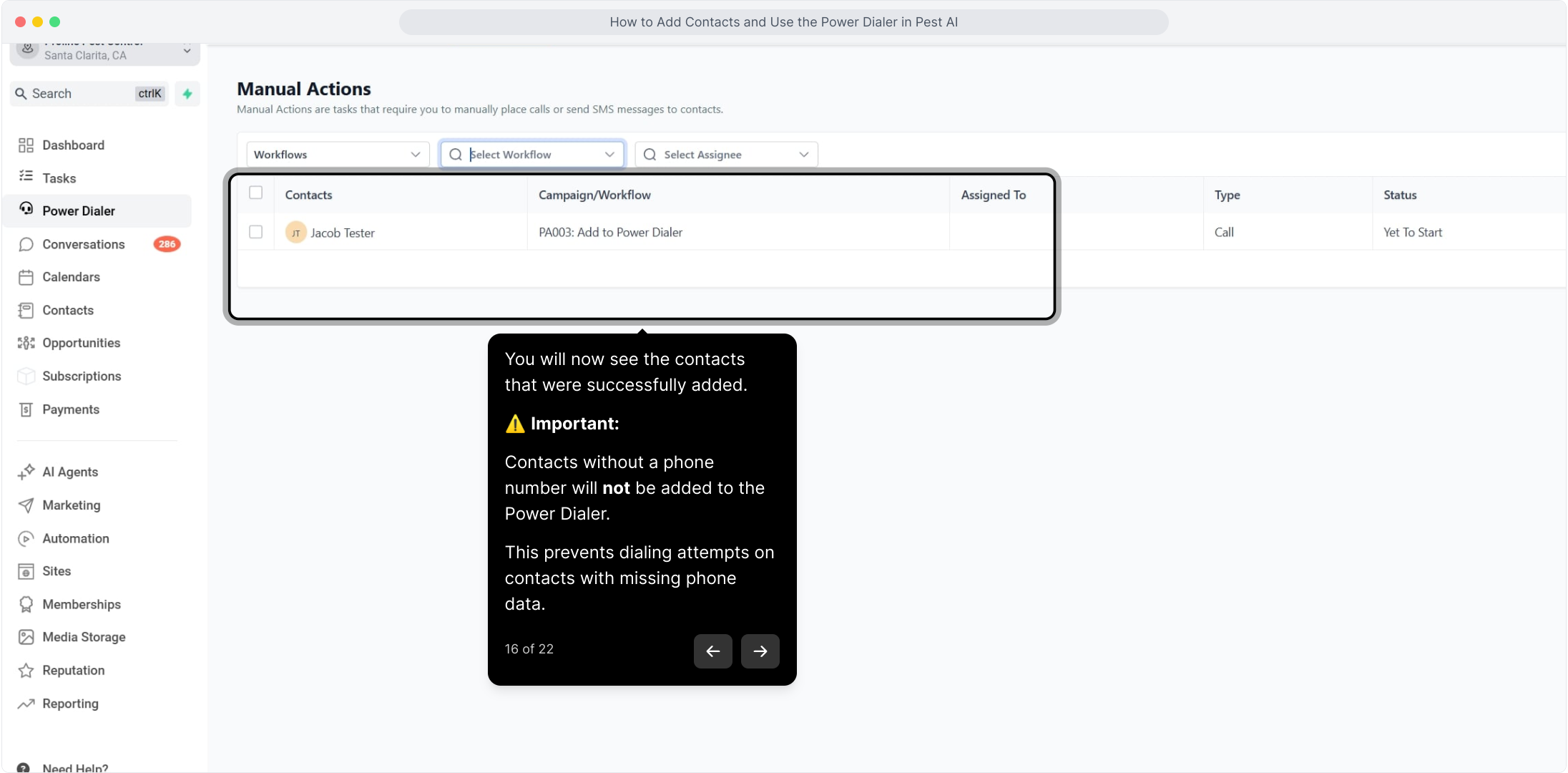
16. You will now see the contacts that were successfully added.
Important:
Contacts without a phone number will not be added to the Power Dialer.
This prevents dialing attempts on contacts with missing phone data.
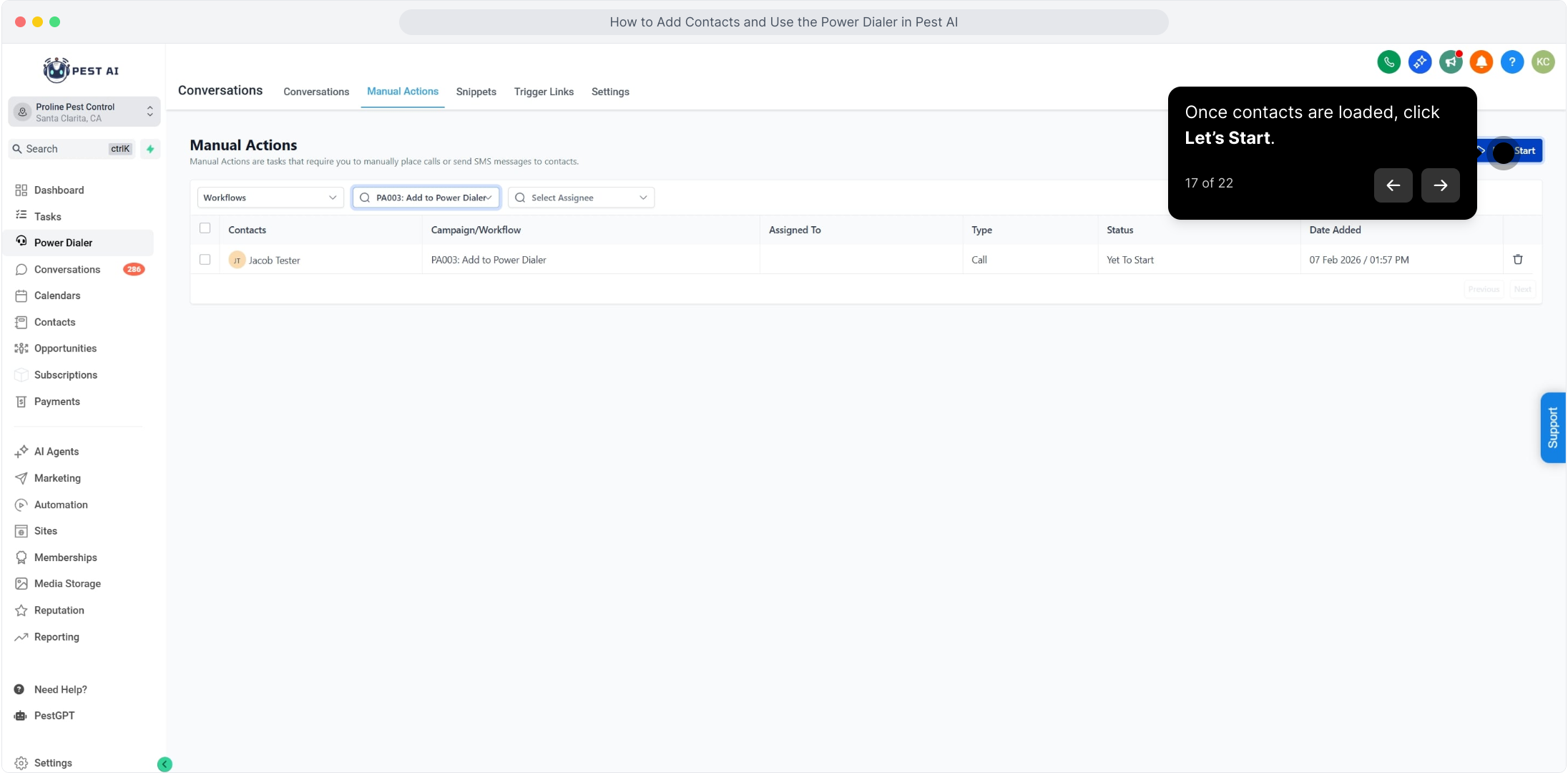
17. Once contacts are loaded, click Let’s Start.
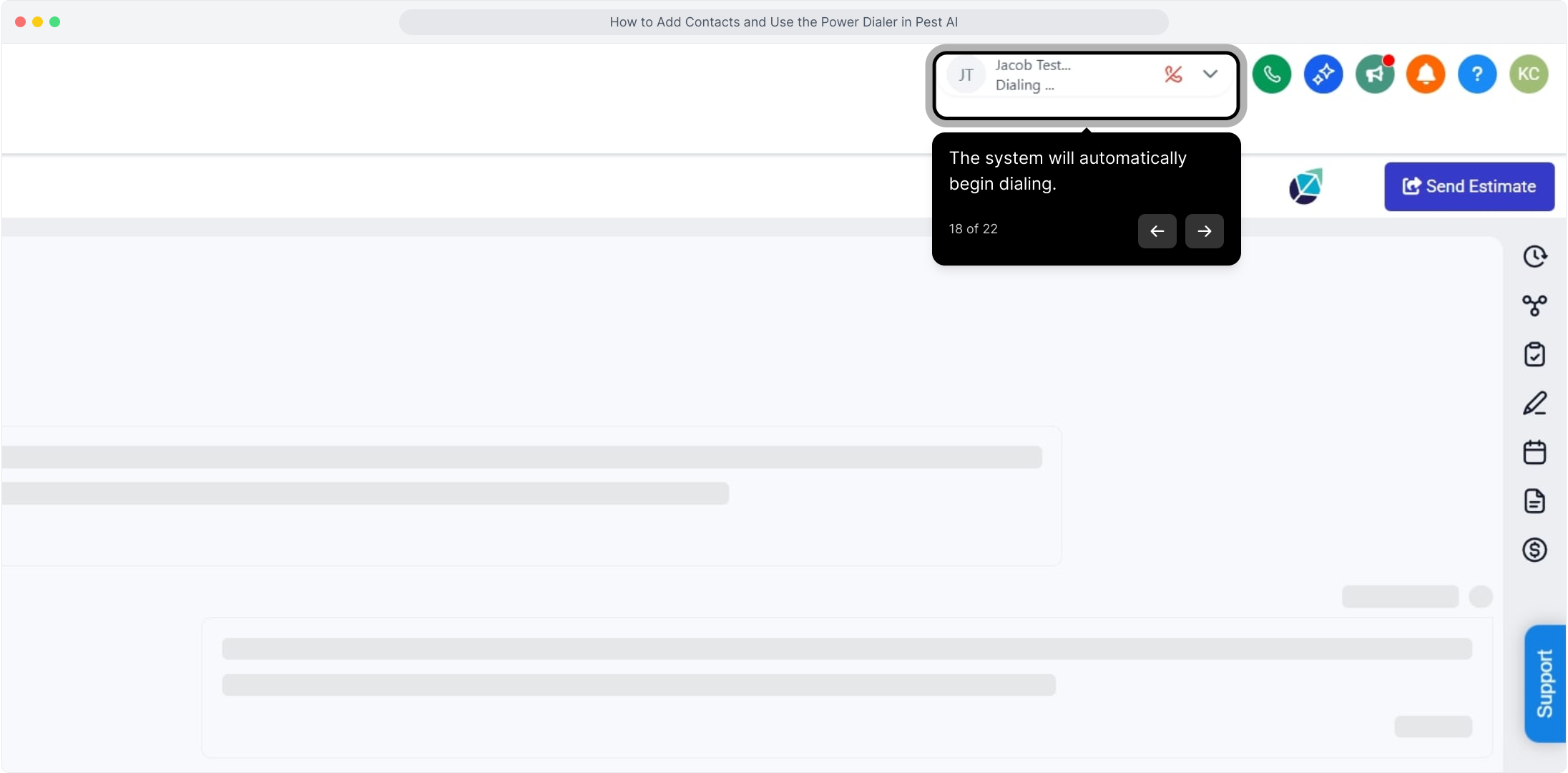
18. The system will automatically begin dialing.
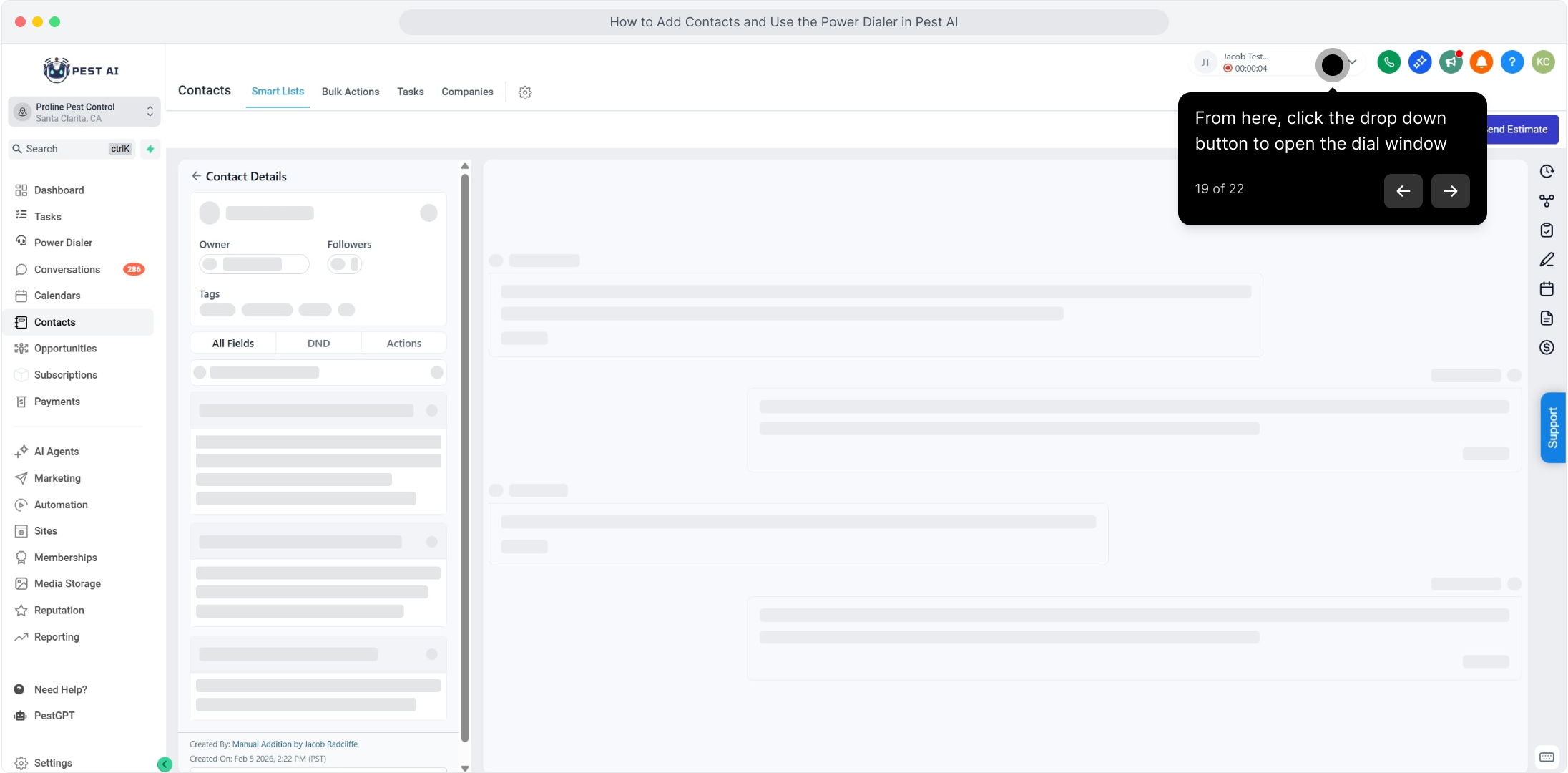
19. From here, click the drop down button to open the dial window
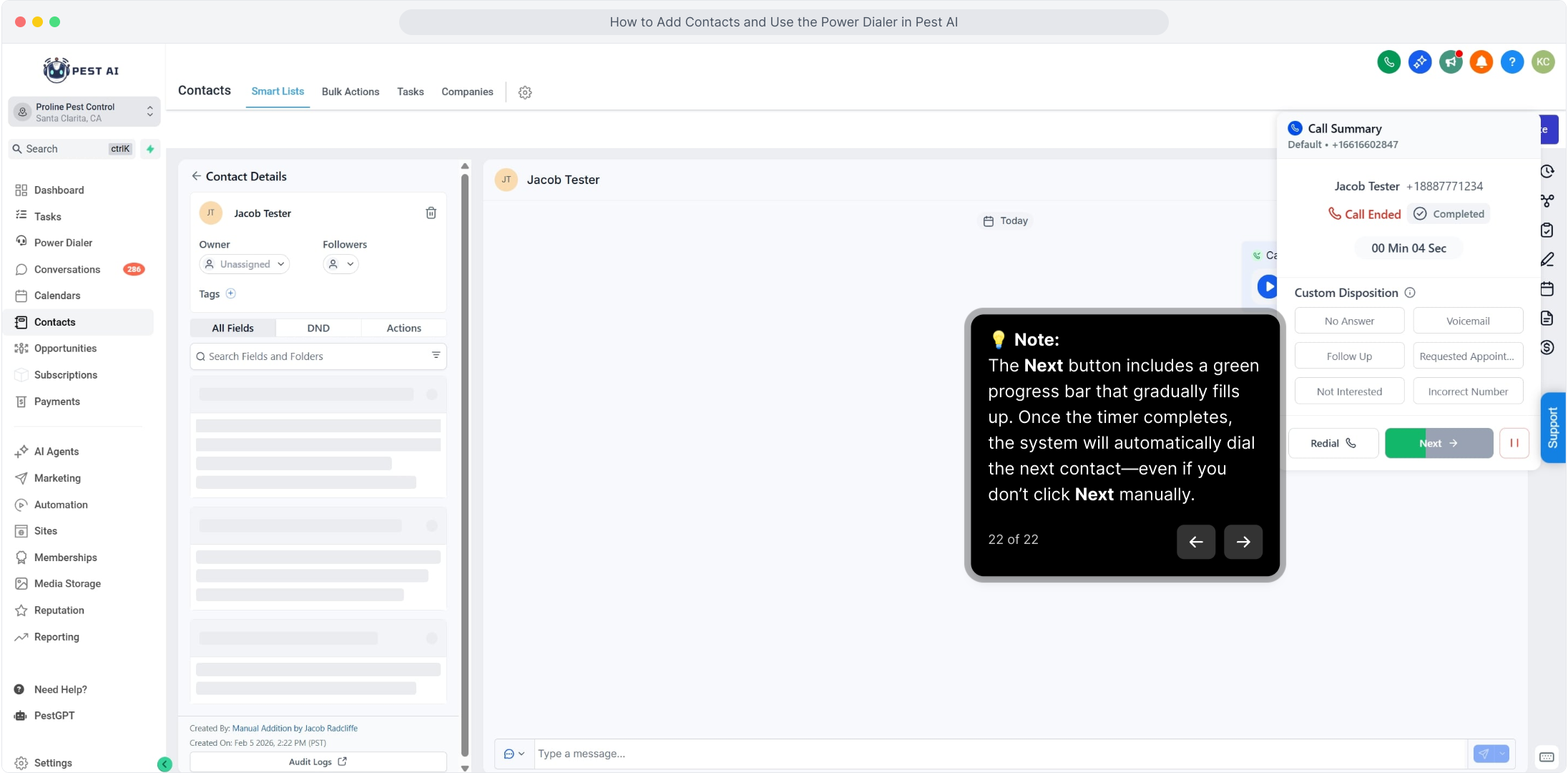
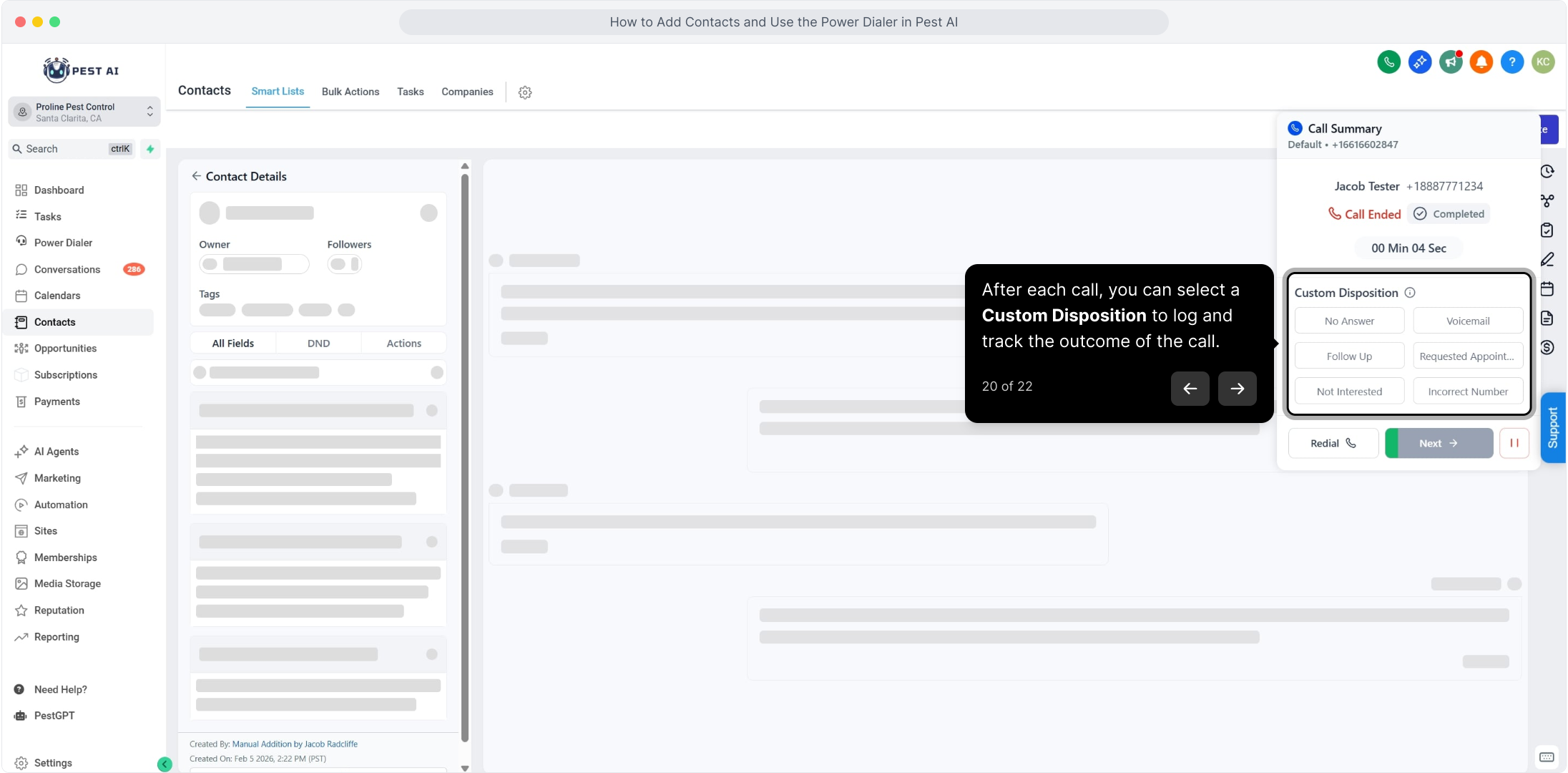
20. After each call, you can select a Custom Disposition to log and track the outcome of the call.
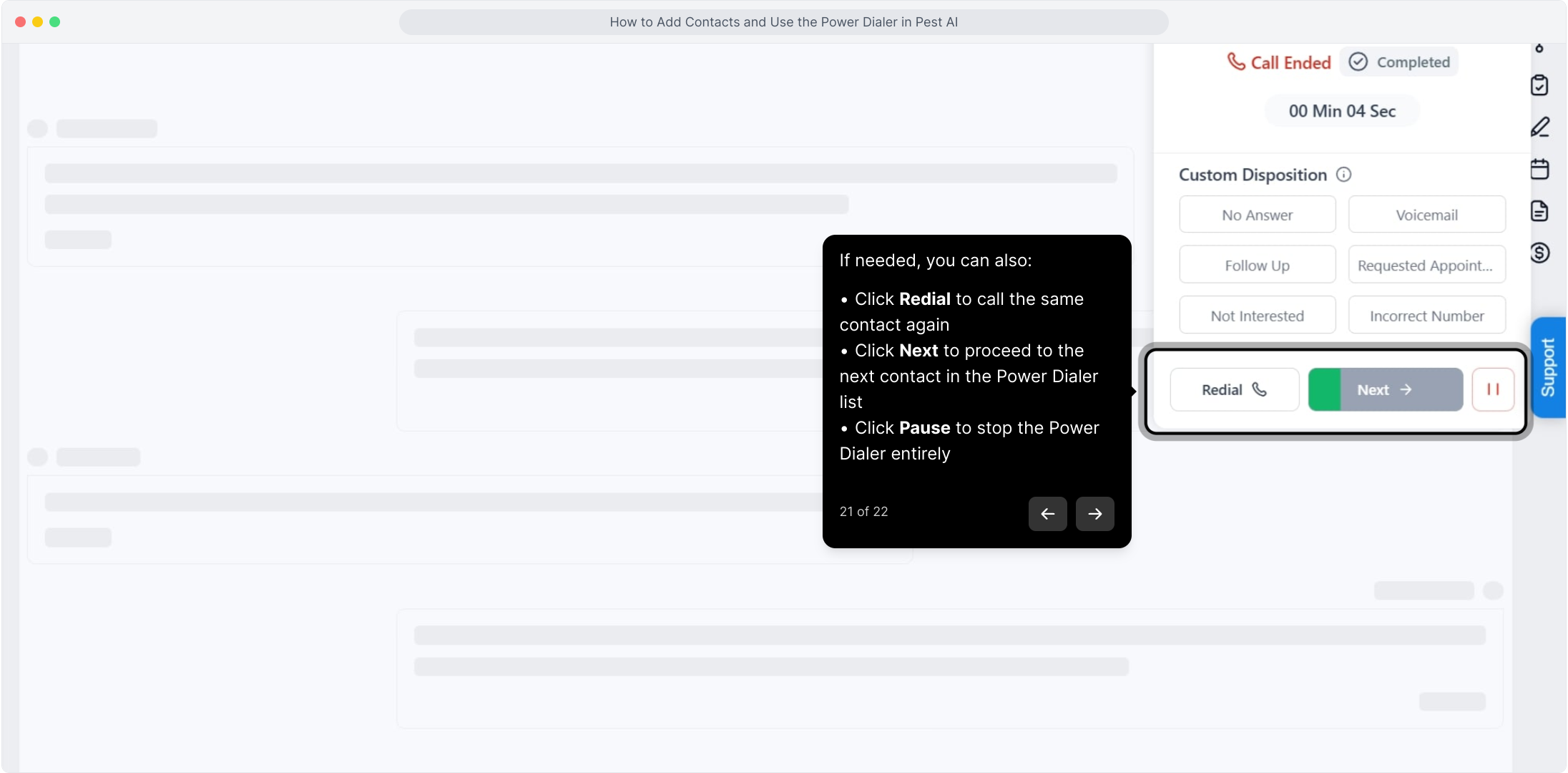
21. If needed, you can also:
Click Redial to call the same contact again
Click Next to proceed to the next contact in the Power Dialer list
Click Pause to stop the Power Dialer entirely
22.  Note:
Note:
The Next button includes a green progress bar that gradually fills up. Once the timer completes, the system will automatically dial the next contact—even if you don’t click Next manually.