earn to personalize and manage your data effectively by creating custom values in Pest AI. This article offers a comprehensive guide on how to set up custom values, allowing you to track relevant metrics and tailor the system to your specific needs. Discover the flexibility and enhanced capabilities that custom values bring to your data management, ensuring your Pest AI setup aligns perfectly with your organizational requirements.
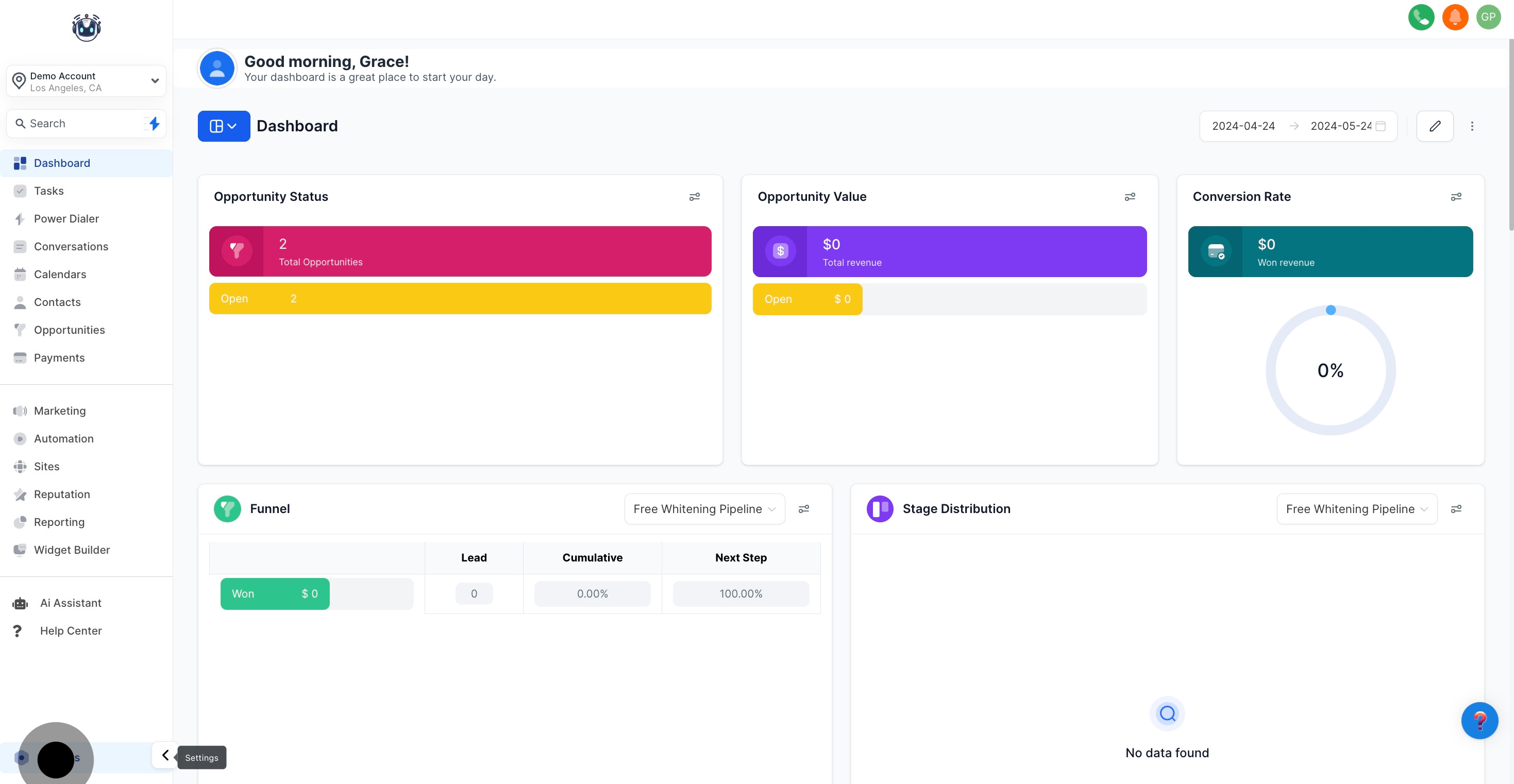
1. Start by selecting the 'Settings' option.
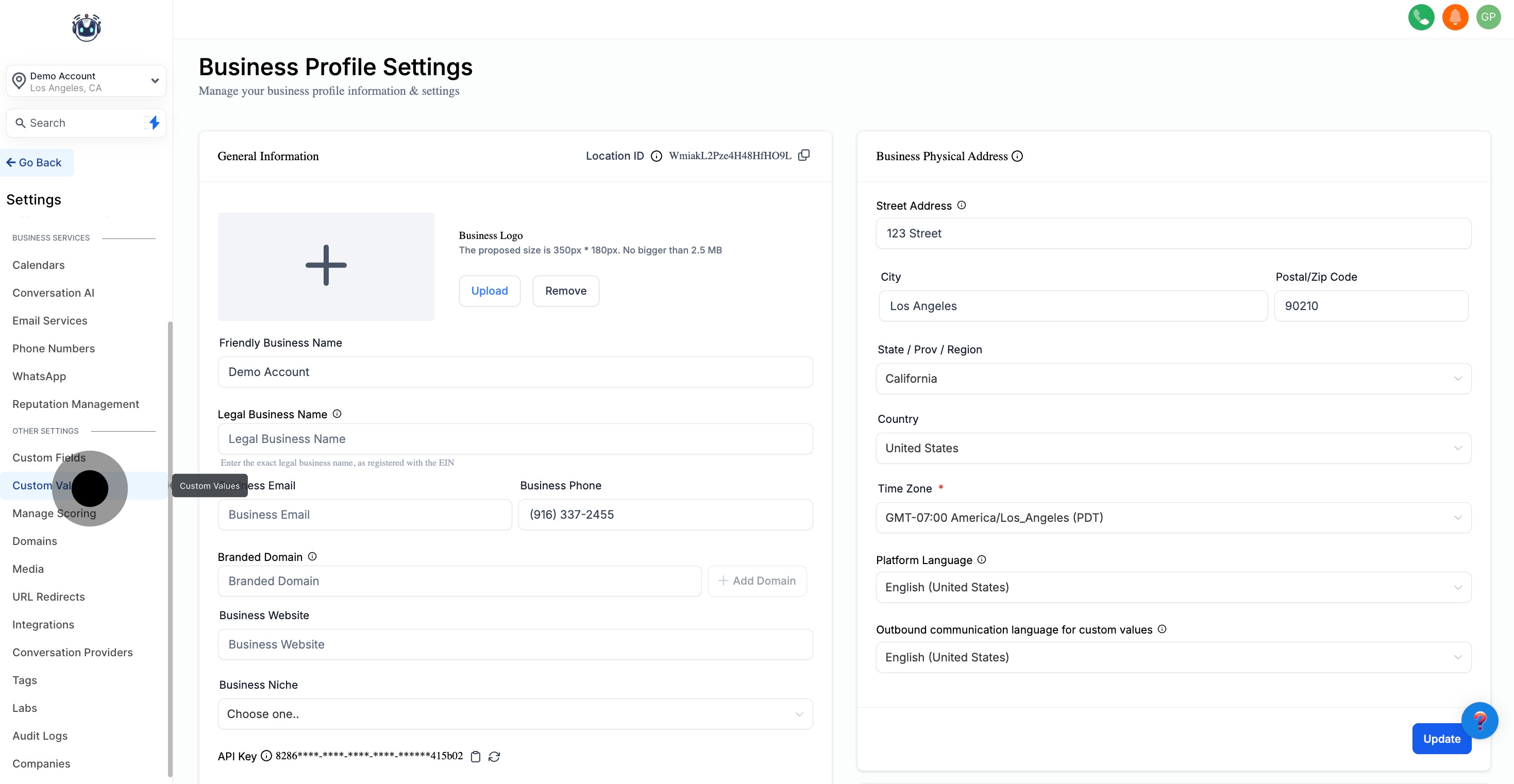
2. Next, choose 'Custom Values' for more options.
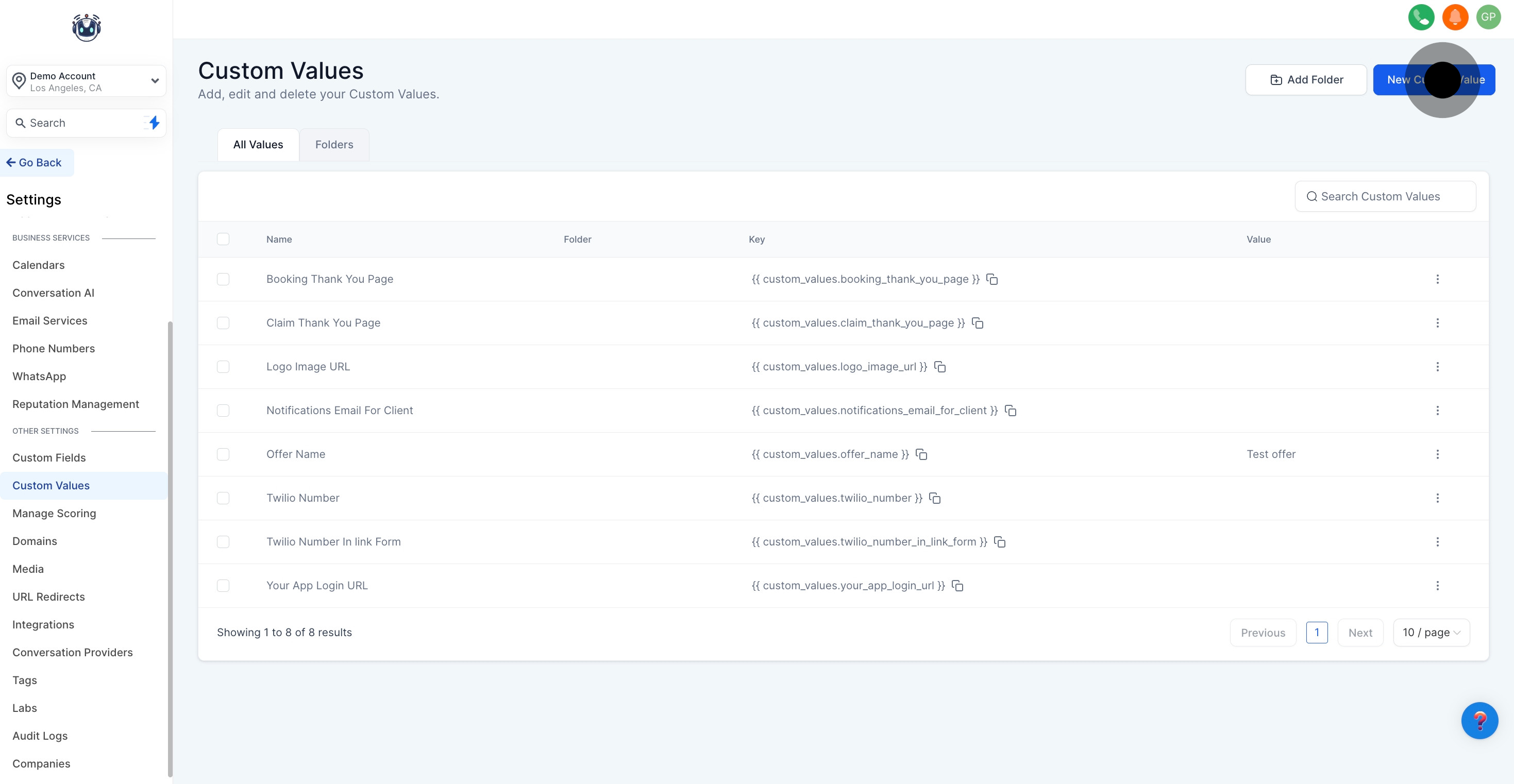
3. Then, hit 'New Custom Value' to proceed.
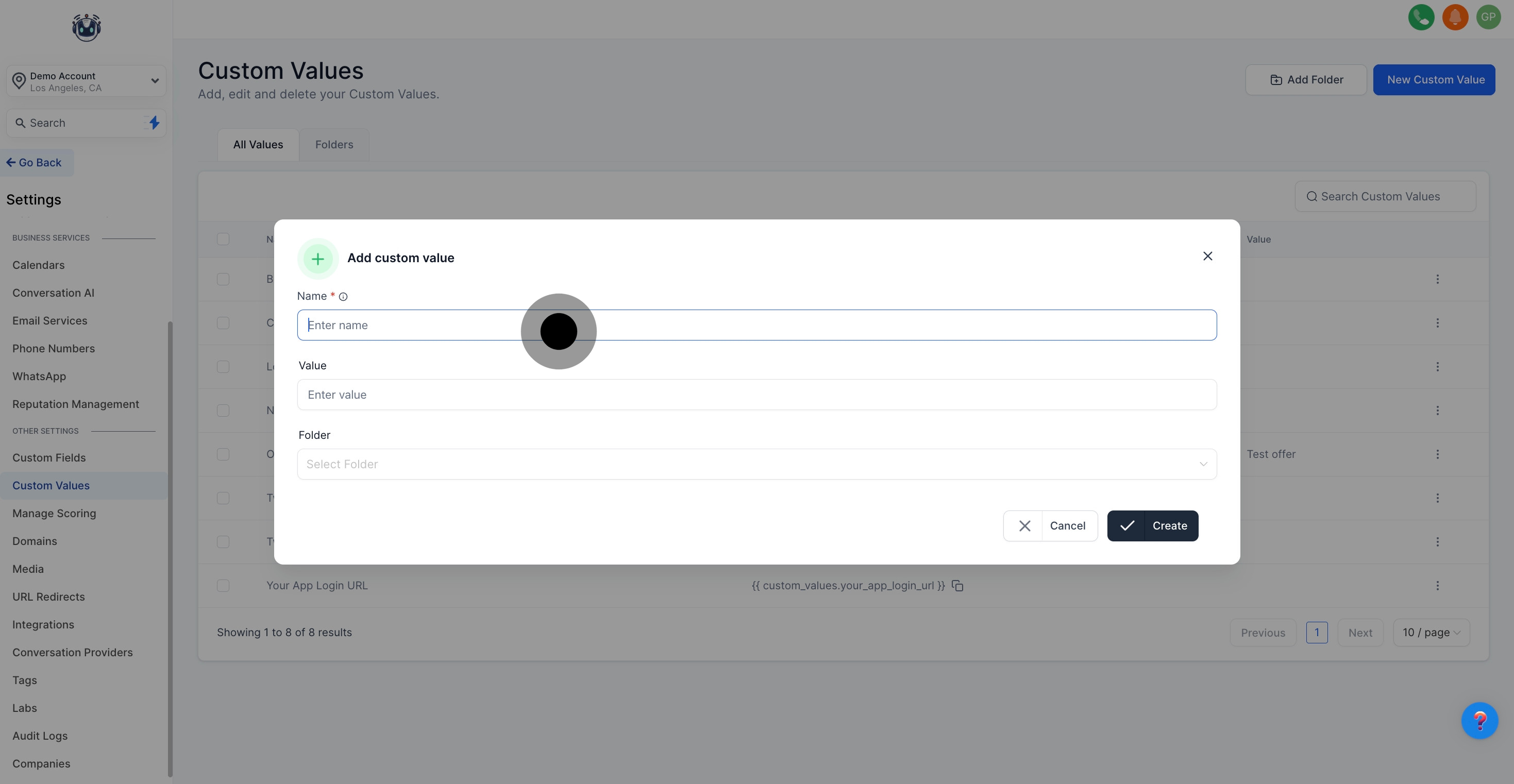
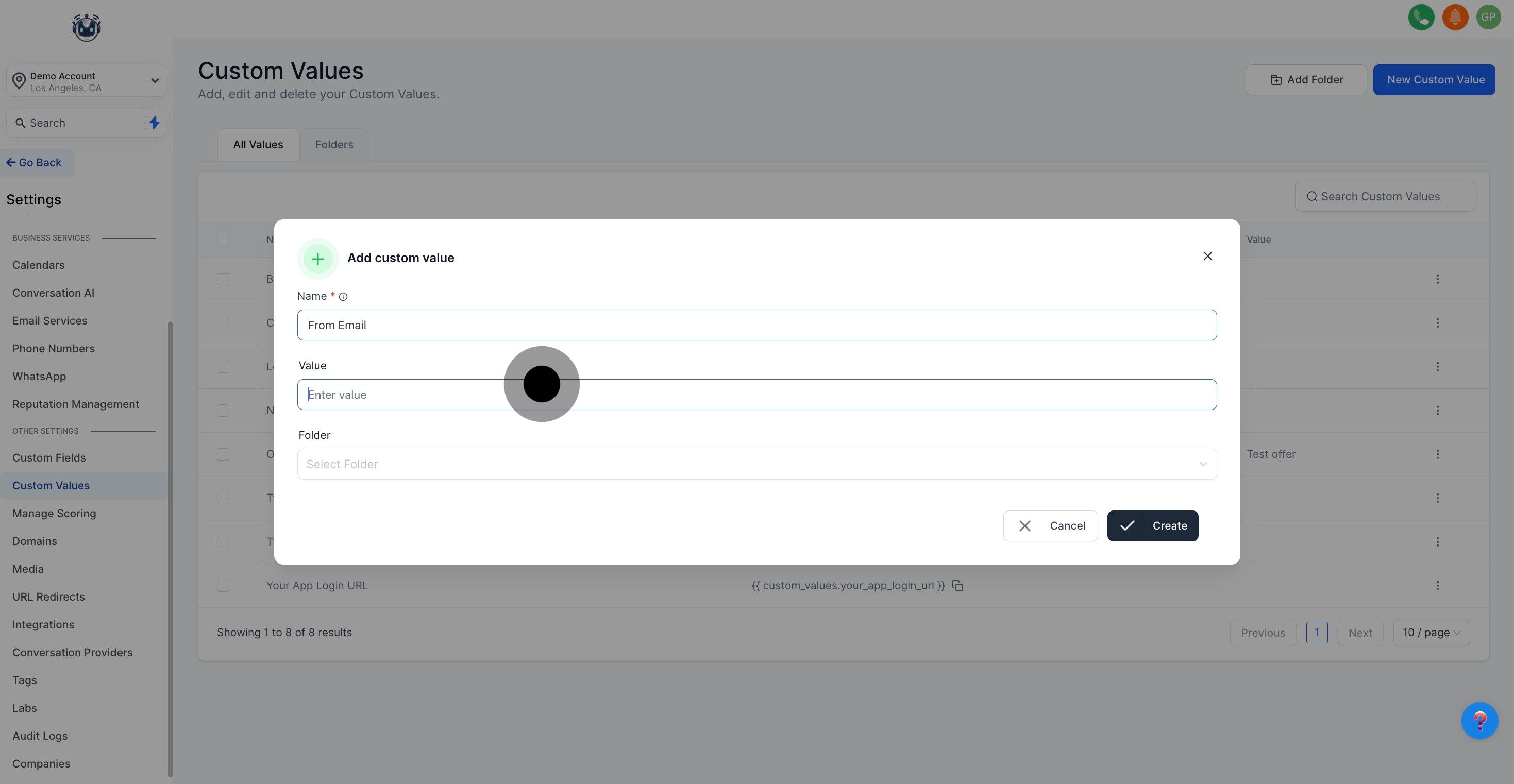
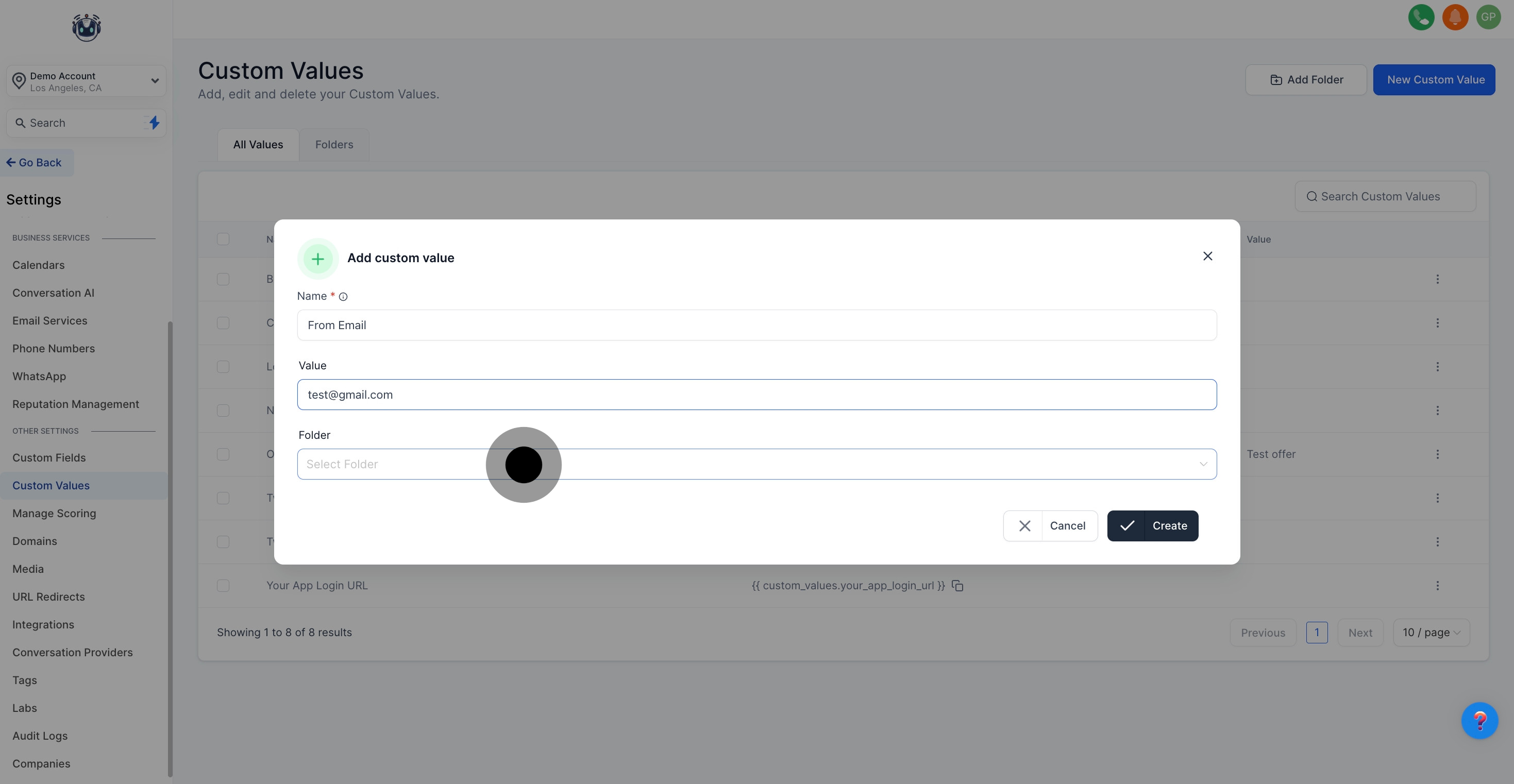
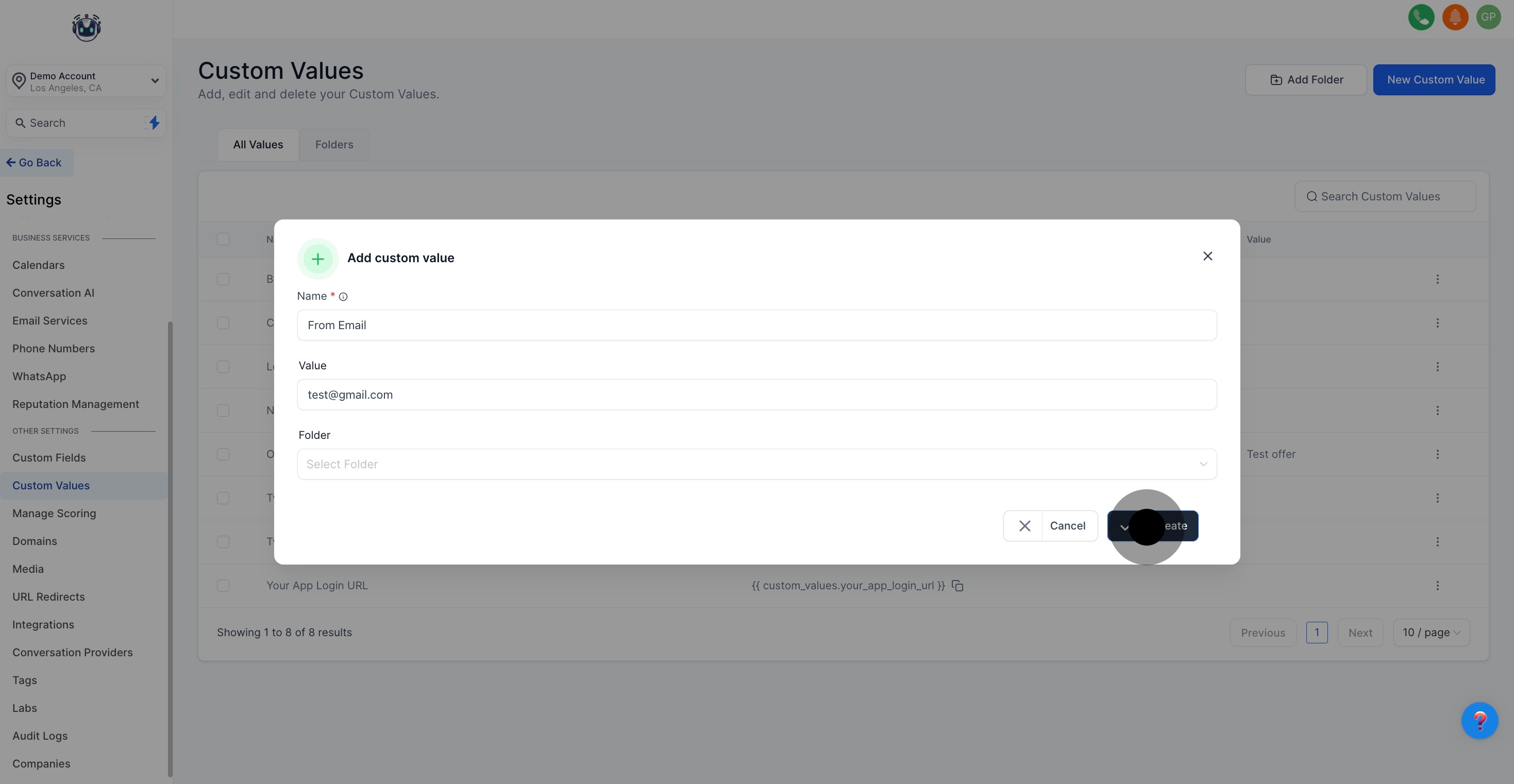
4. Now, enter a unique name for your custom value.