Learn to set up and manage the form submission trigger in Pest AI to automate actions immediately after a form is submitted, enhancing efficiency and response time.
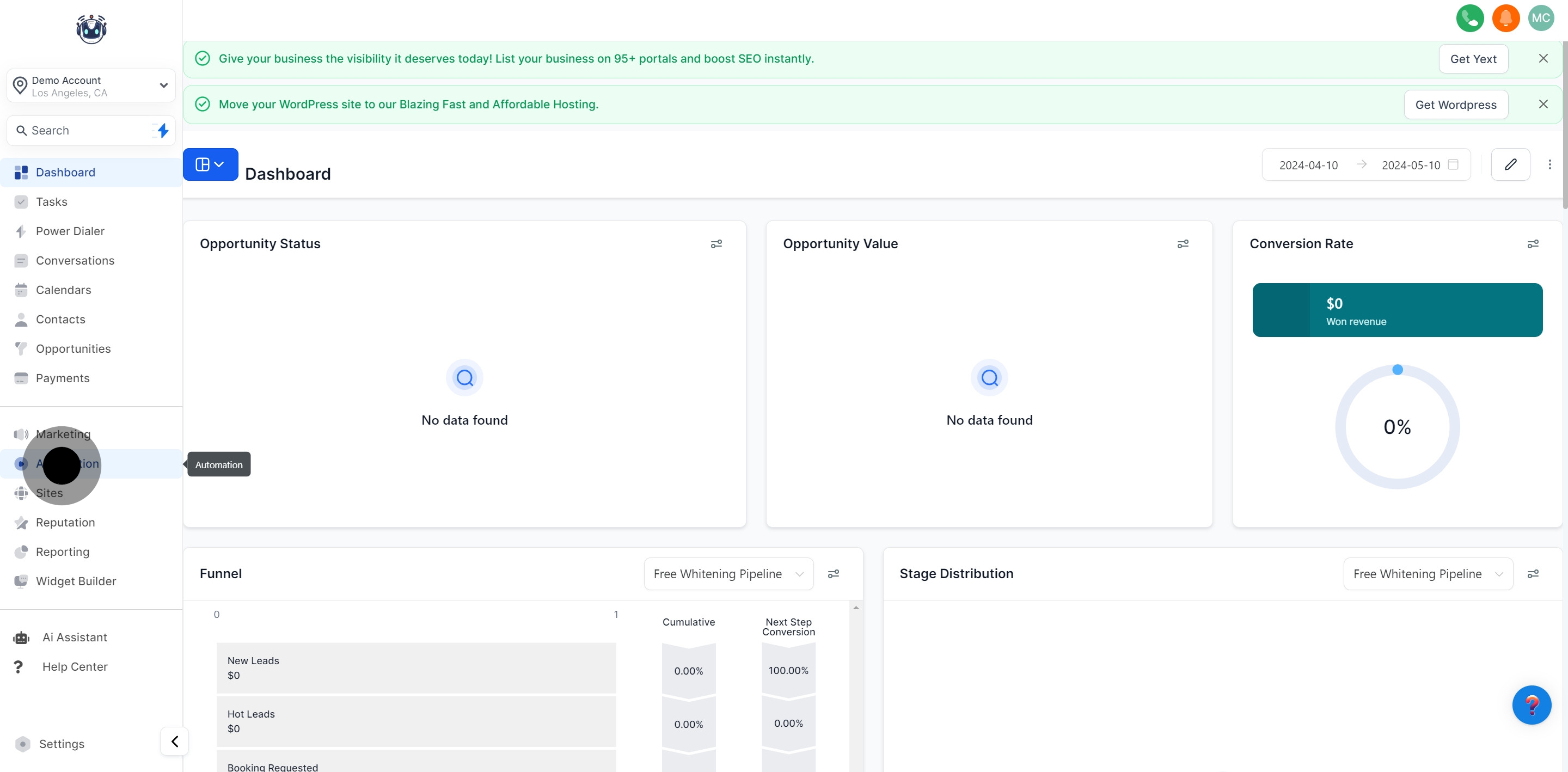
1. Please navigate to the 'Automation' section.
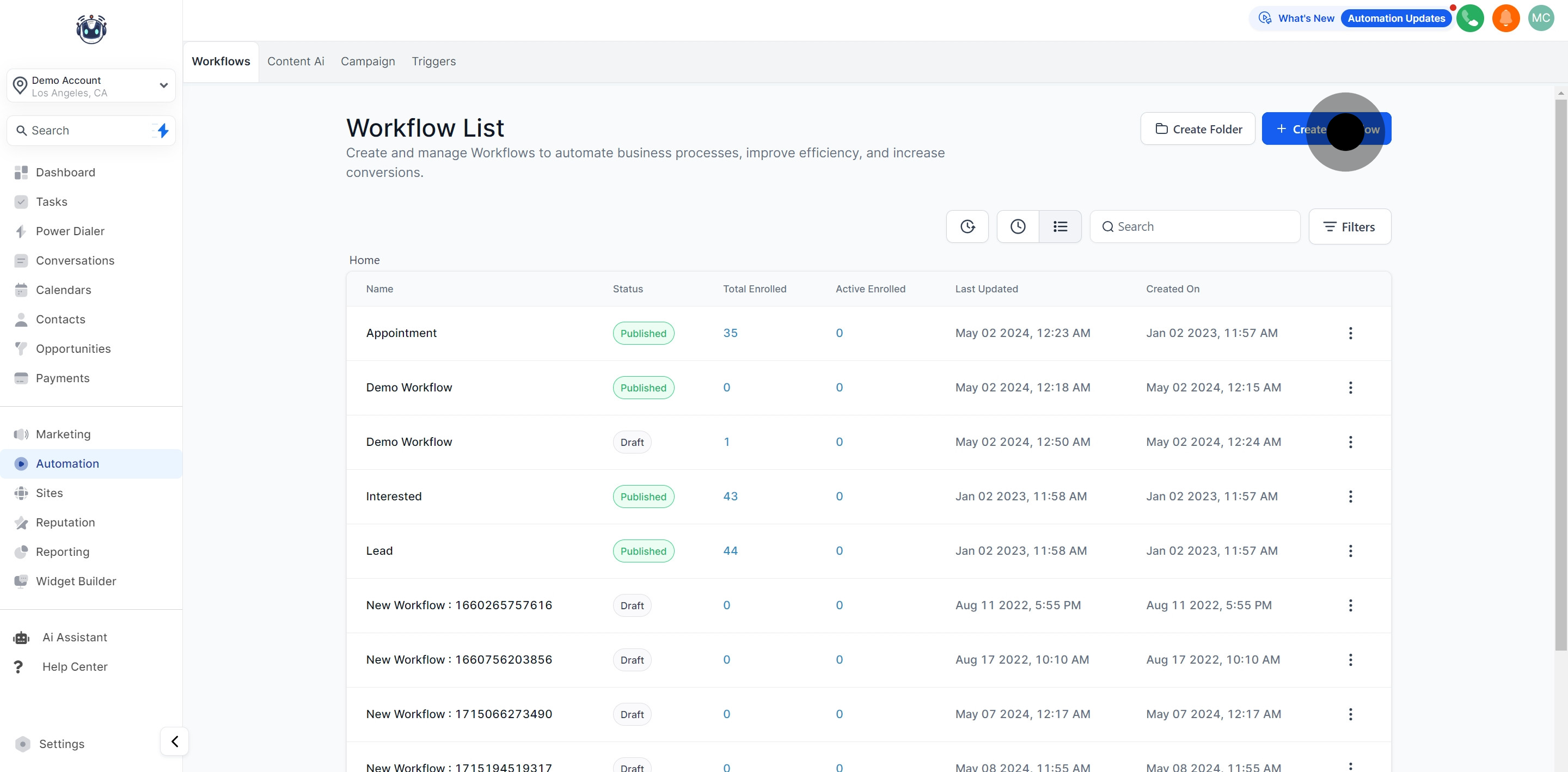
2. Go ahead and create a new 'Workflow'.
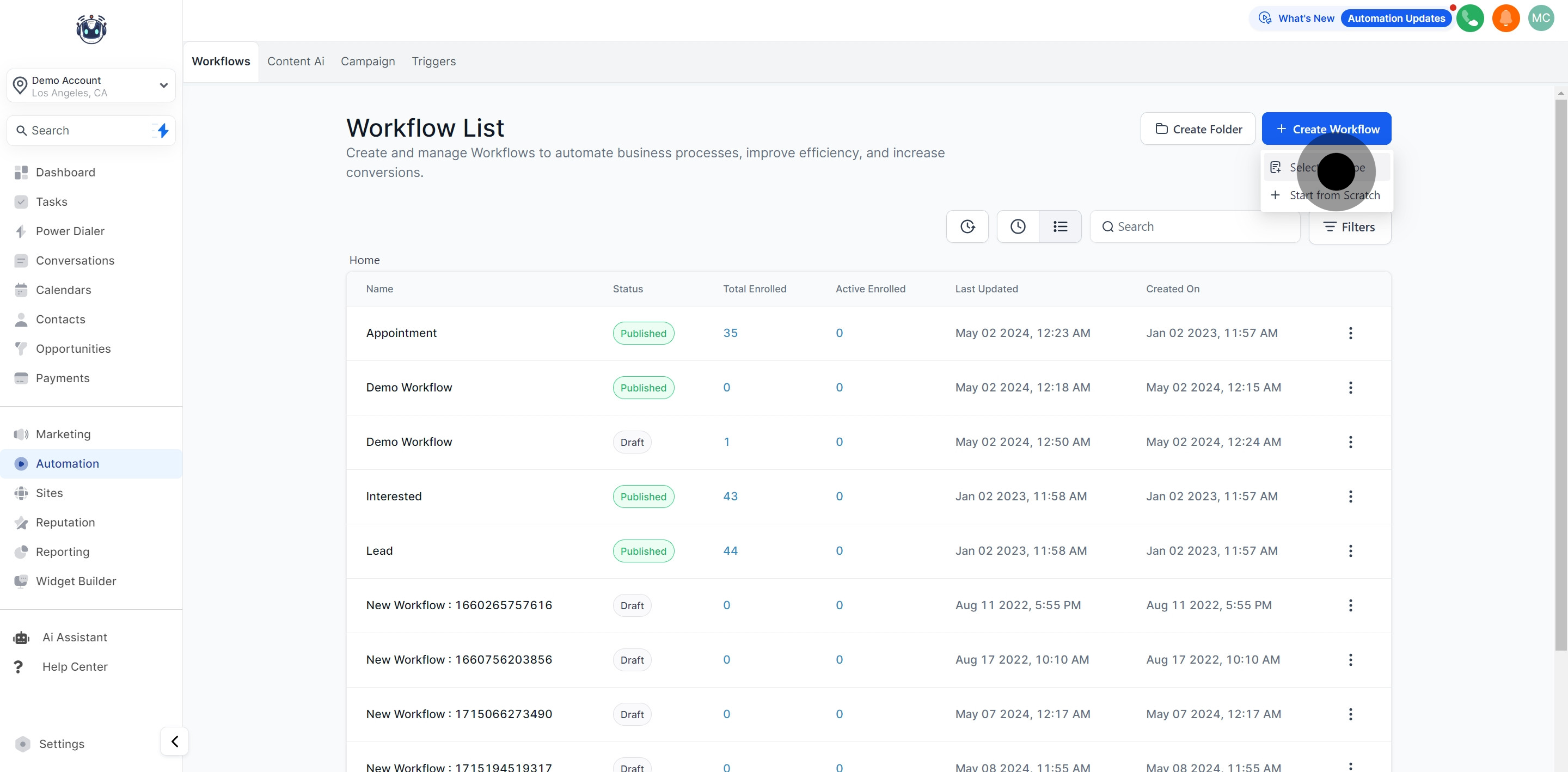
3. You'll need to select a 'Recipe' next.
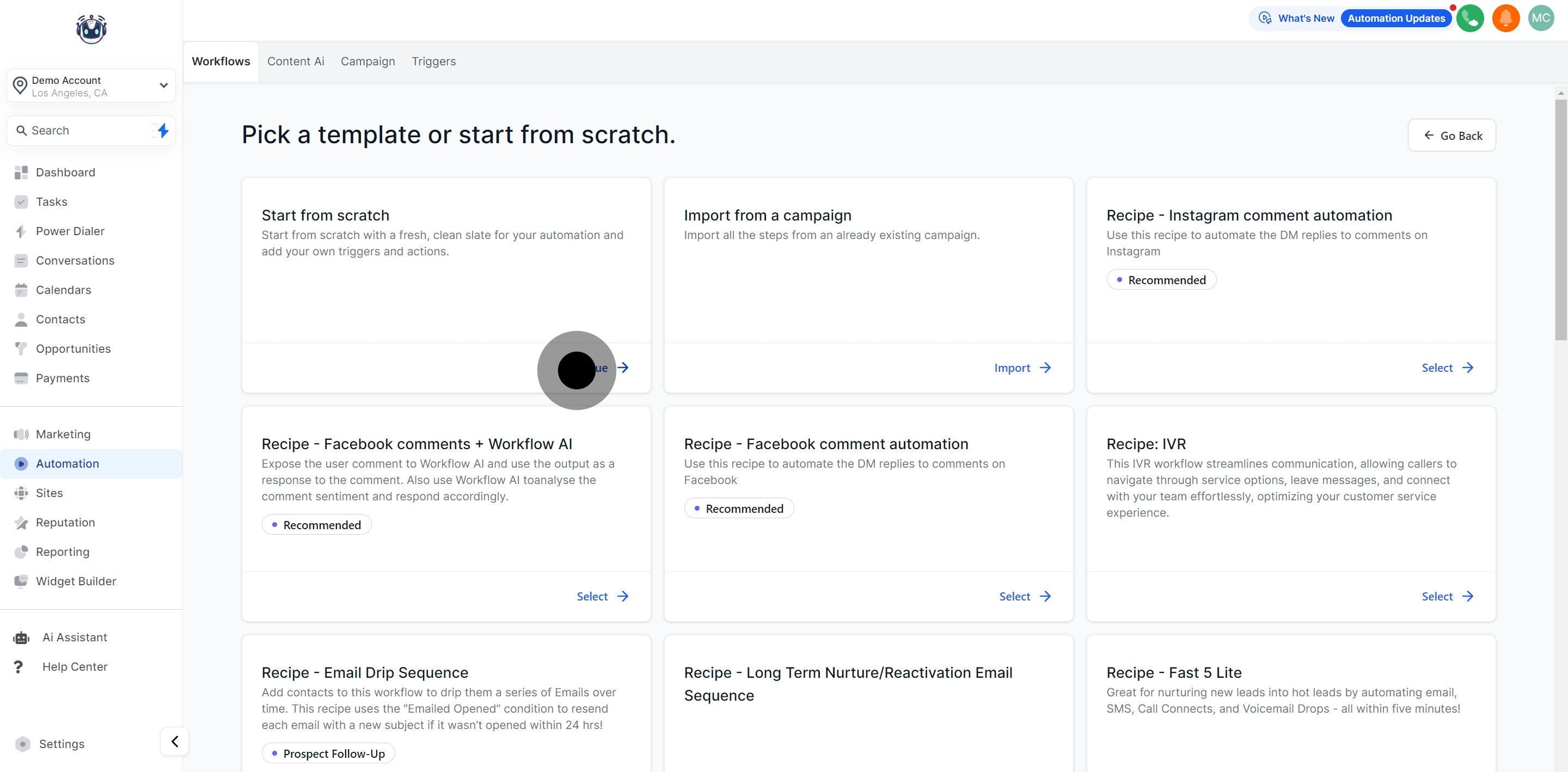
4. Press 'Continue' to move forward under 'Start from scratch'.
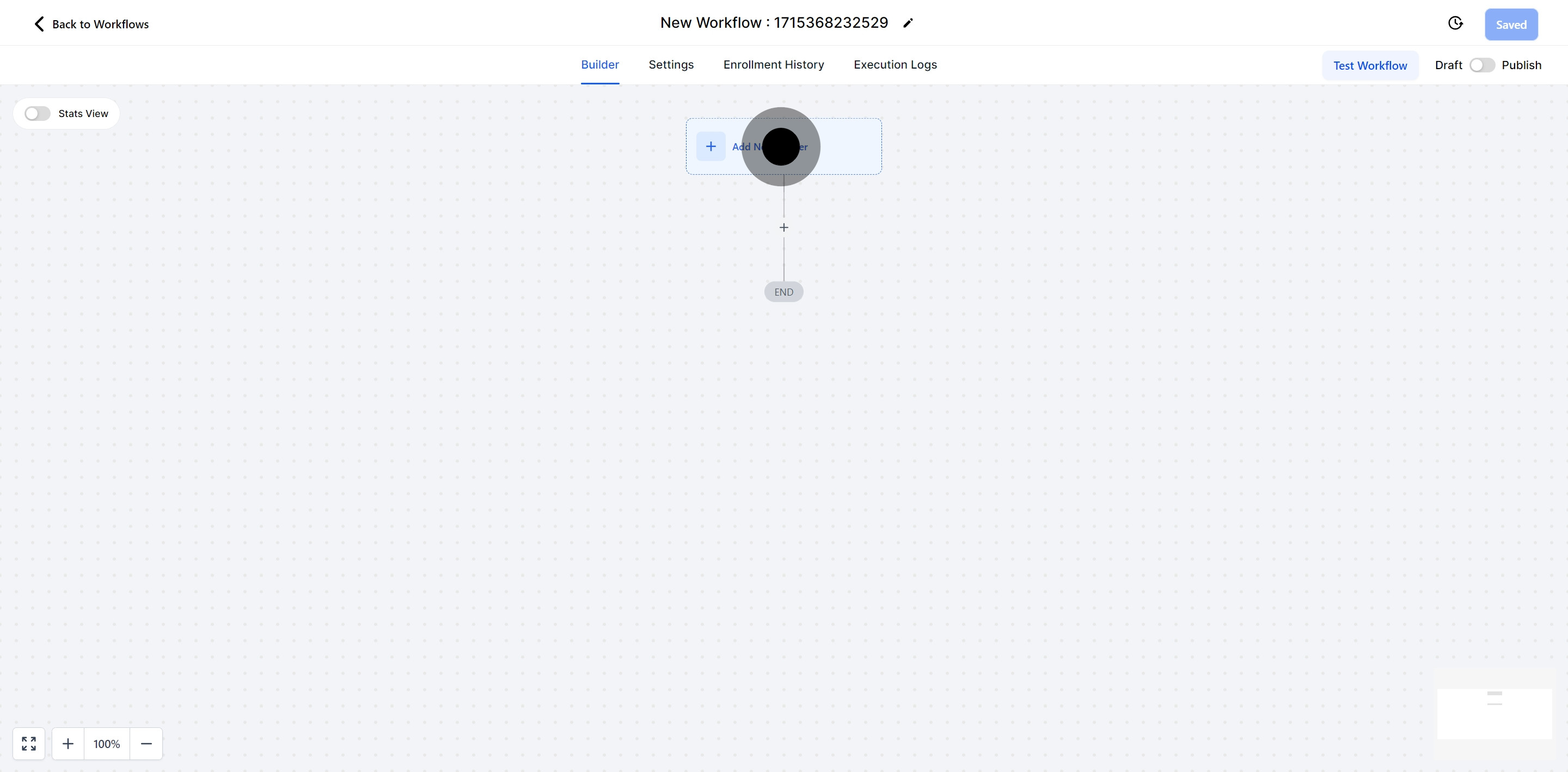
5. Add a new trigger to your workflow.
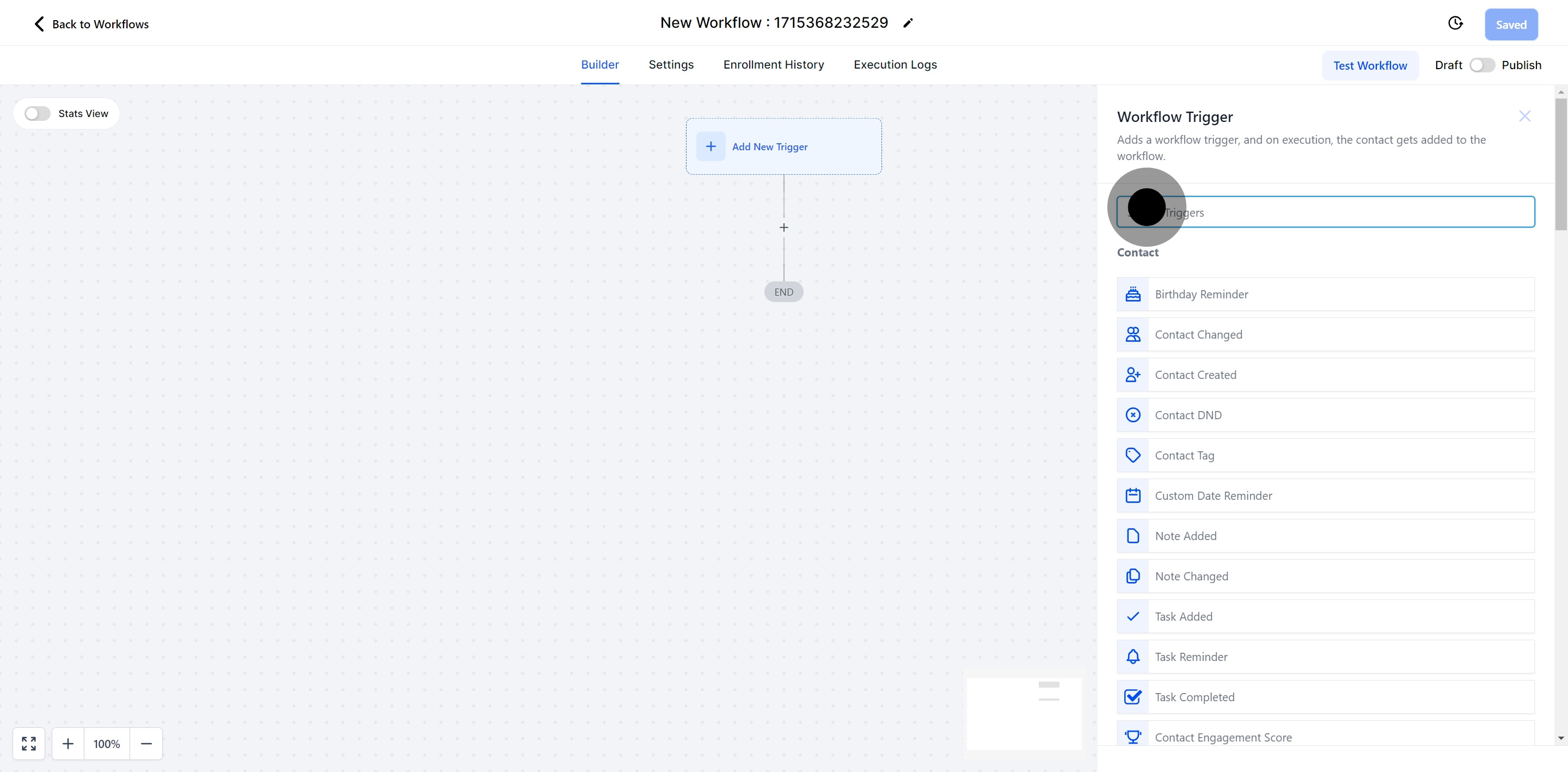
6. Now, find the trigger you're looking for.
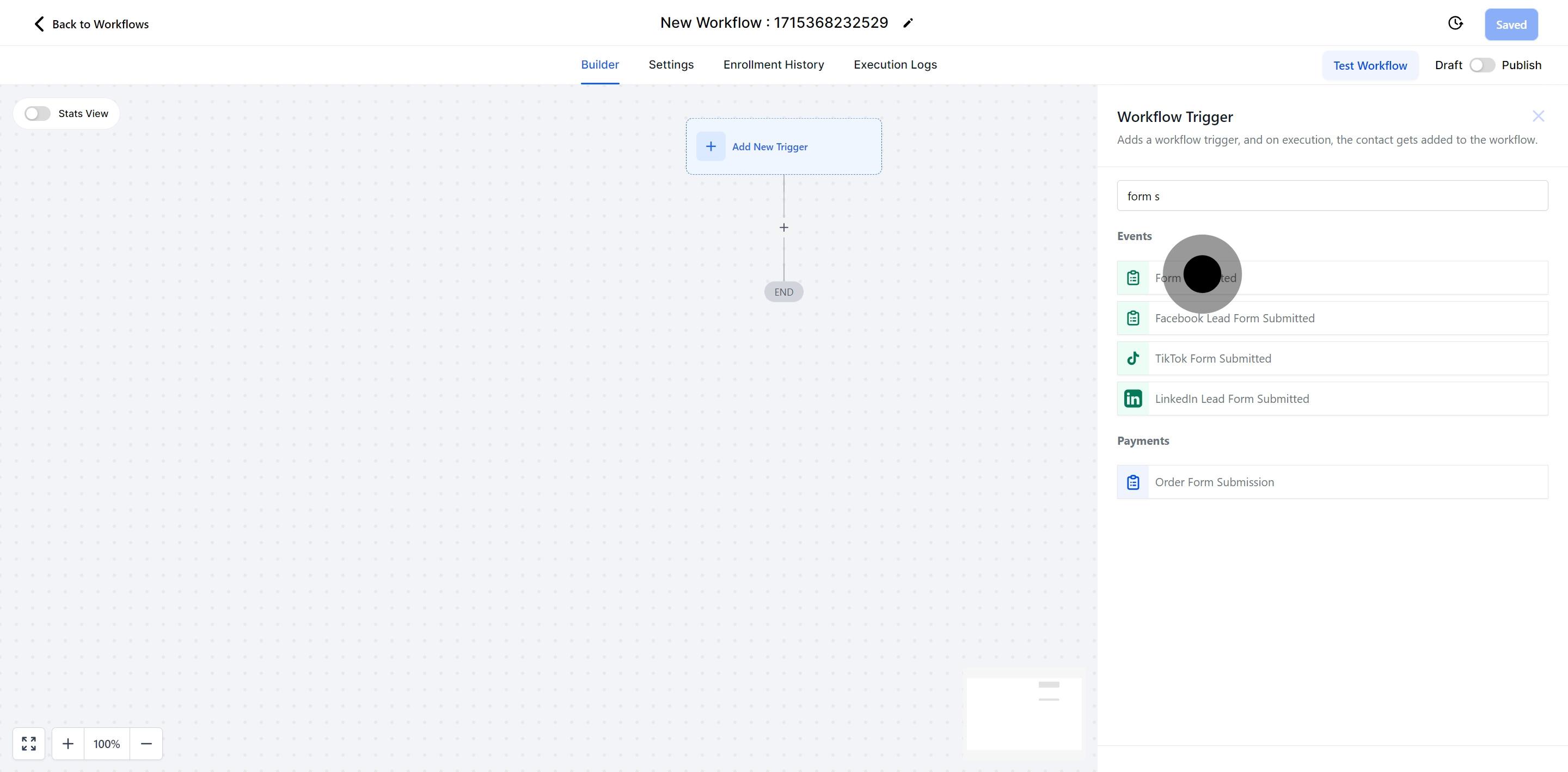
7. Opt for the ' Form submitted' trigger.
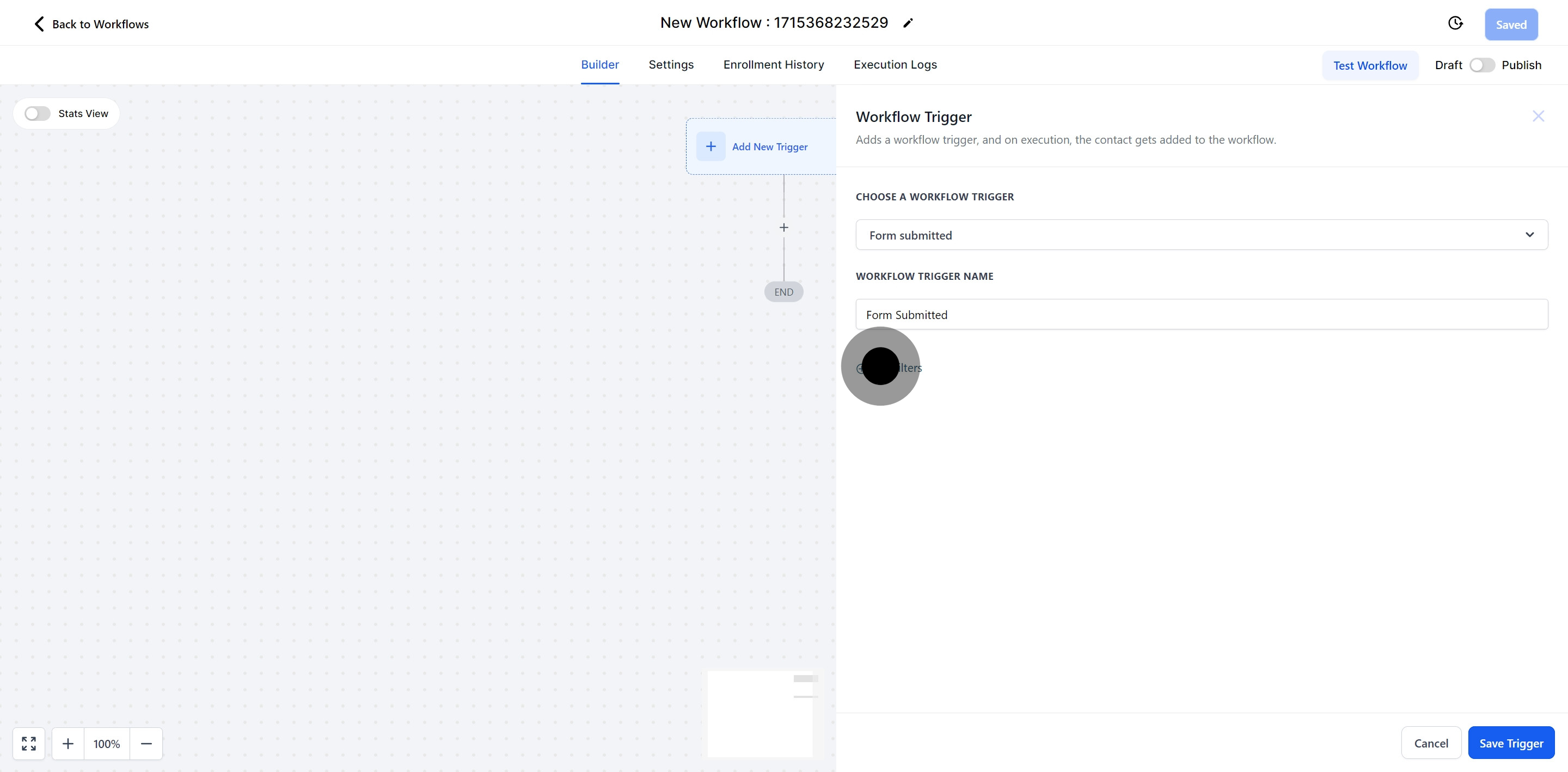
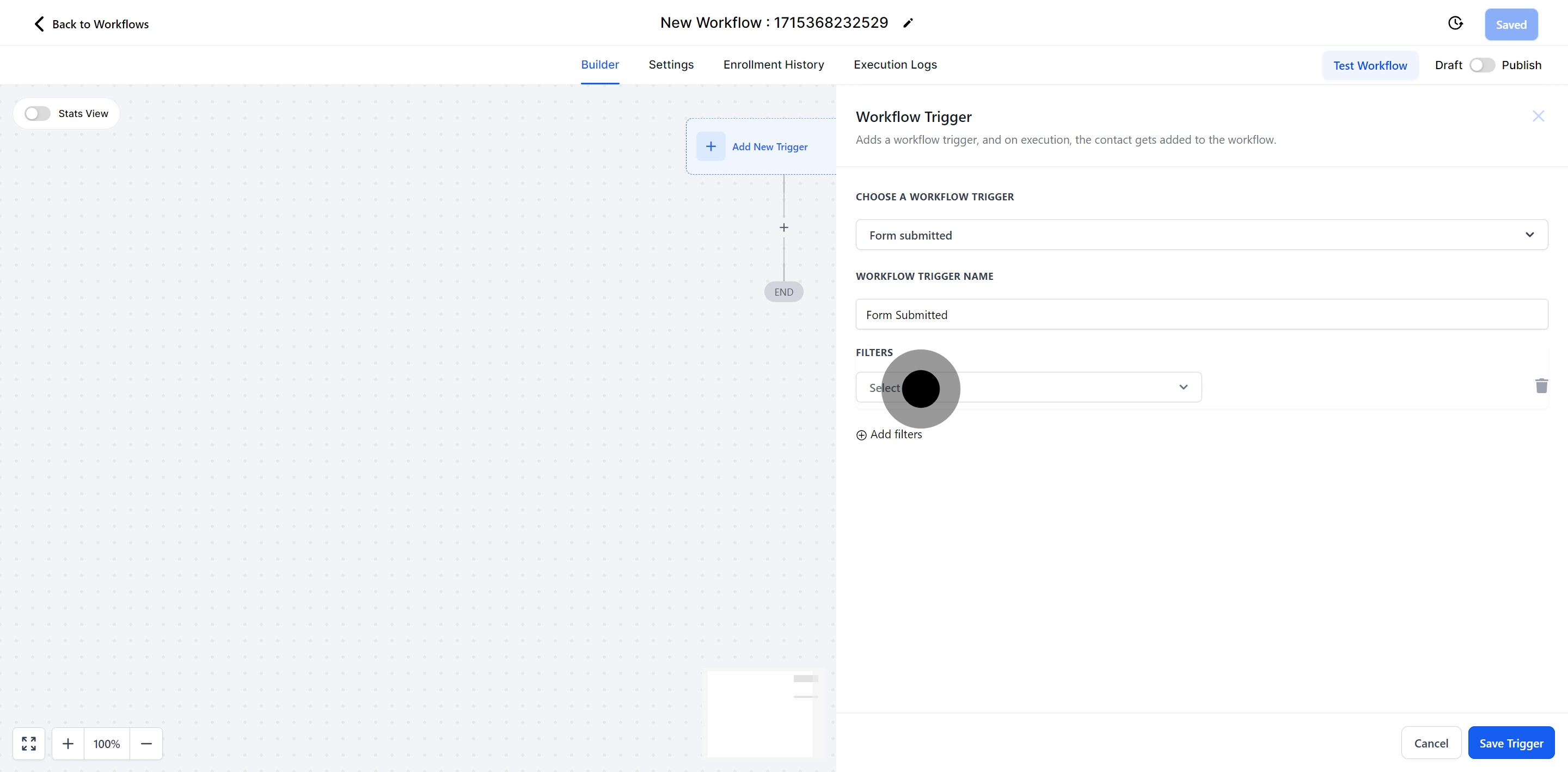
8. Feel free to add more filters.
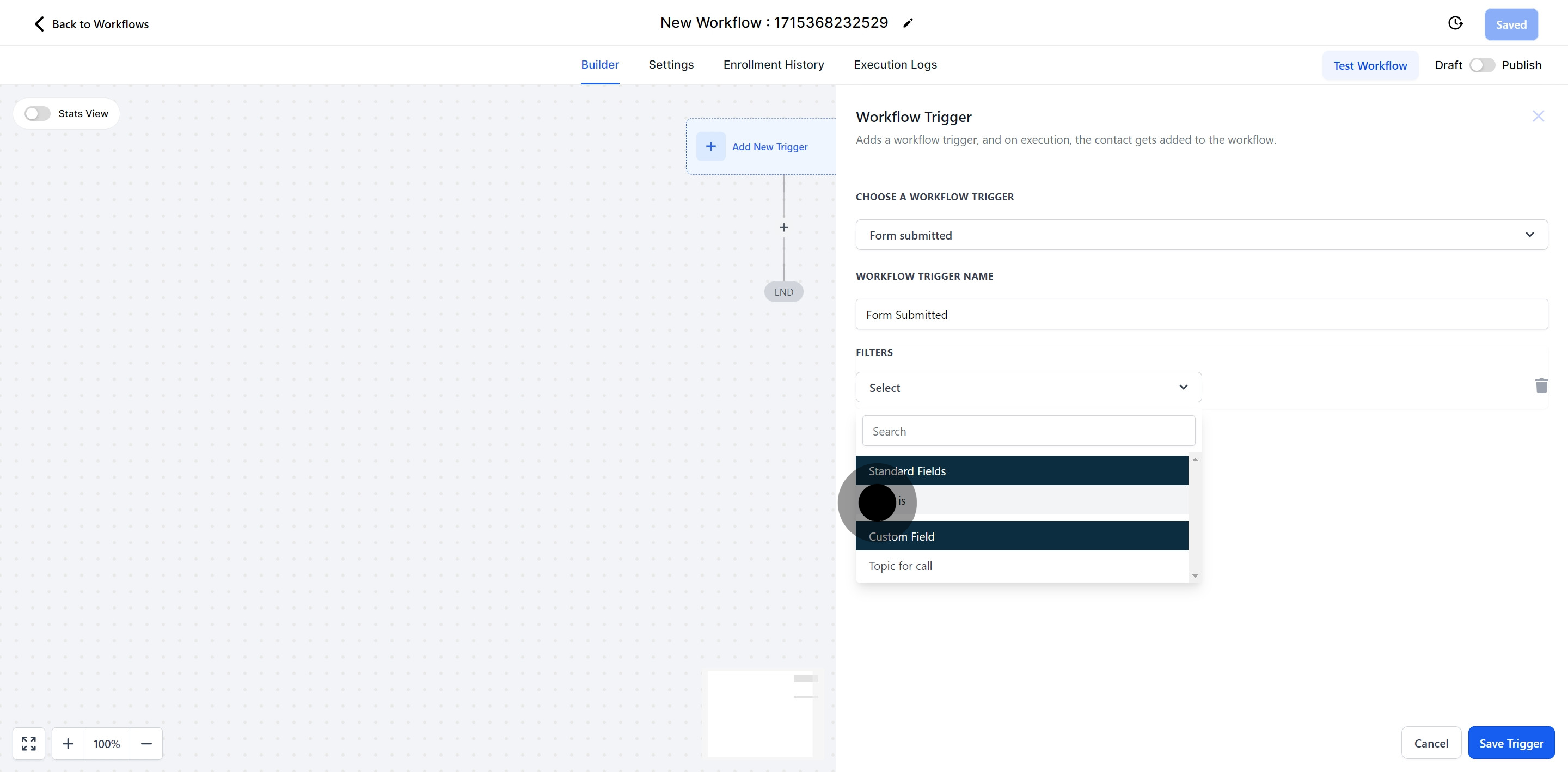
9. Now, select more specific options.
10. Choose the 'Form is' option.
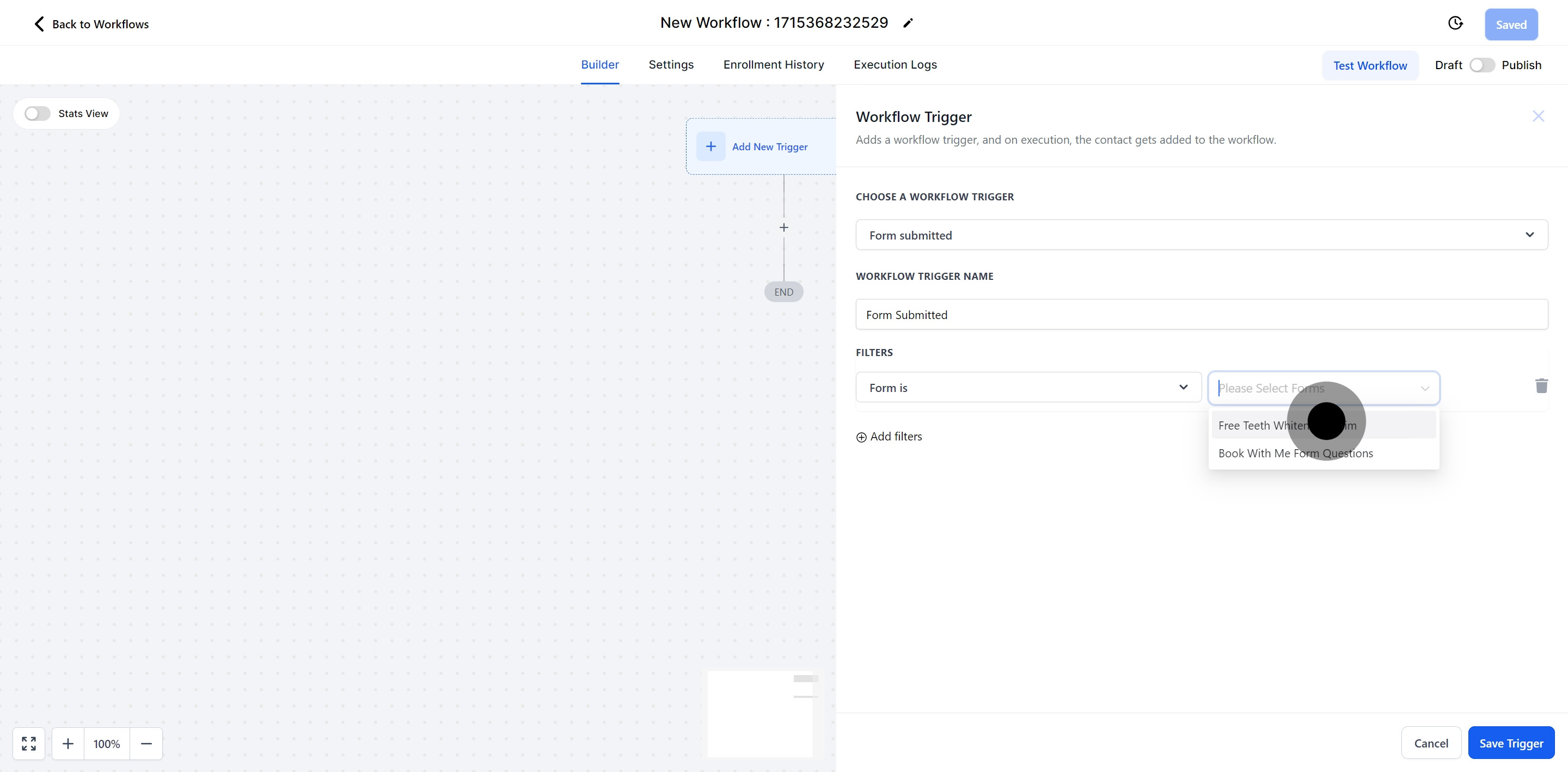
Use this filter to select a form within your CRM. When this form is submitted, it will automatically trigger the workflow.
11. Select 'Form'
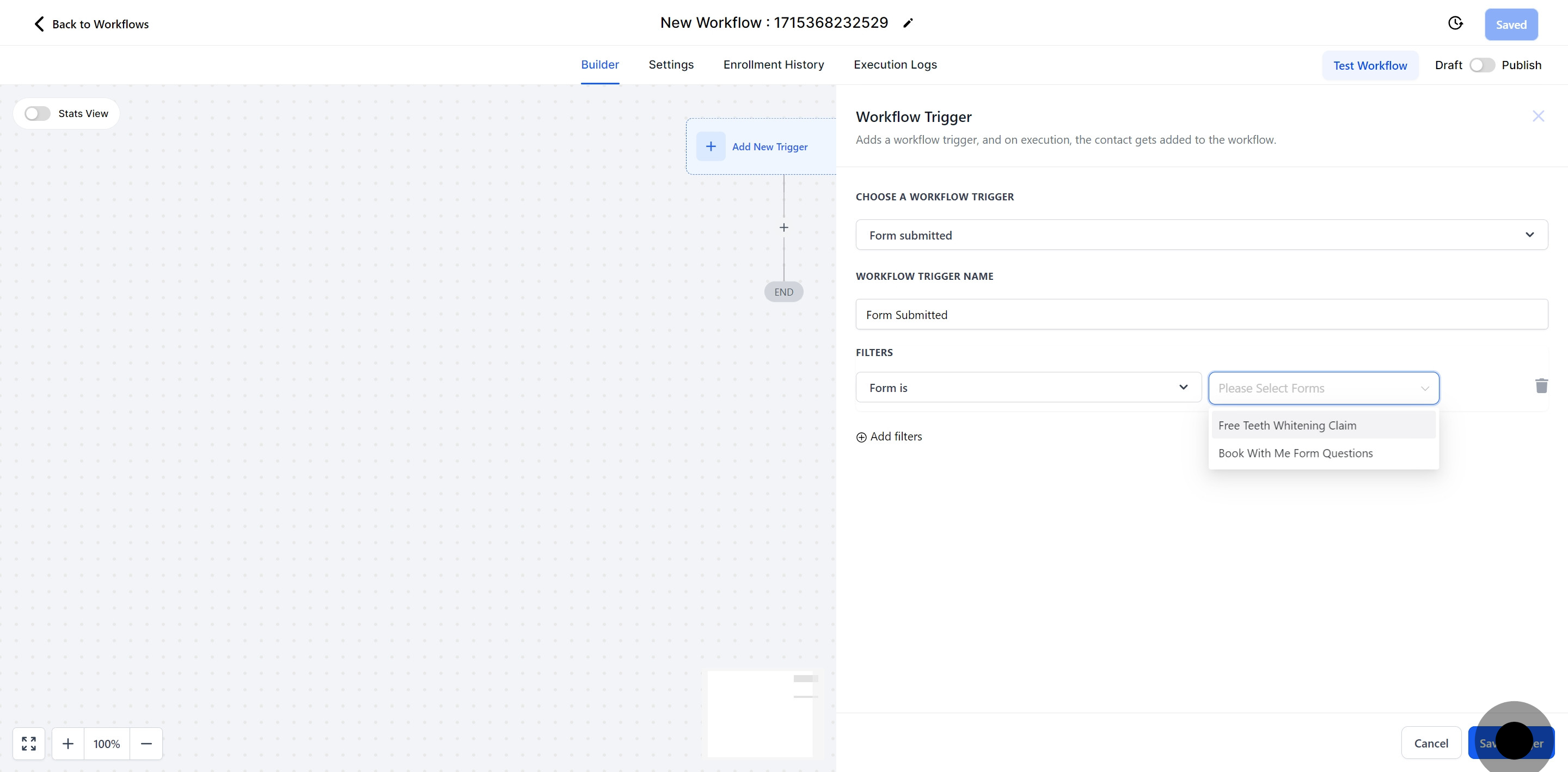
12. If done, click 'Save Trigger'.
Did this answer your question?
😞
😐
😁
Utilizing the Form Submission Trigger in Pest AI | Pest AI