Help center
Go to Pest AI
All collections
Workflow
How To Set Up Automated Calls And Voicemail Drops in a Workflow
How To Set Up Automated Calls And Voicemail Drops in a Workflow
Within the Workflow builder, you may want to set up an automated sequence of calls and voicemail drops.
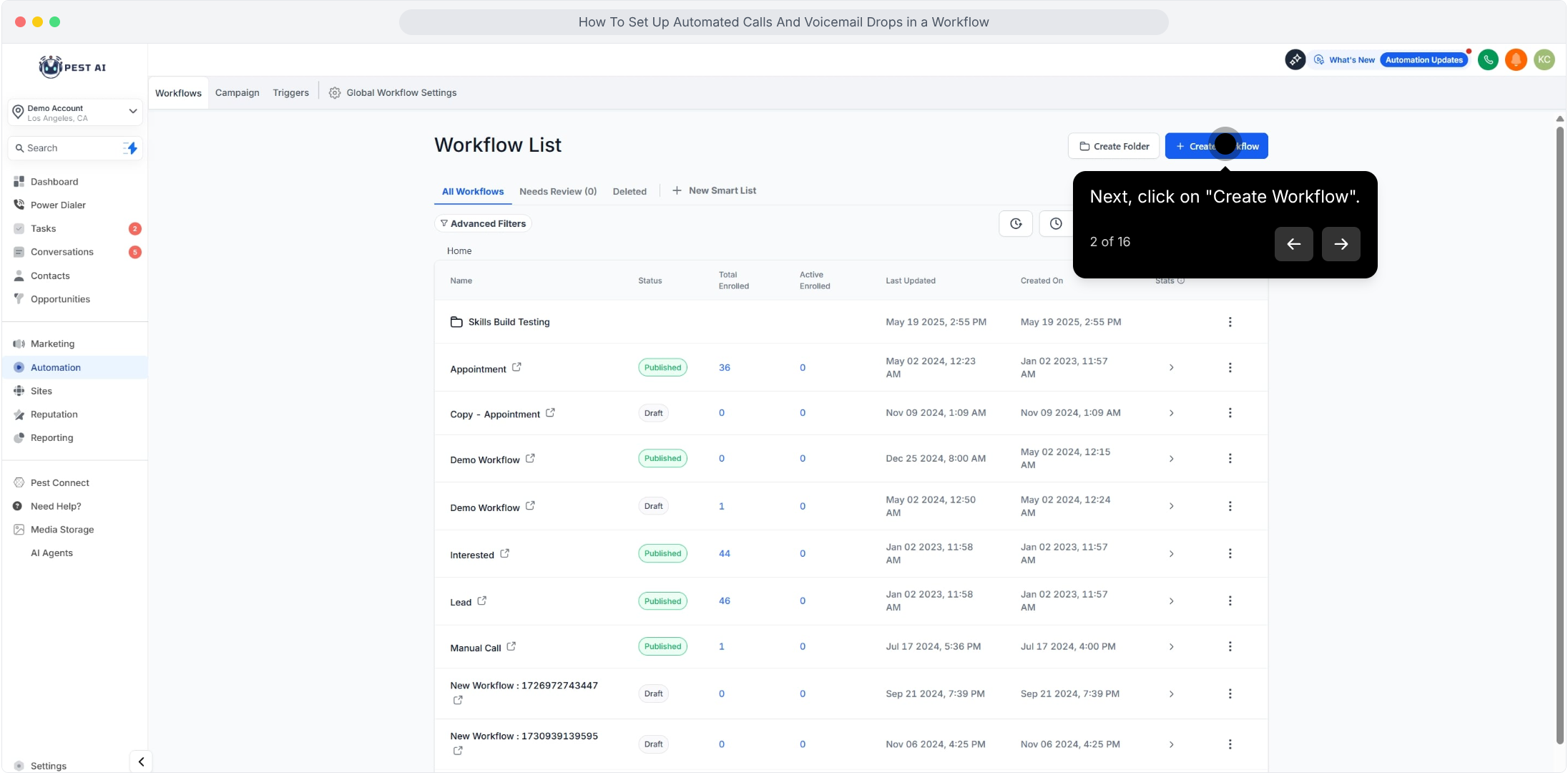
1. Click on "Automation".2. Next, click on "Create Workflow".
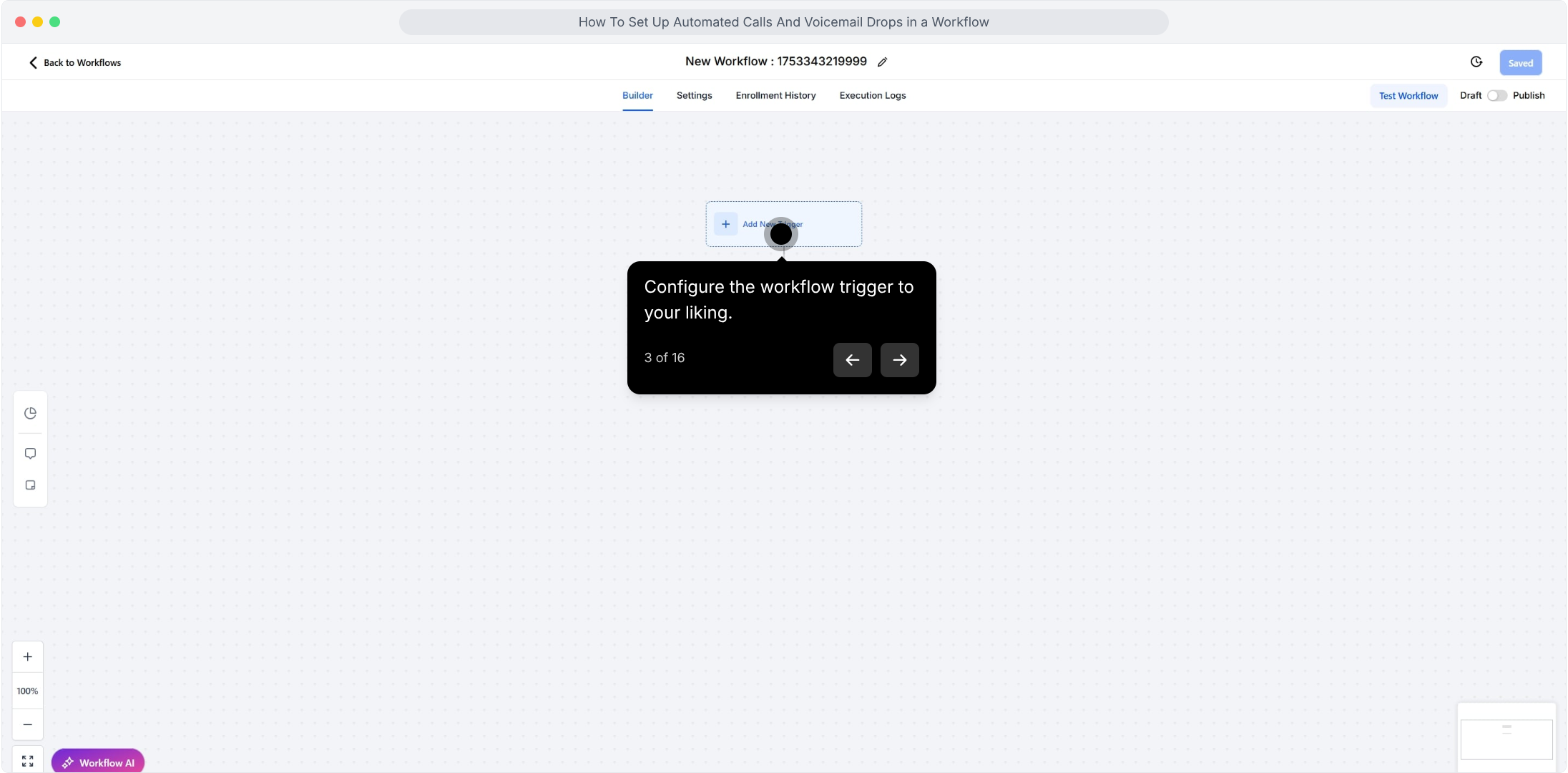
3. Configure the workflow trigger to your liking.
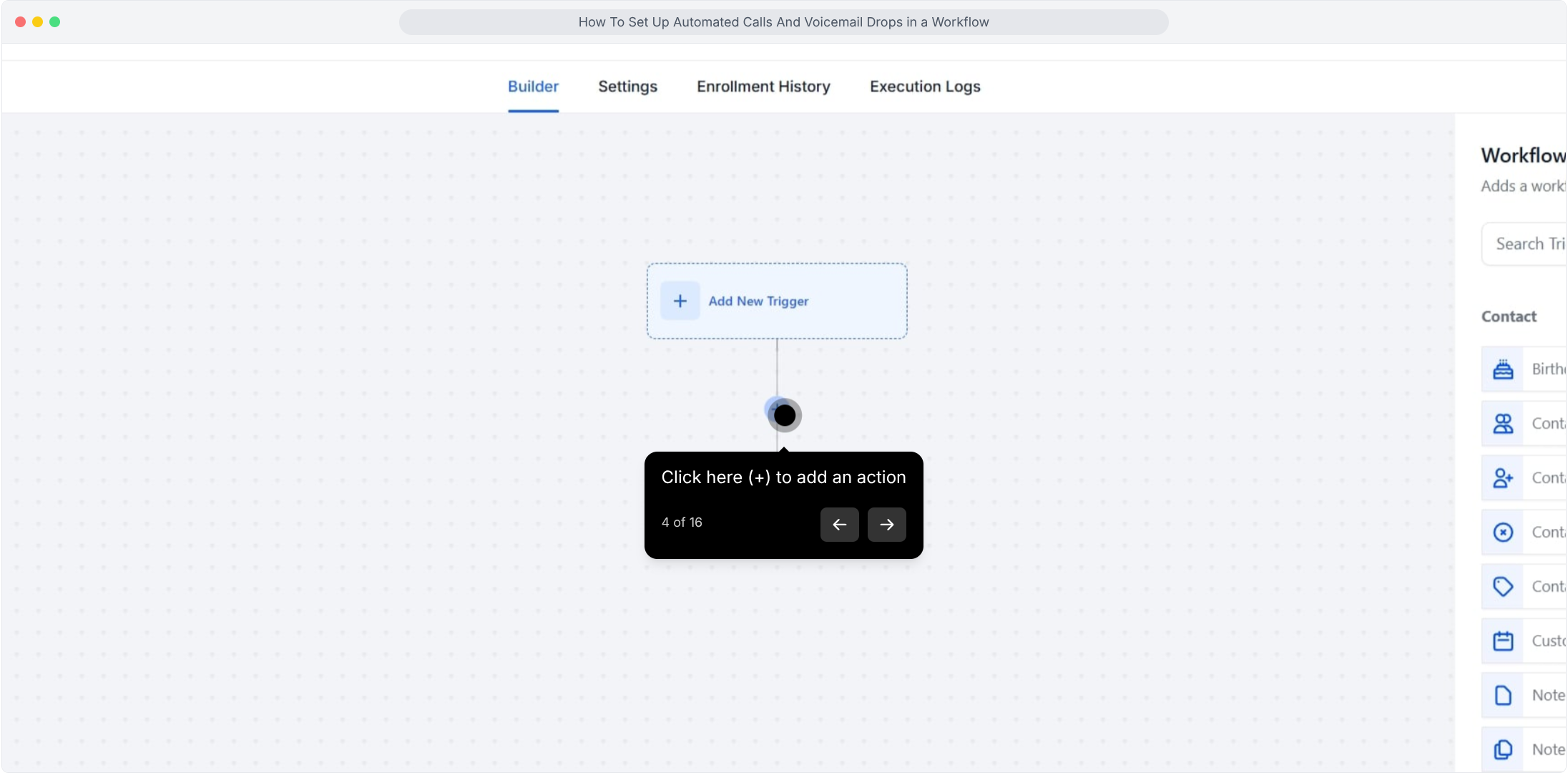
4. Click here (+) to add an action
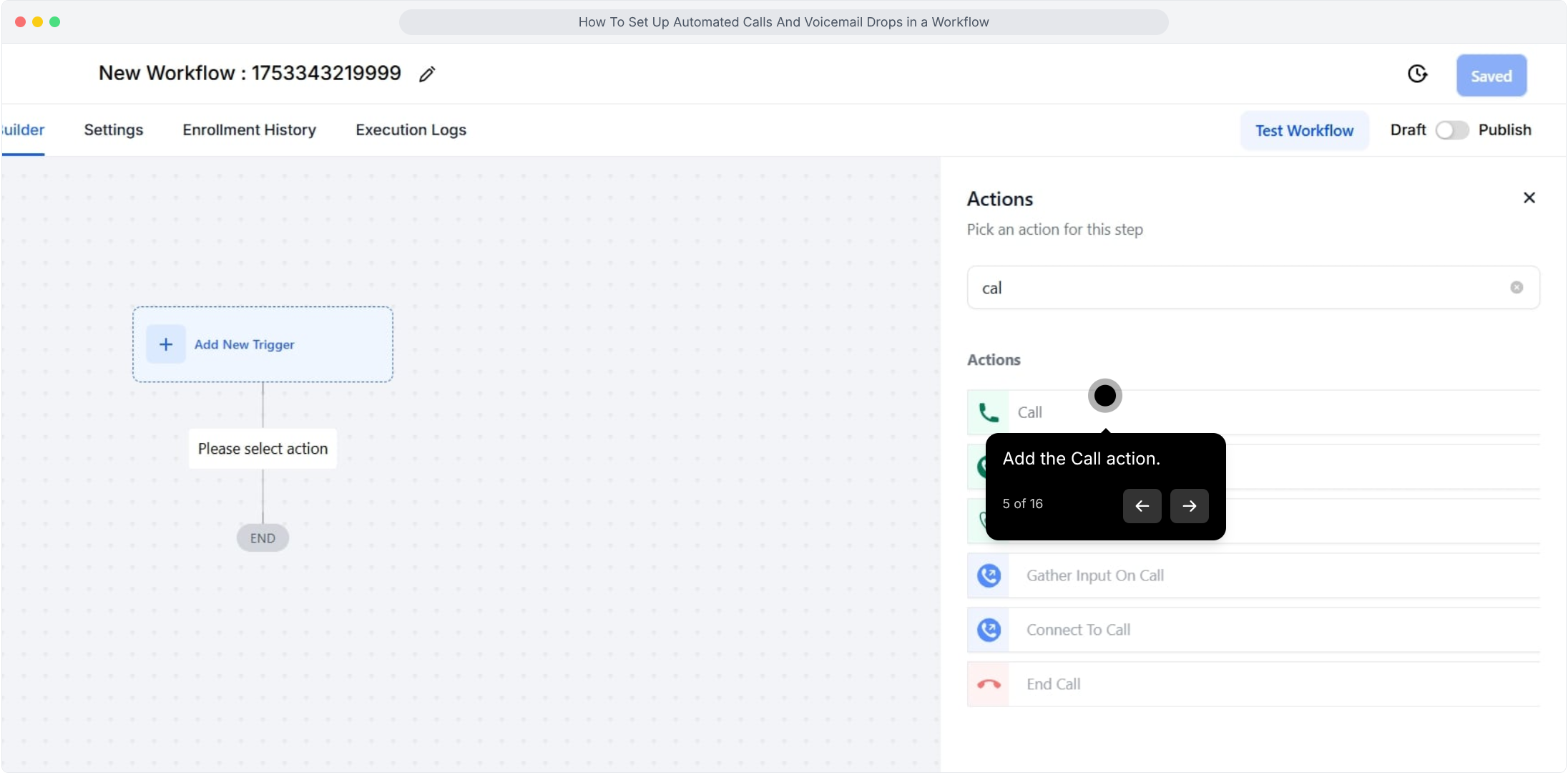
5. Add the Call action.
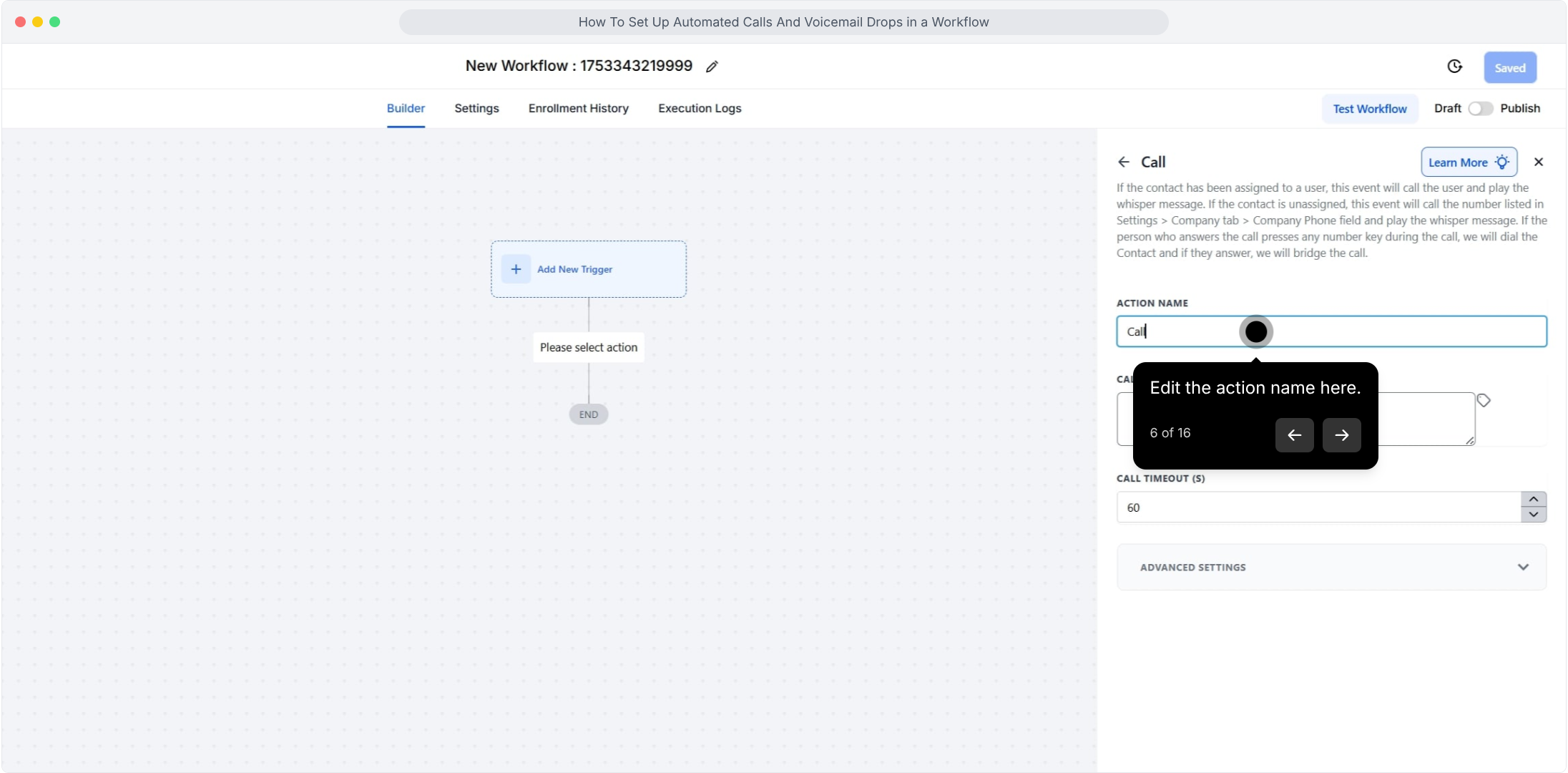
6. Edit the action name here.
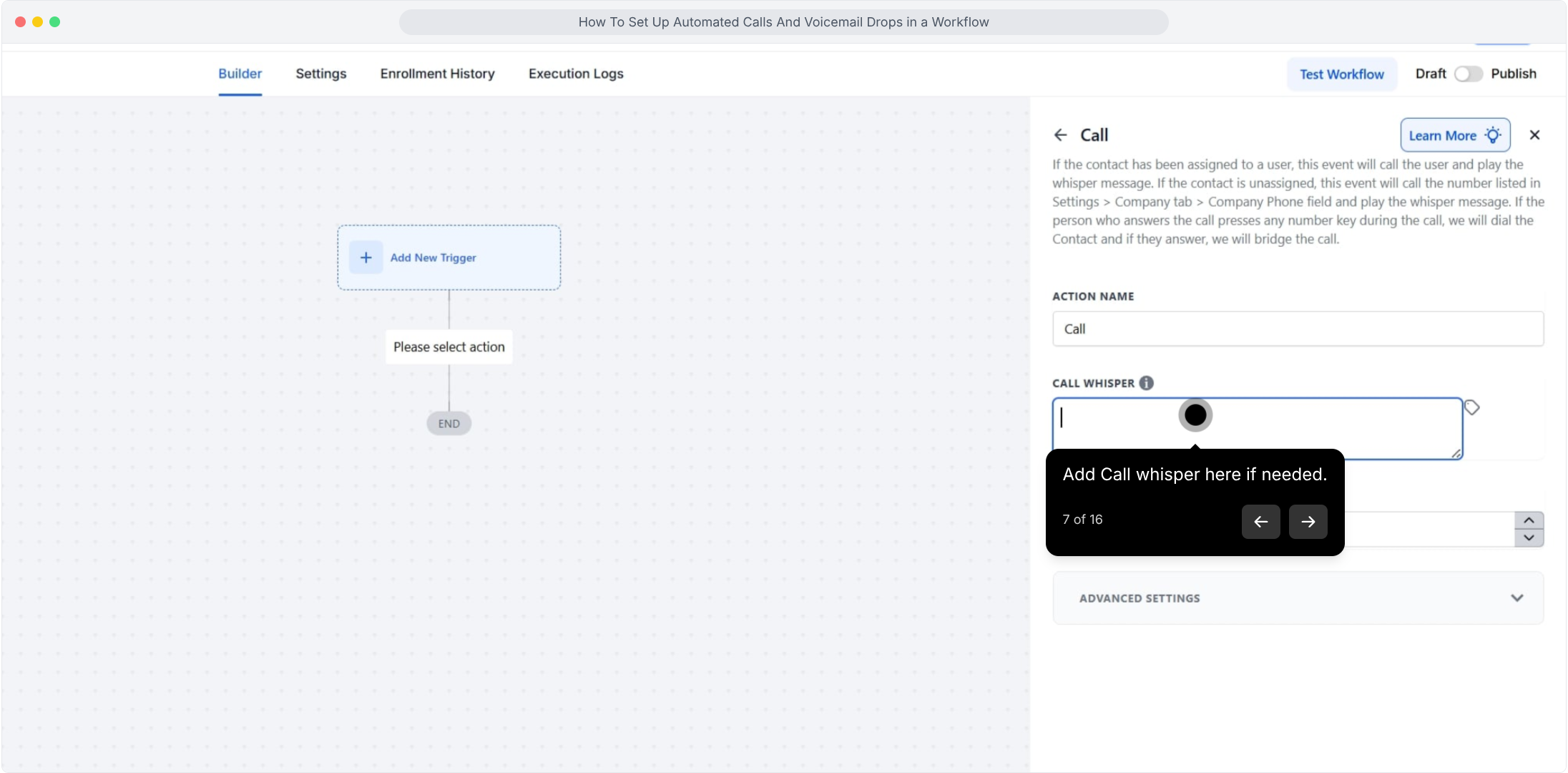
7. Add Call whisper here if needed.
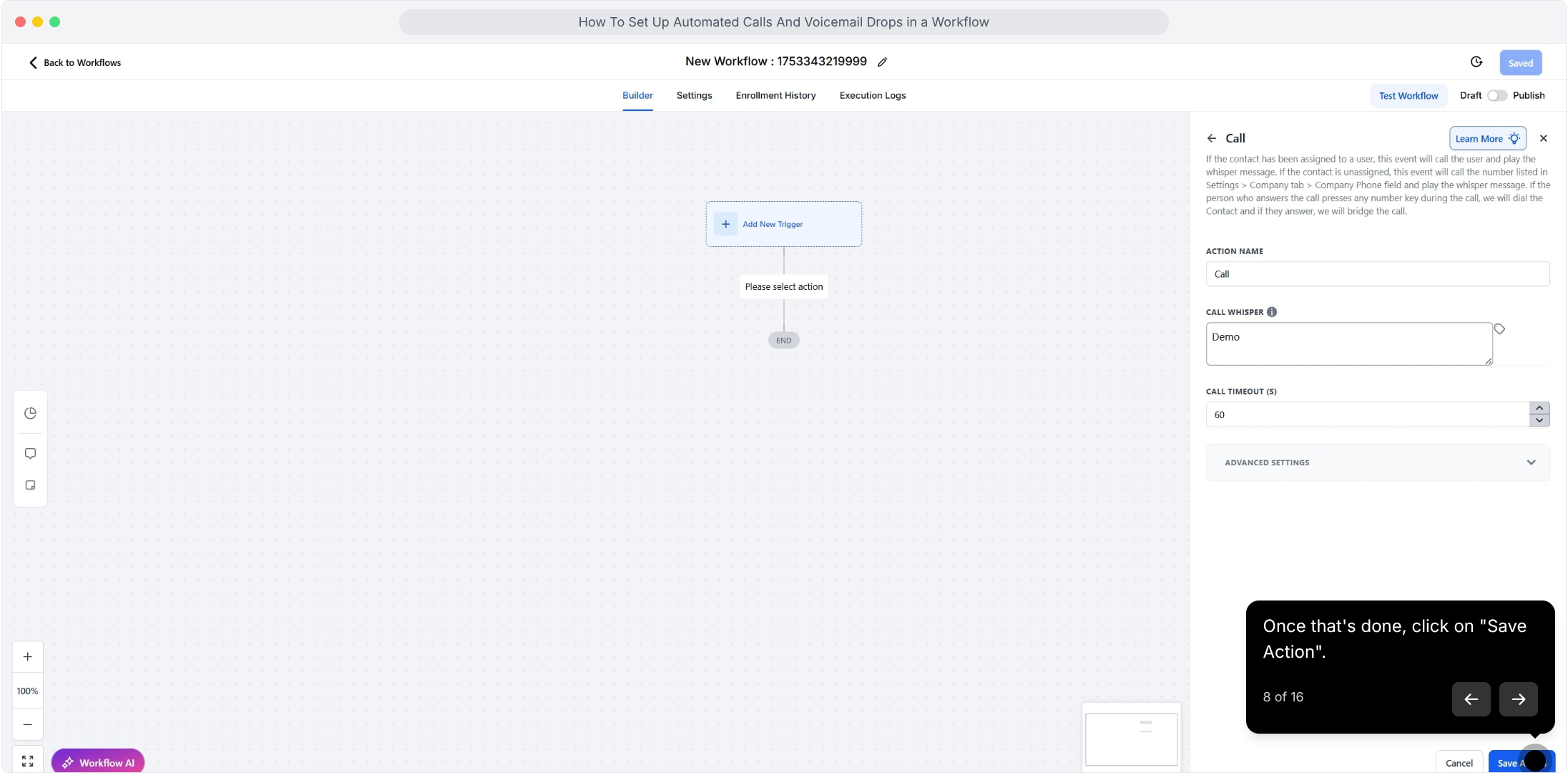
8. Once that's done, click on "Save Action".
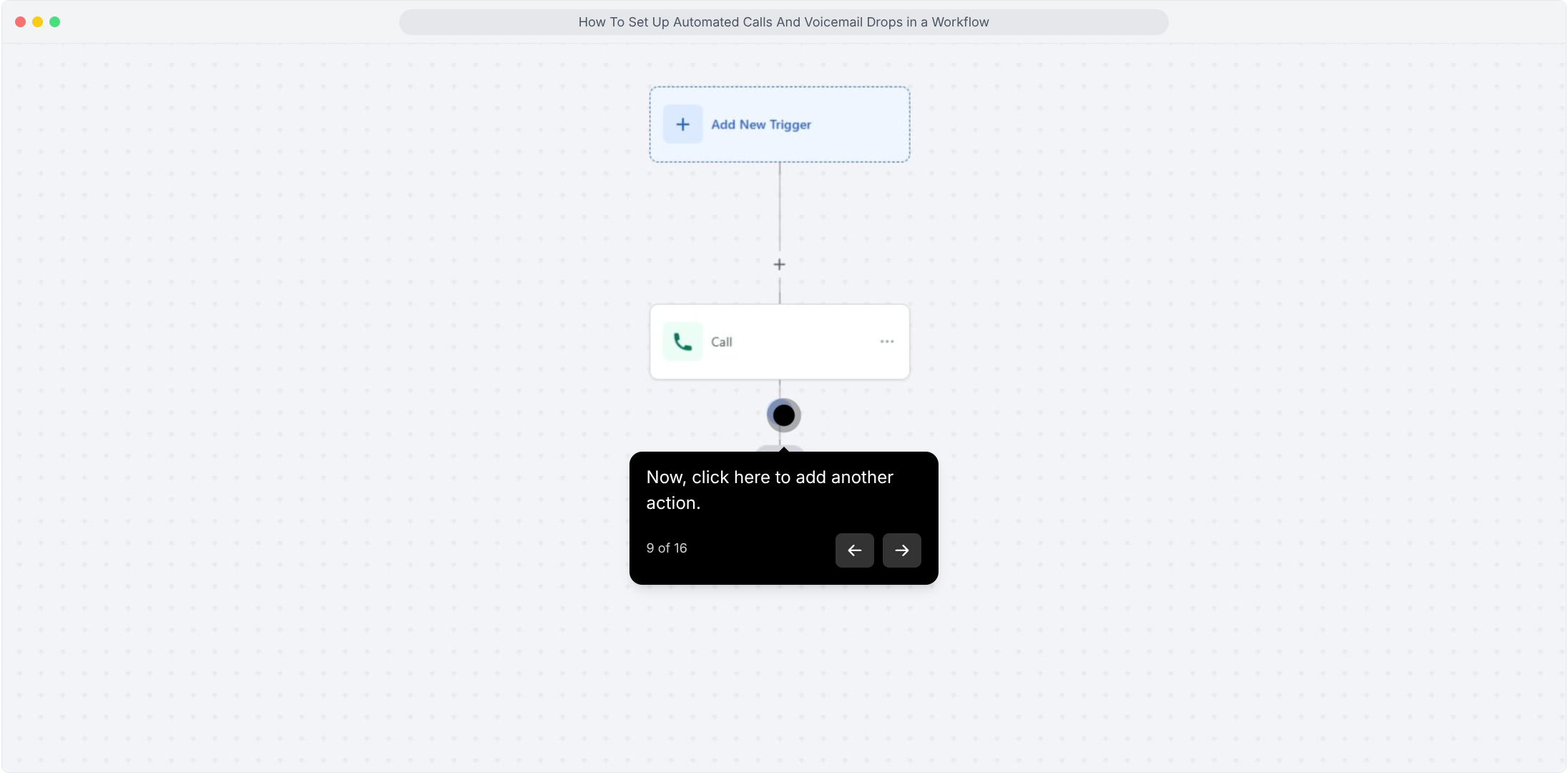
9. Now, click here to add another action.
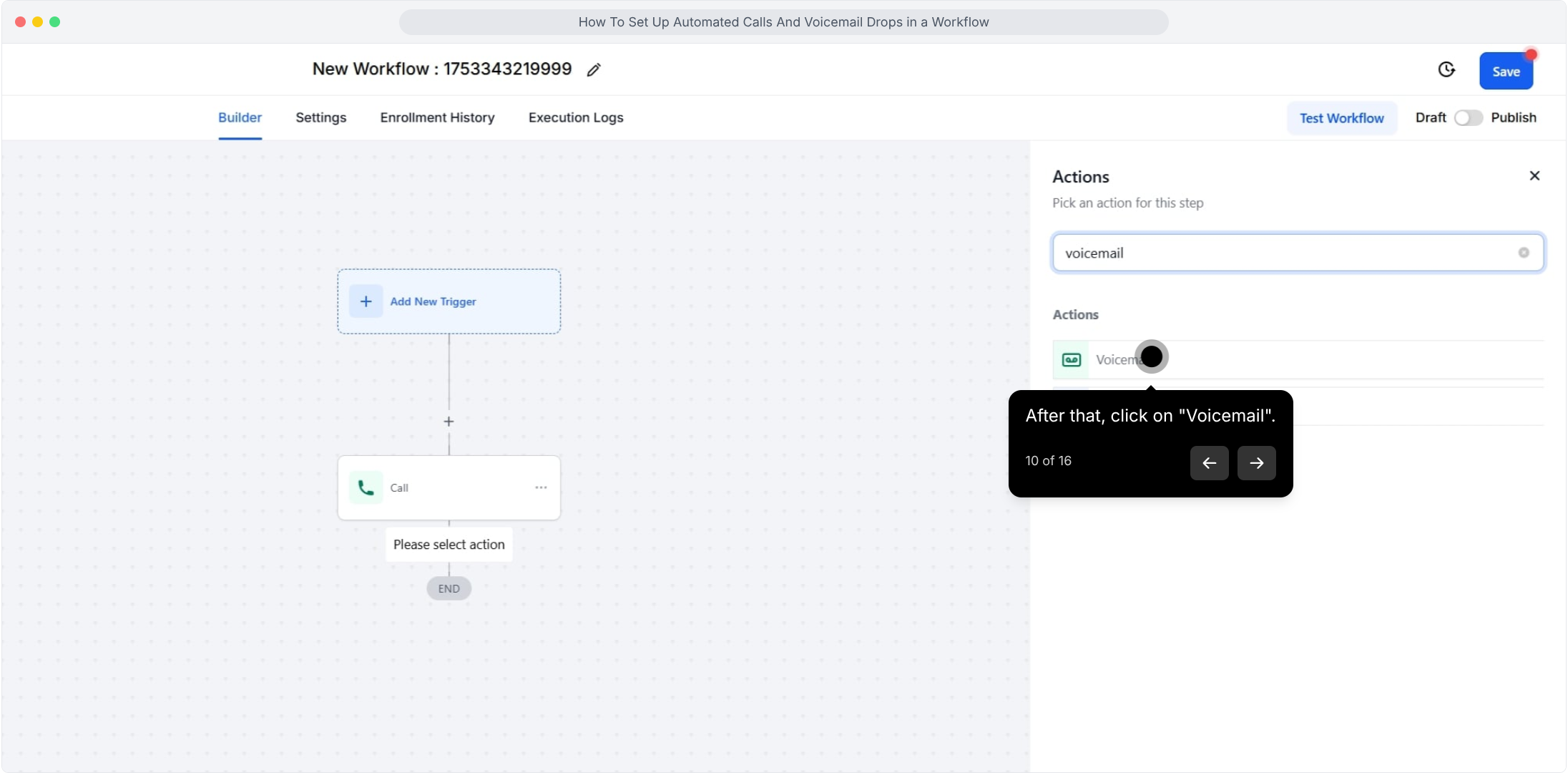
10. After that, click on "Voicemail".
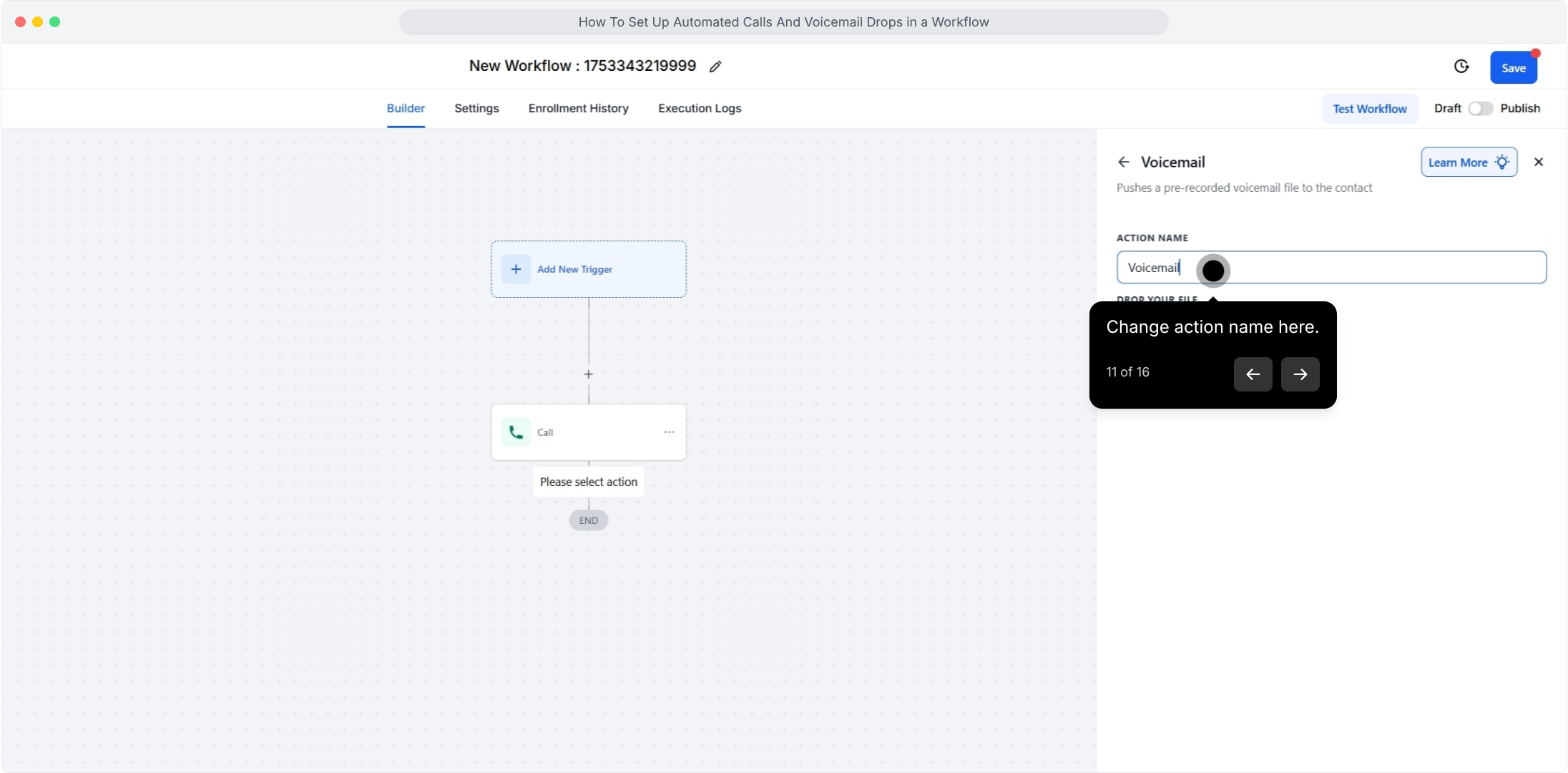
11. Change action name here.
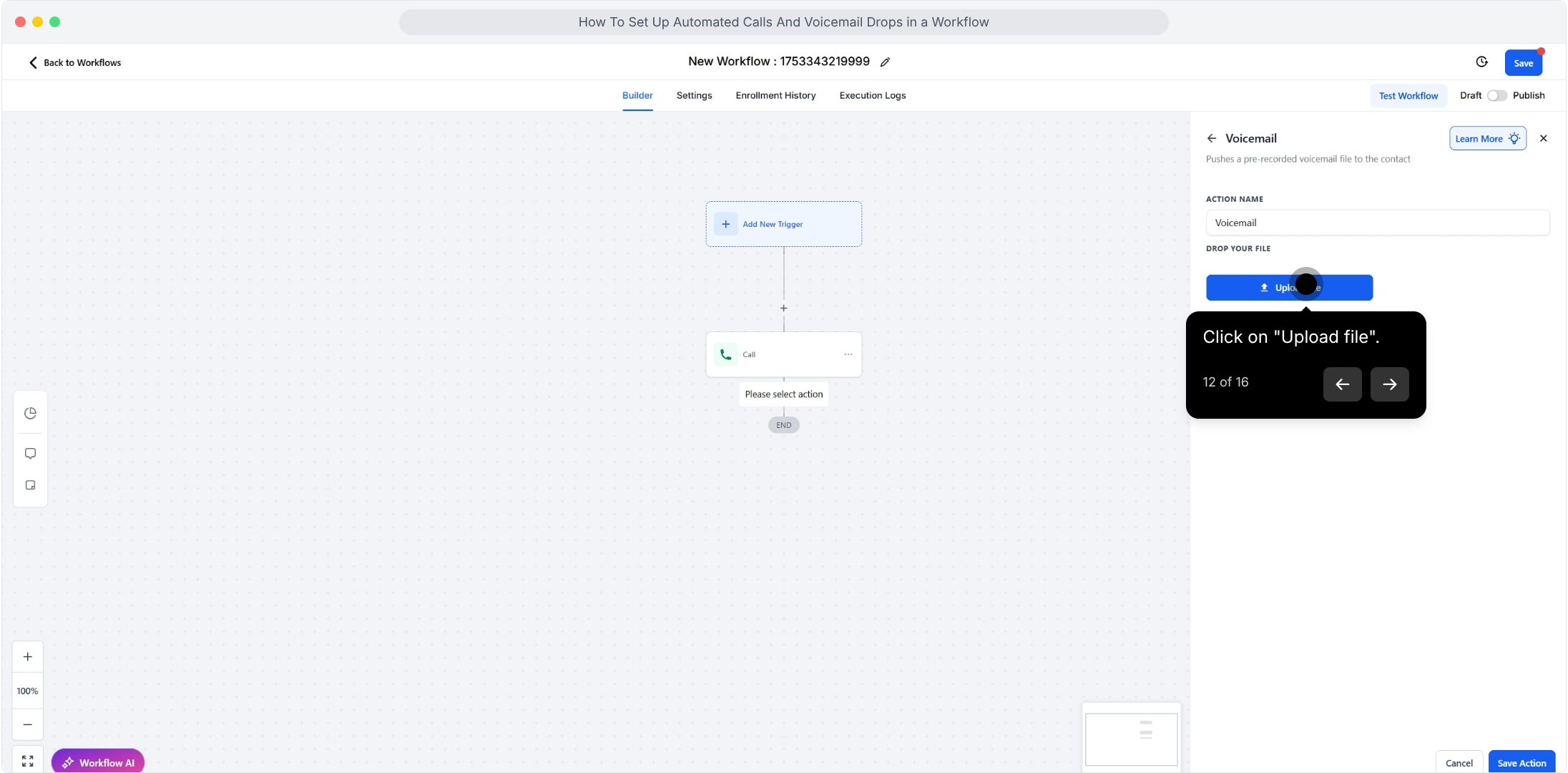
12. Click on "Upload file".
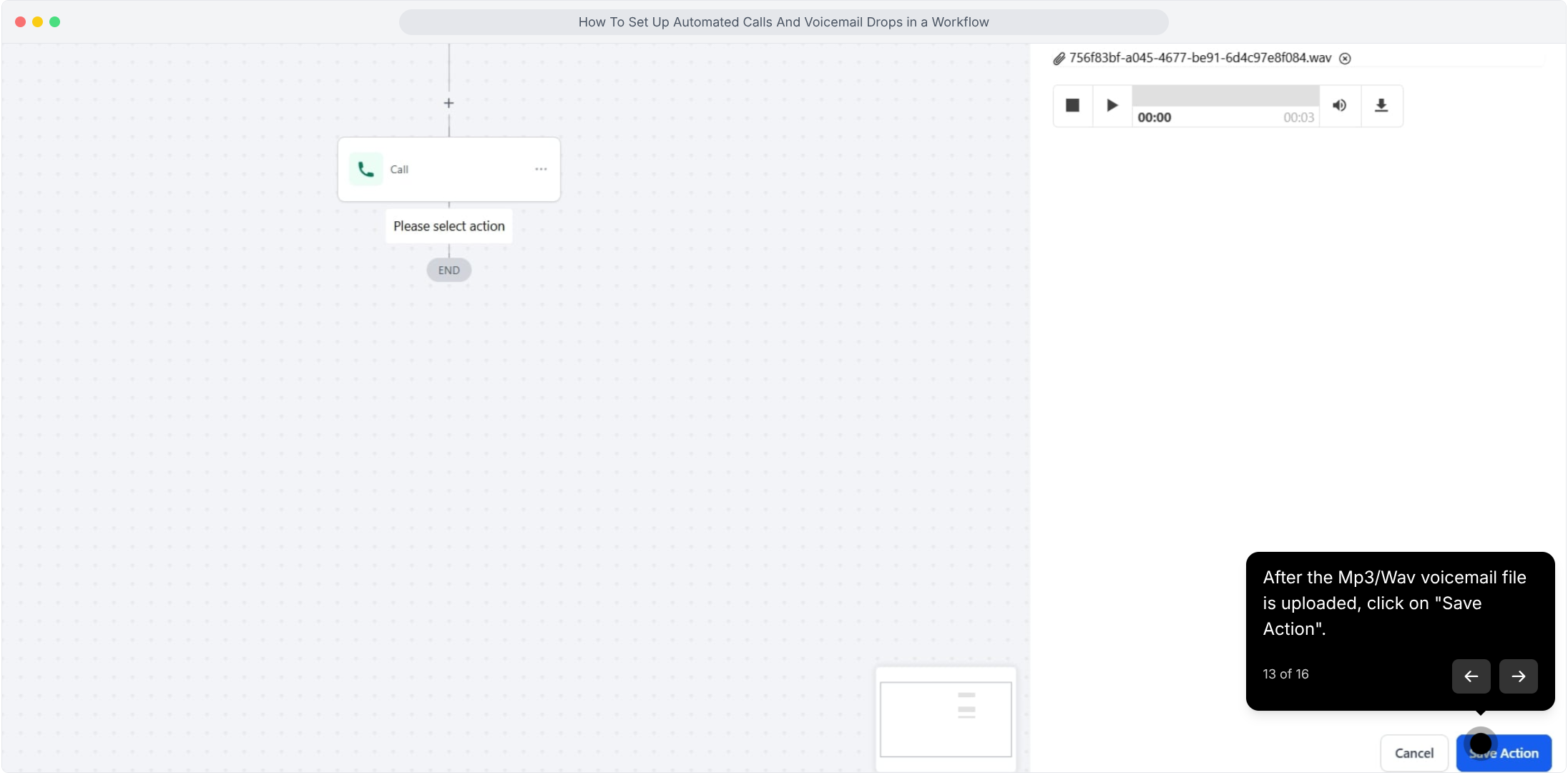
13. After the Mp3/Wav voicemail file is uploaded, click on "Save Action".
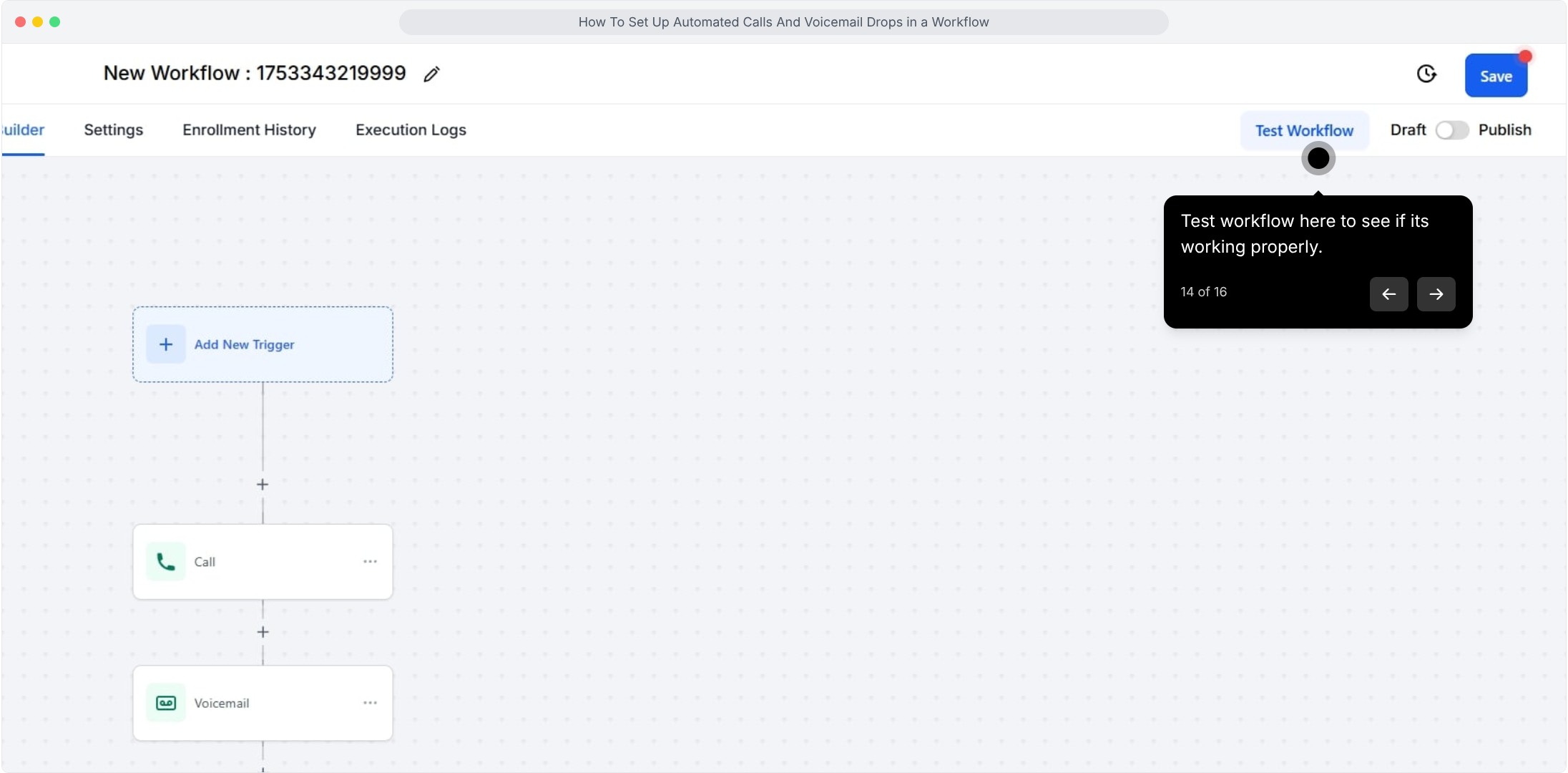
14. Test workflow here to see if its working properly.
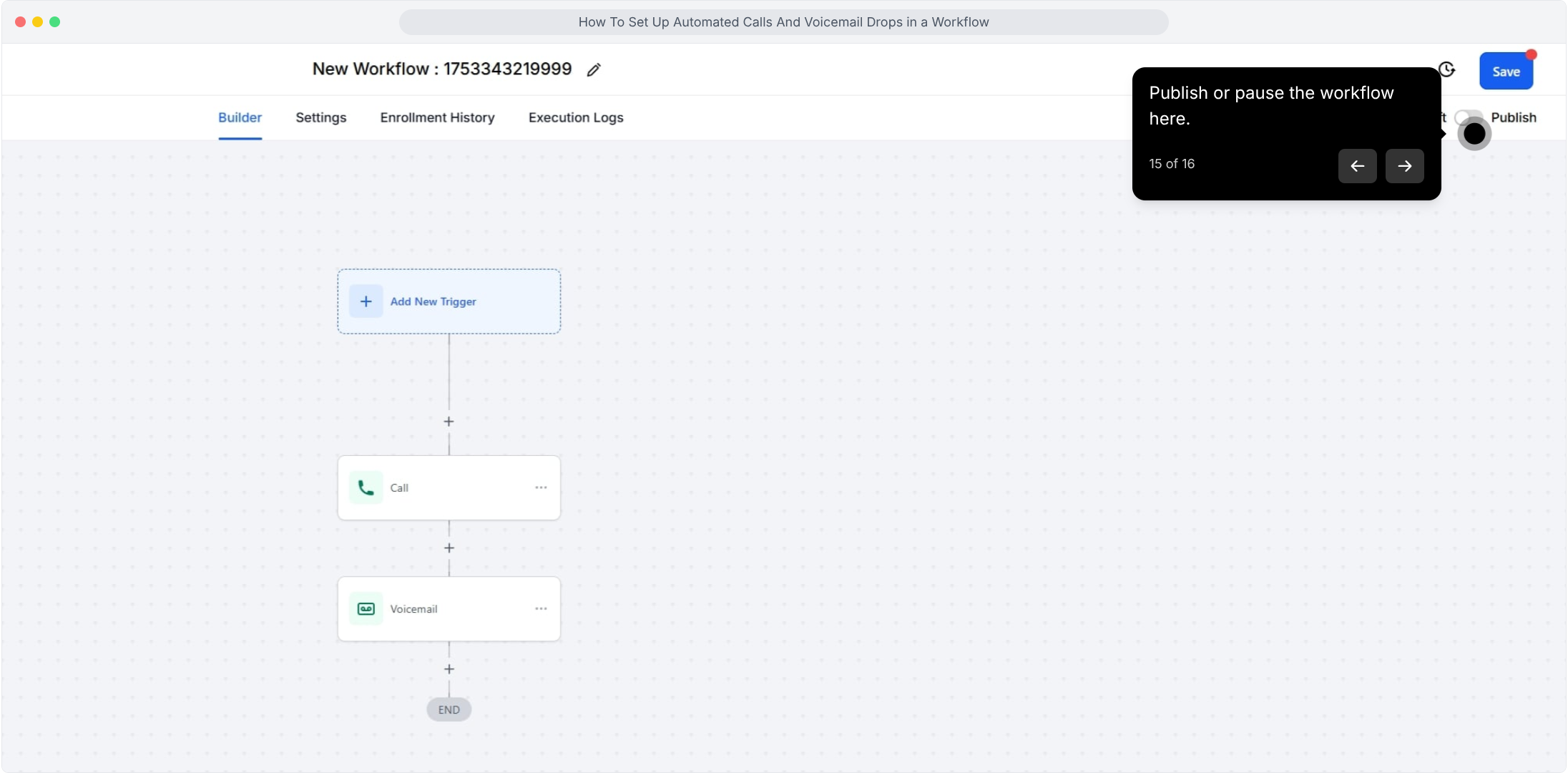
15. Publish or pause the workflow here.
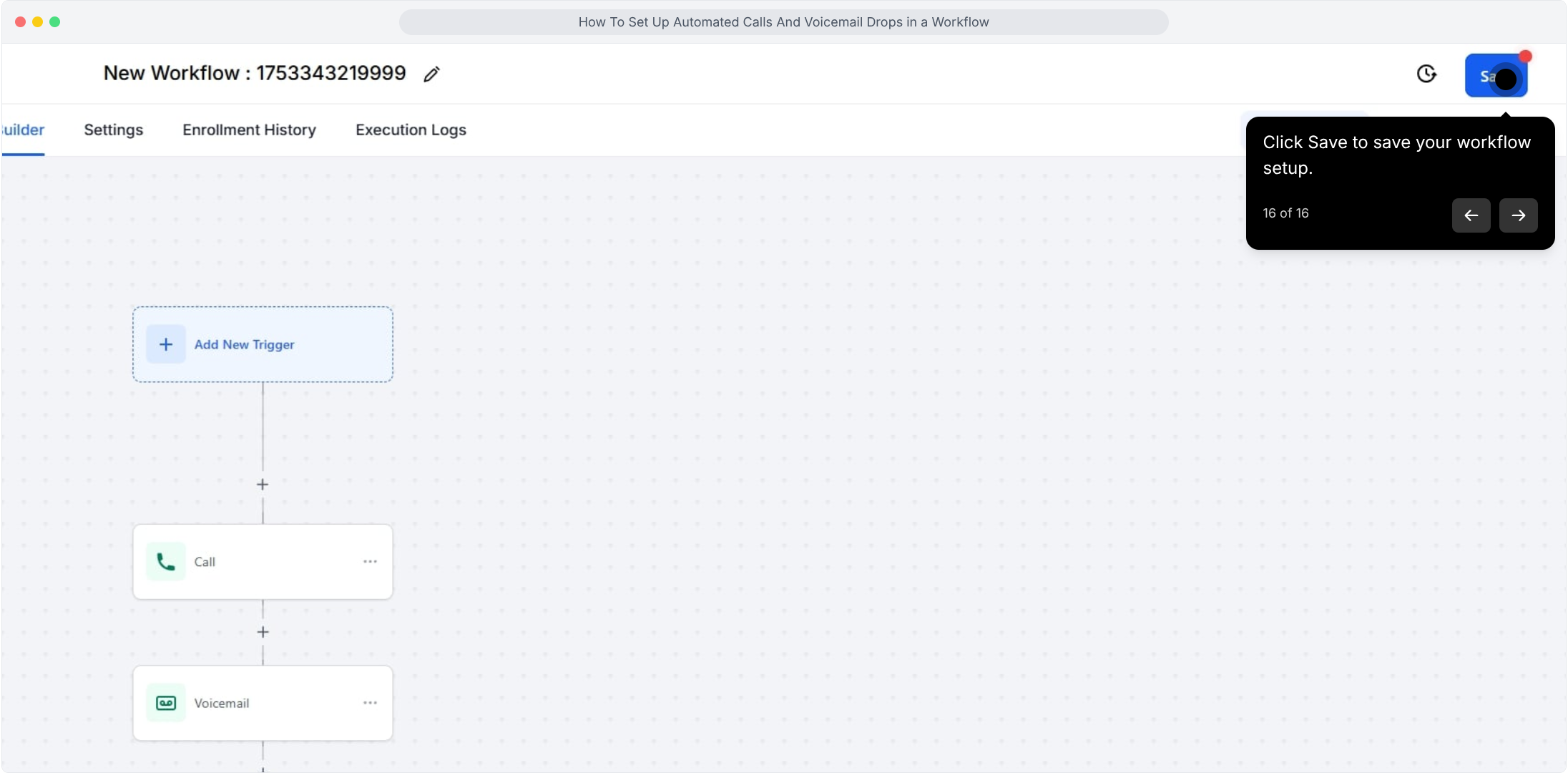
16. Click Save to save your workflow setup.
This workflow was created with Supademo.
Did this answer your question?
😞
😐
😁
How To Set Up Automated Calls And Voicemail Drops in a Workflow | Pest AI