The Twilio Validation Error trigger functions based on the Twilio Lookup response before sending an SMS or making a call. For this feature to operate, Number Validation must be enabled in the Agency Twilio Settings.
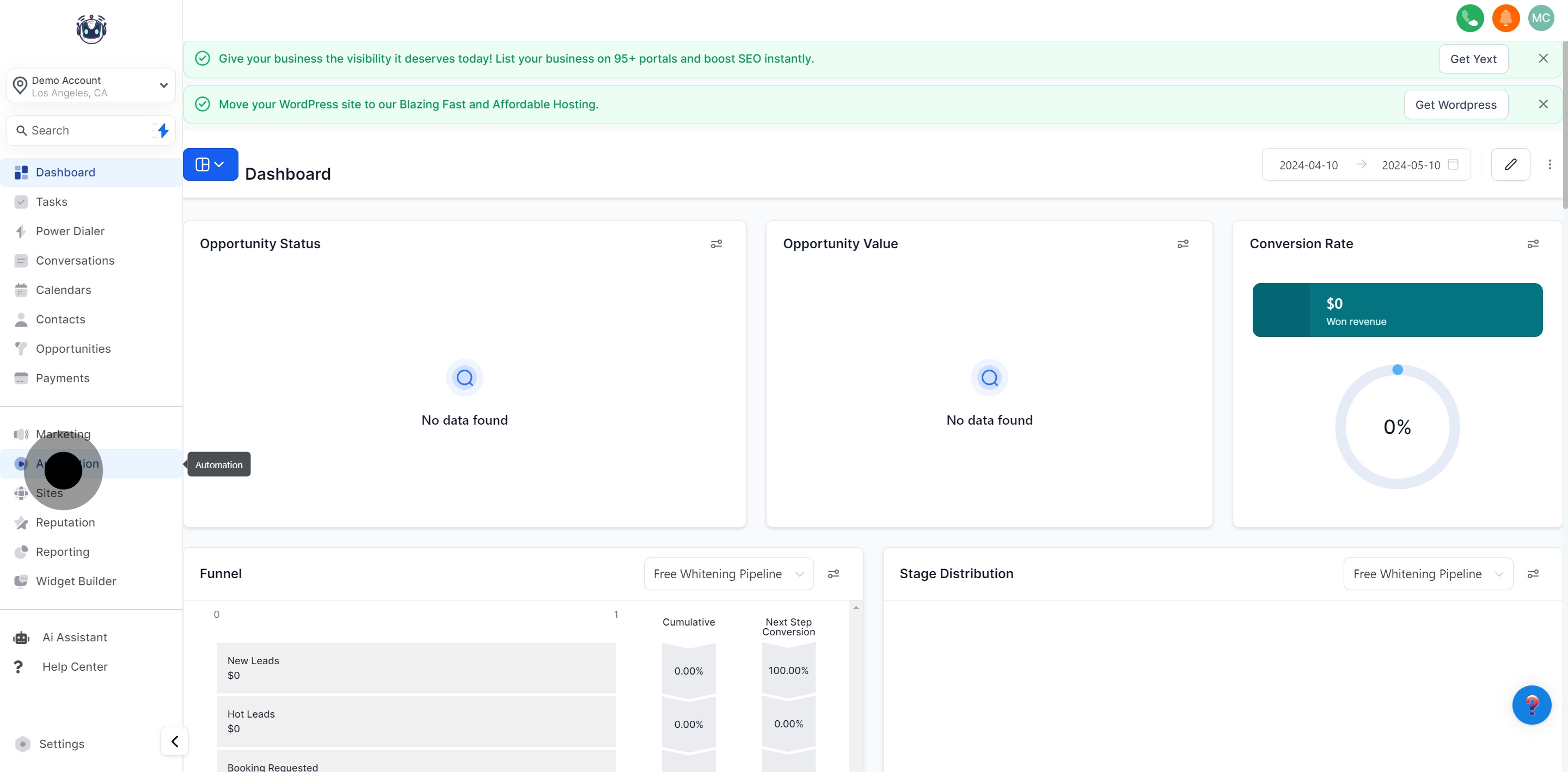
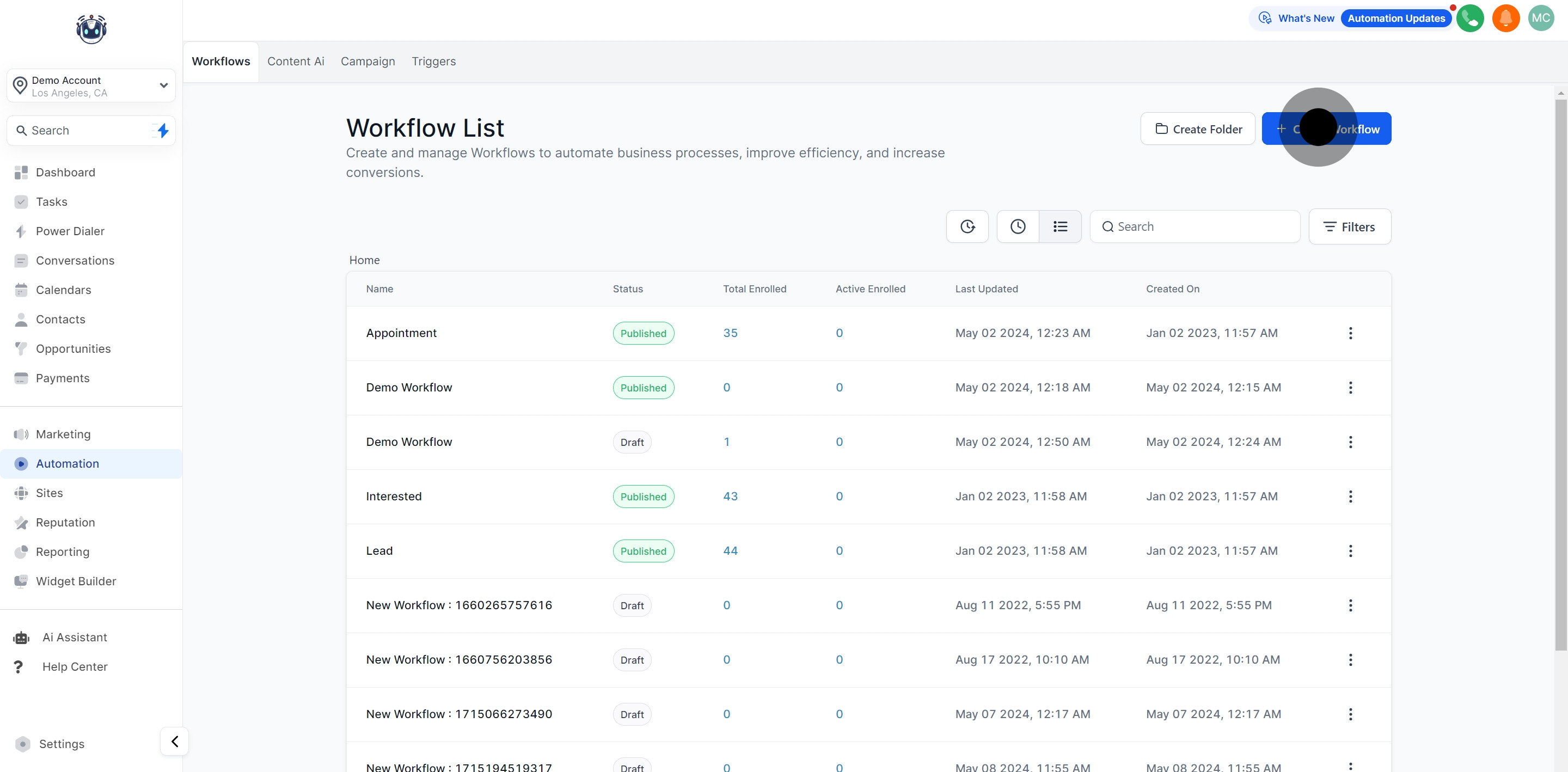
1. Click on the 'Automation' tab to begin.

2. Prepare to create a new Workflow for your setup.

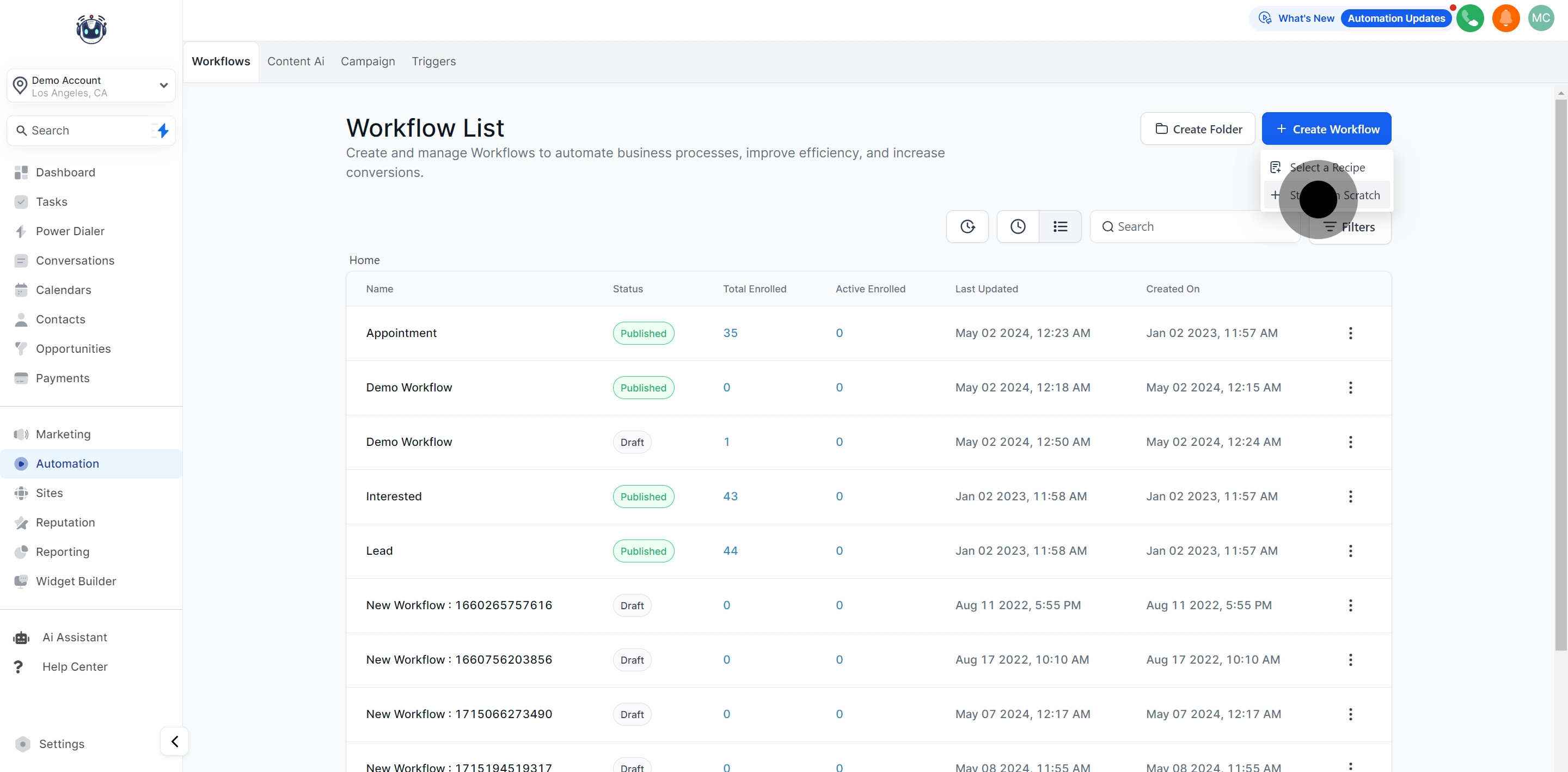
3. Opt for a fresh start by selecting 'Start from Scratch'.

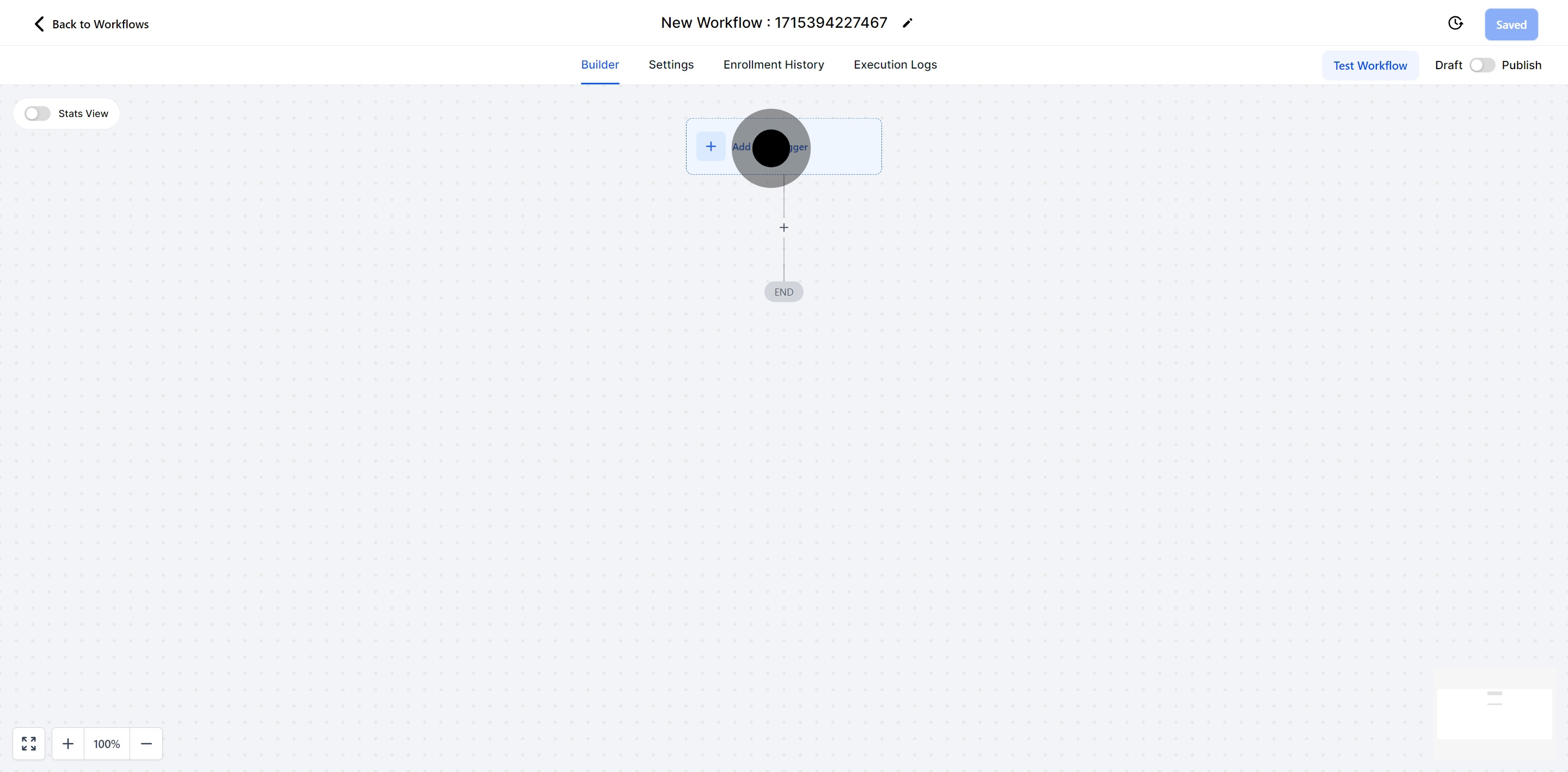
4. Initiate your configuration; click 'Add New Trigger'.

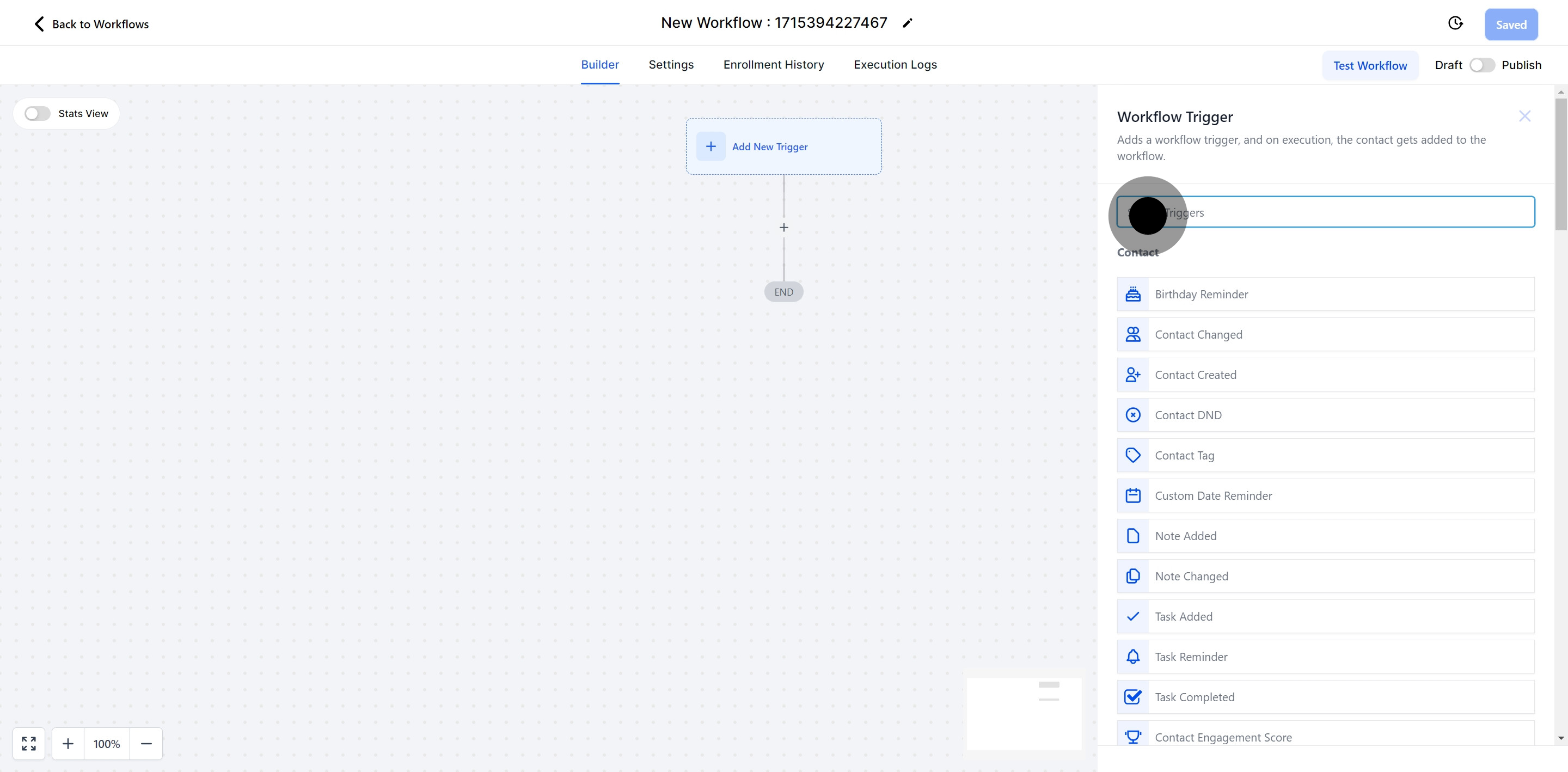
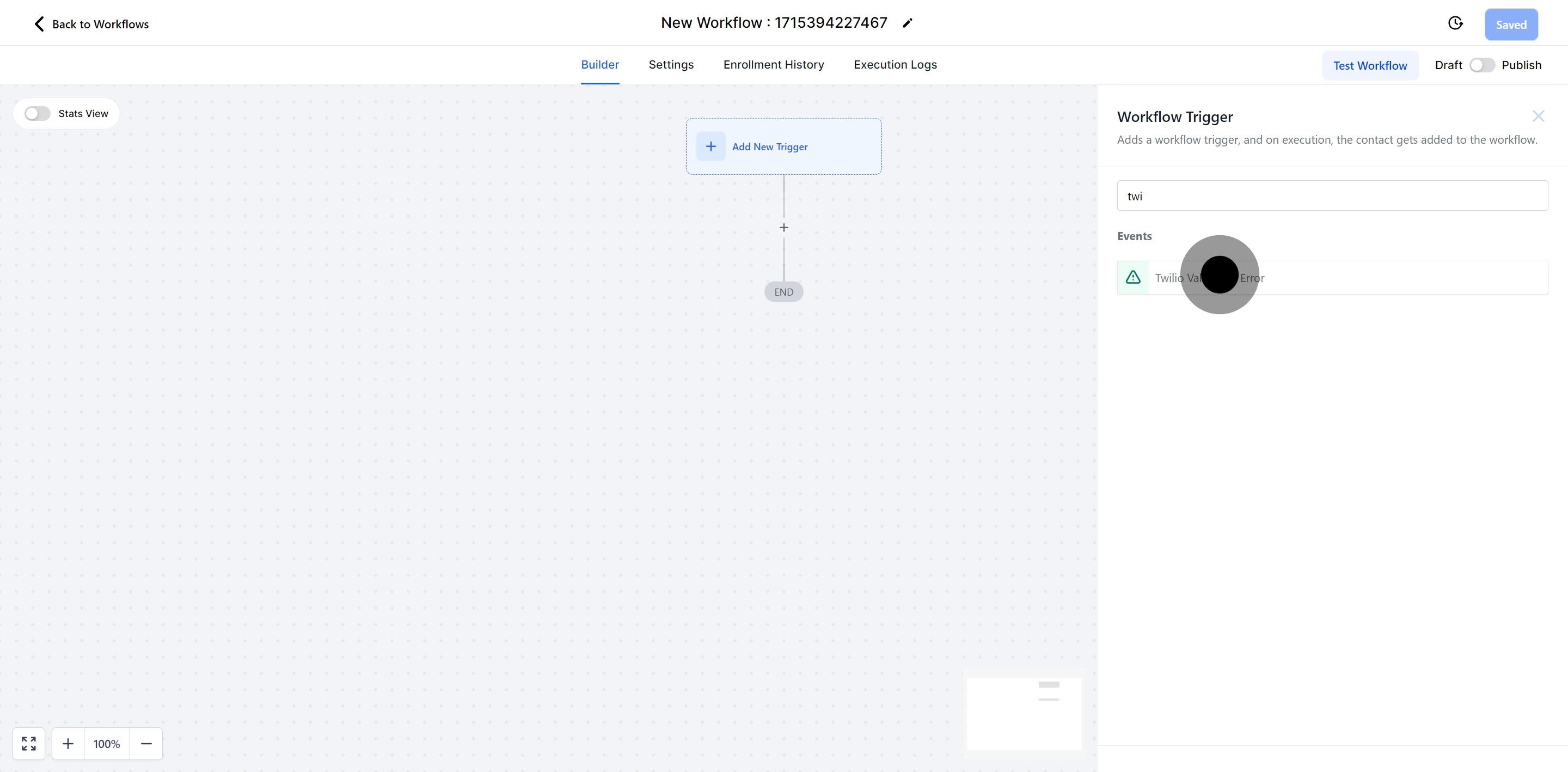
5. Key in your workflow criteria in the search bar for easy location.

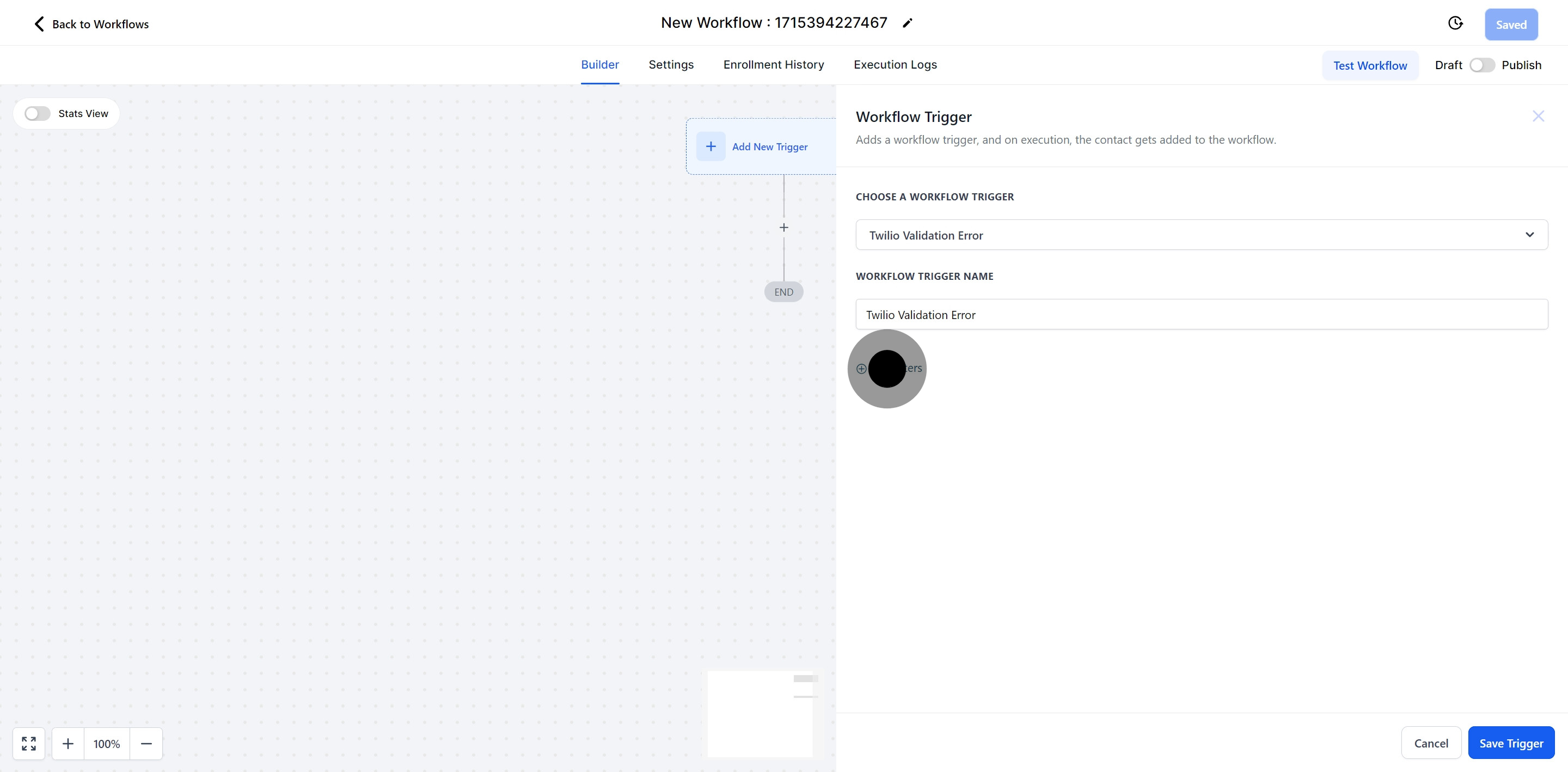
6. Navigate to 'Twilio Validation Error' from the choices shown.

7. To elevate your workflow, click on the 'Add filters' feature.

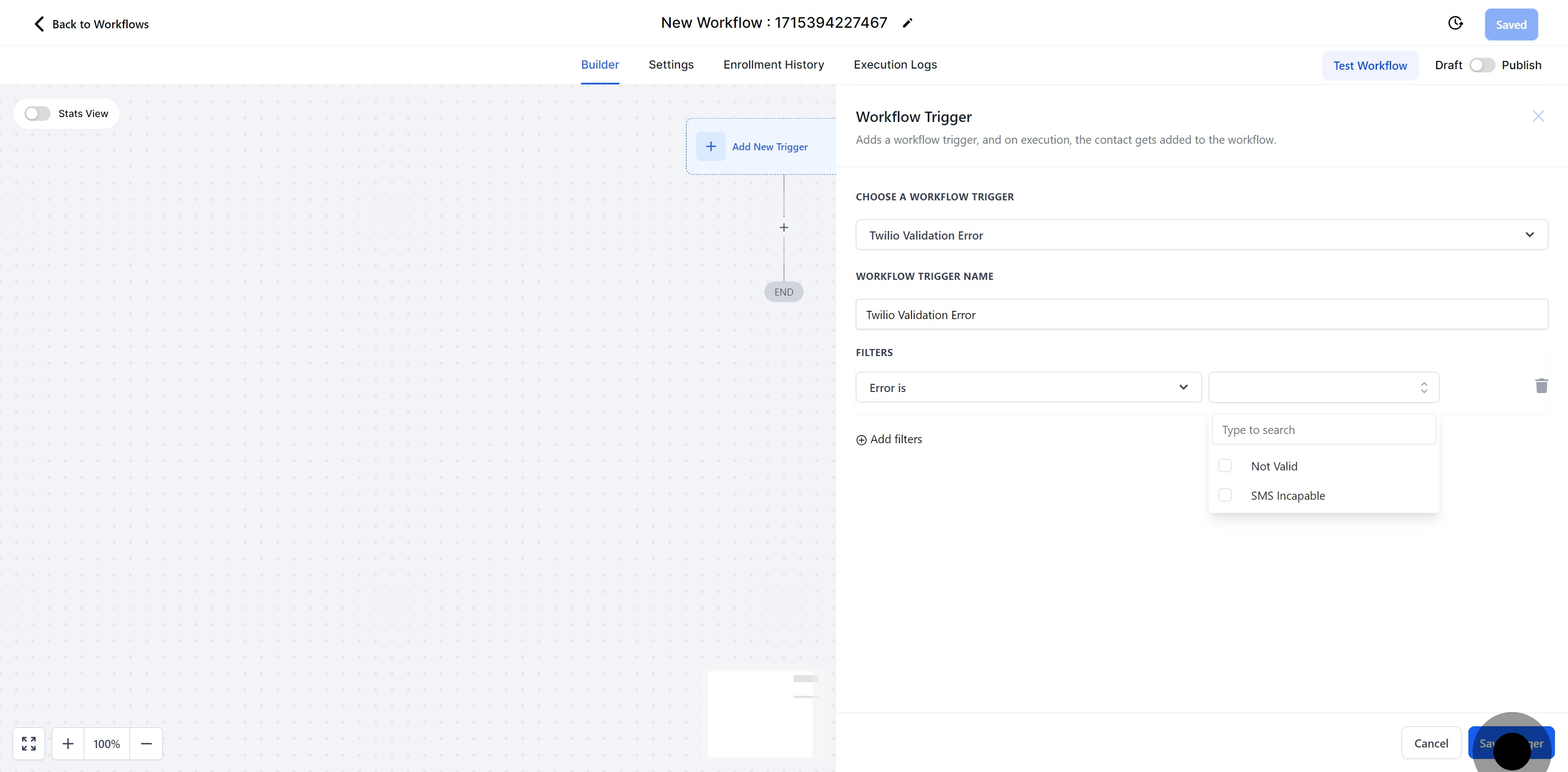
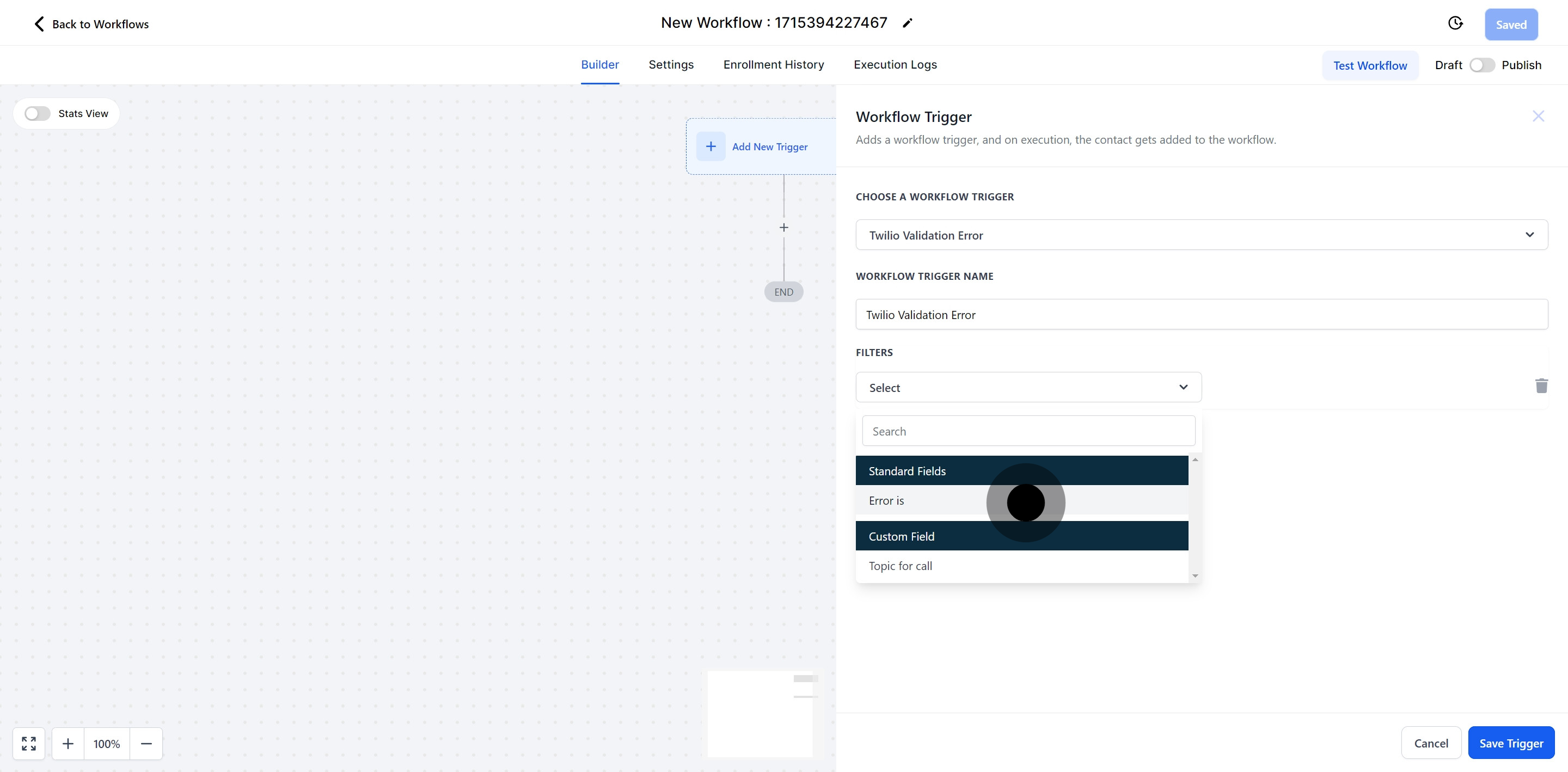
8. Your filter selection should be 'Error is'; go on and select that.
This filter allows you to separate numbers that can receive text messages from those that are invalid. As a result, you can remove landline numbers from your SMS campaigns and completely exclude invalid numbers.
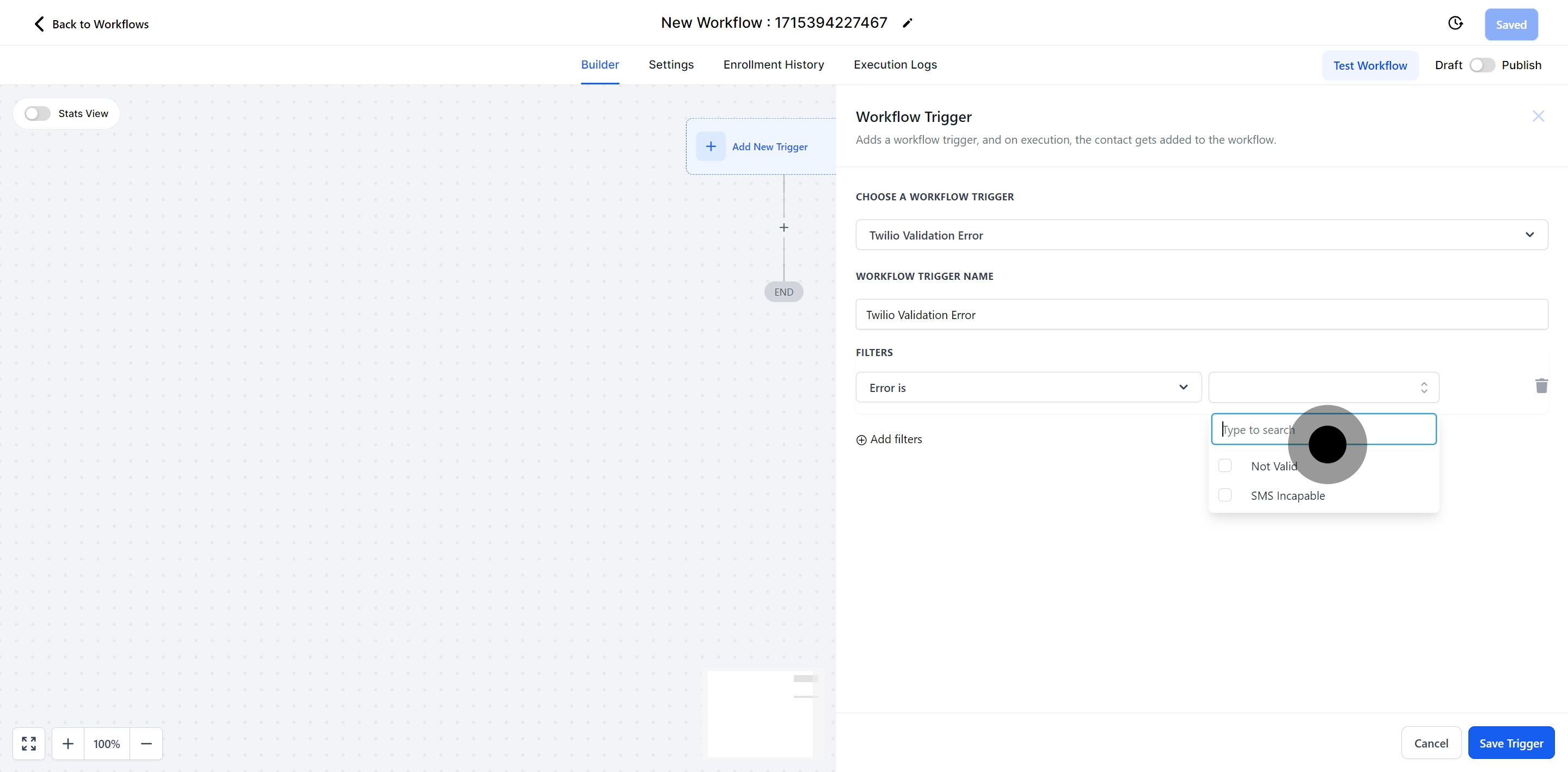
9. Specify what 'Error Is' in the text box that appears.

10. To complete the process, hit the 'Save Trigger' button.