This trigger is used to initiate one or more actions following the creation of a task in the system. You also have the option to add more filters to tailor actions to specific task criteria.
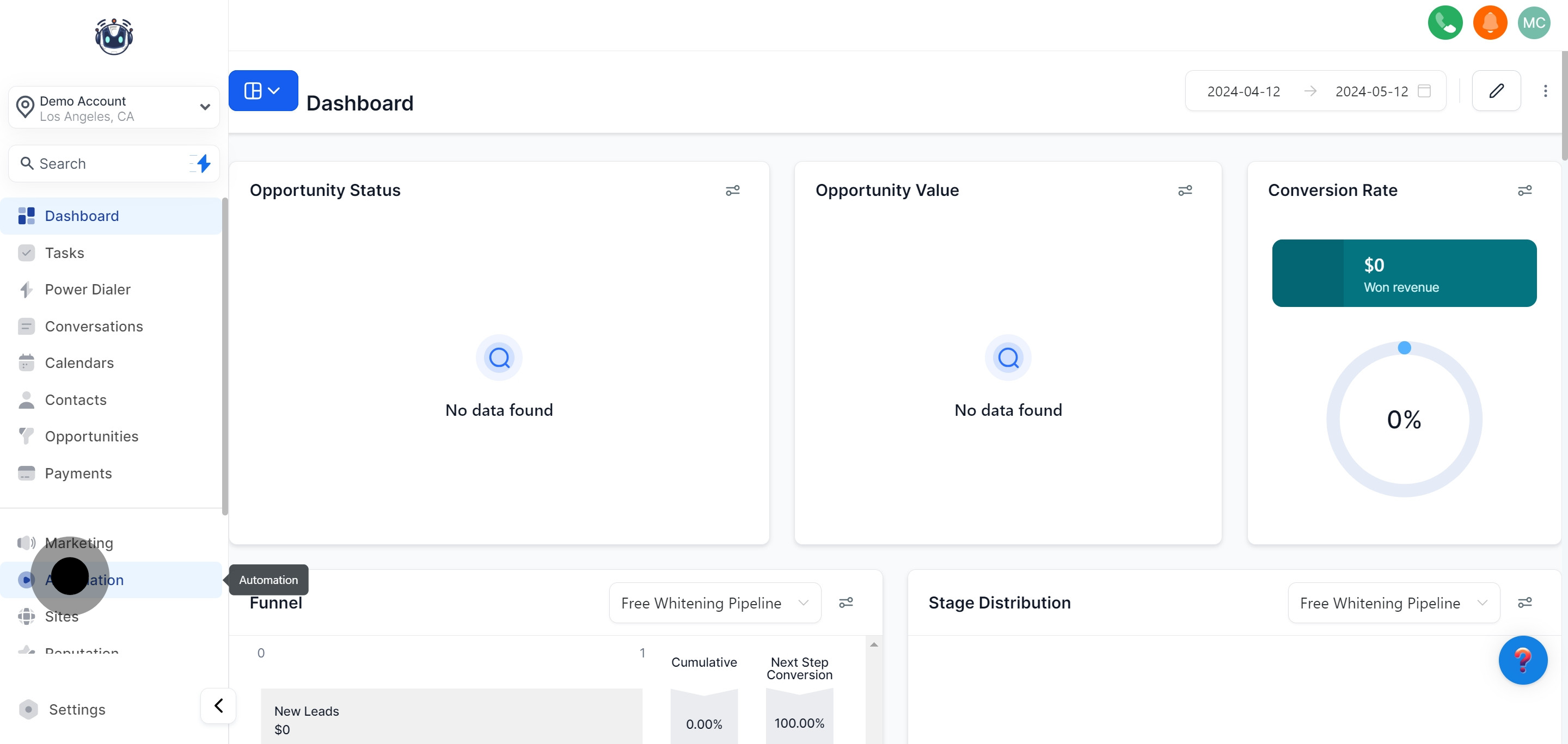
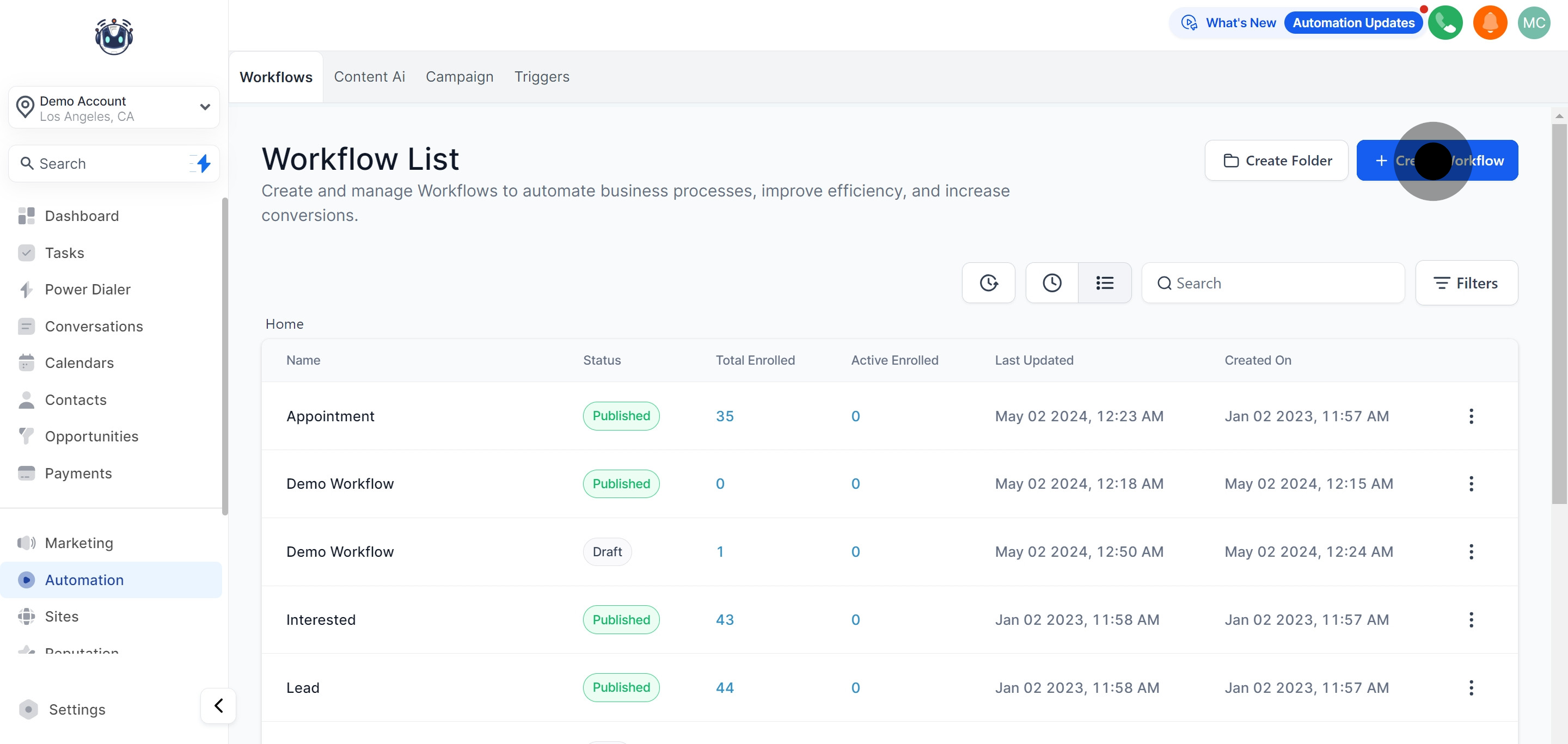
1. Get started by selecting the 'Automation' option.

2. Initiate a new workflow by choosing 'Create Workflow'.

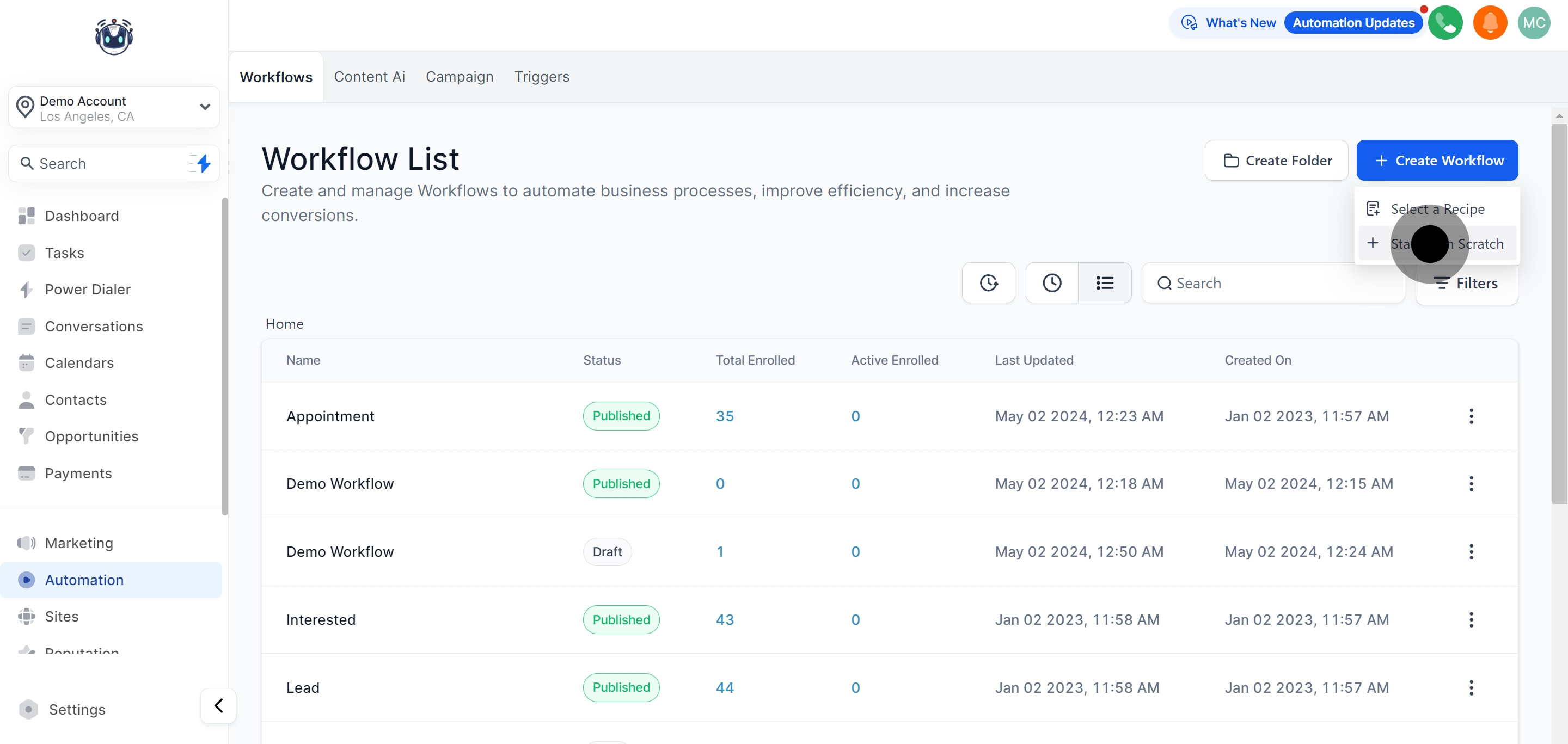
3. Now, opt for 'Start from Scratch' to begin your project.

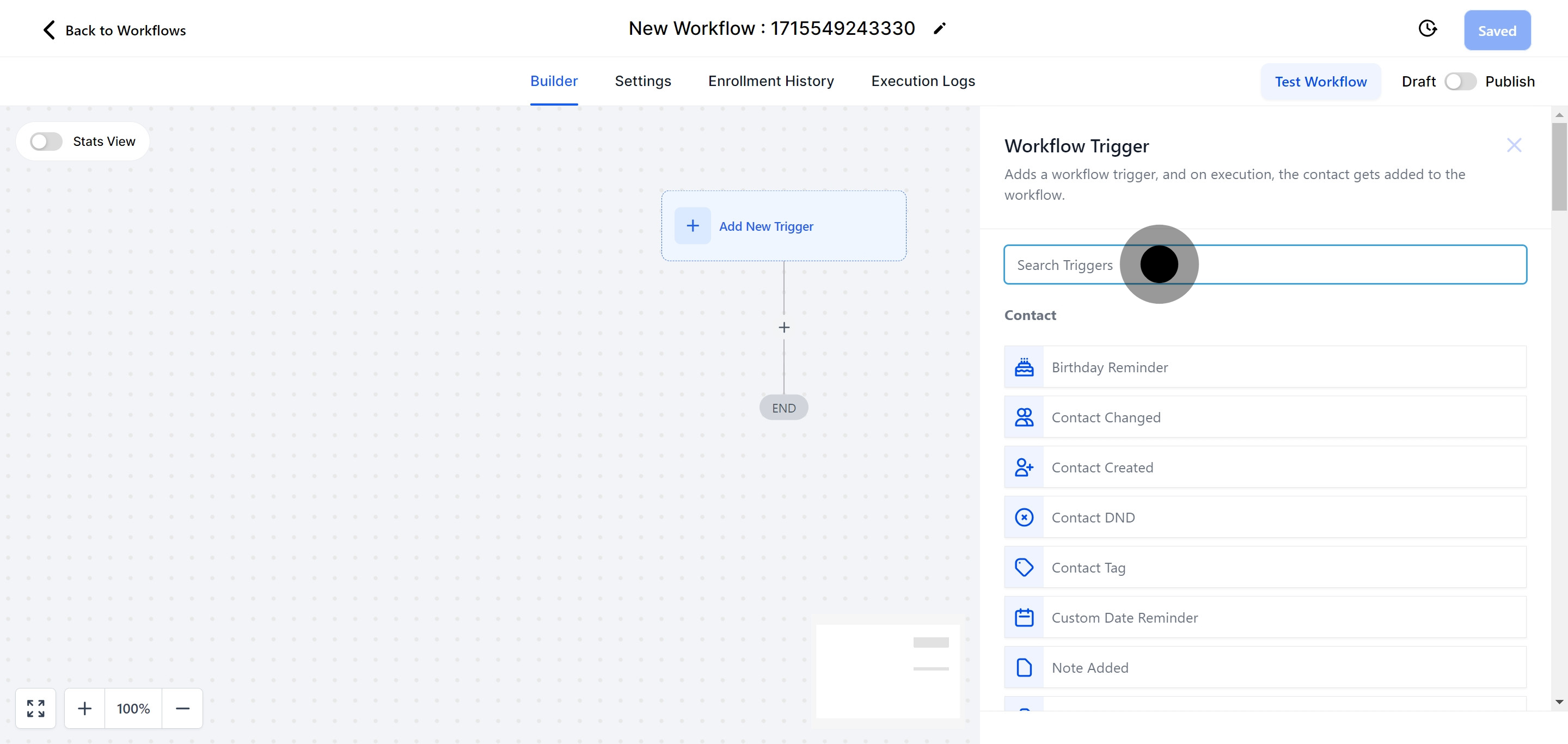
4. Use the search bar to swiftly find the workflow trigger you need.

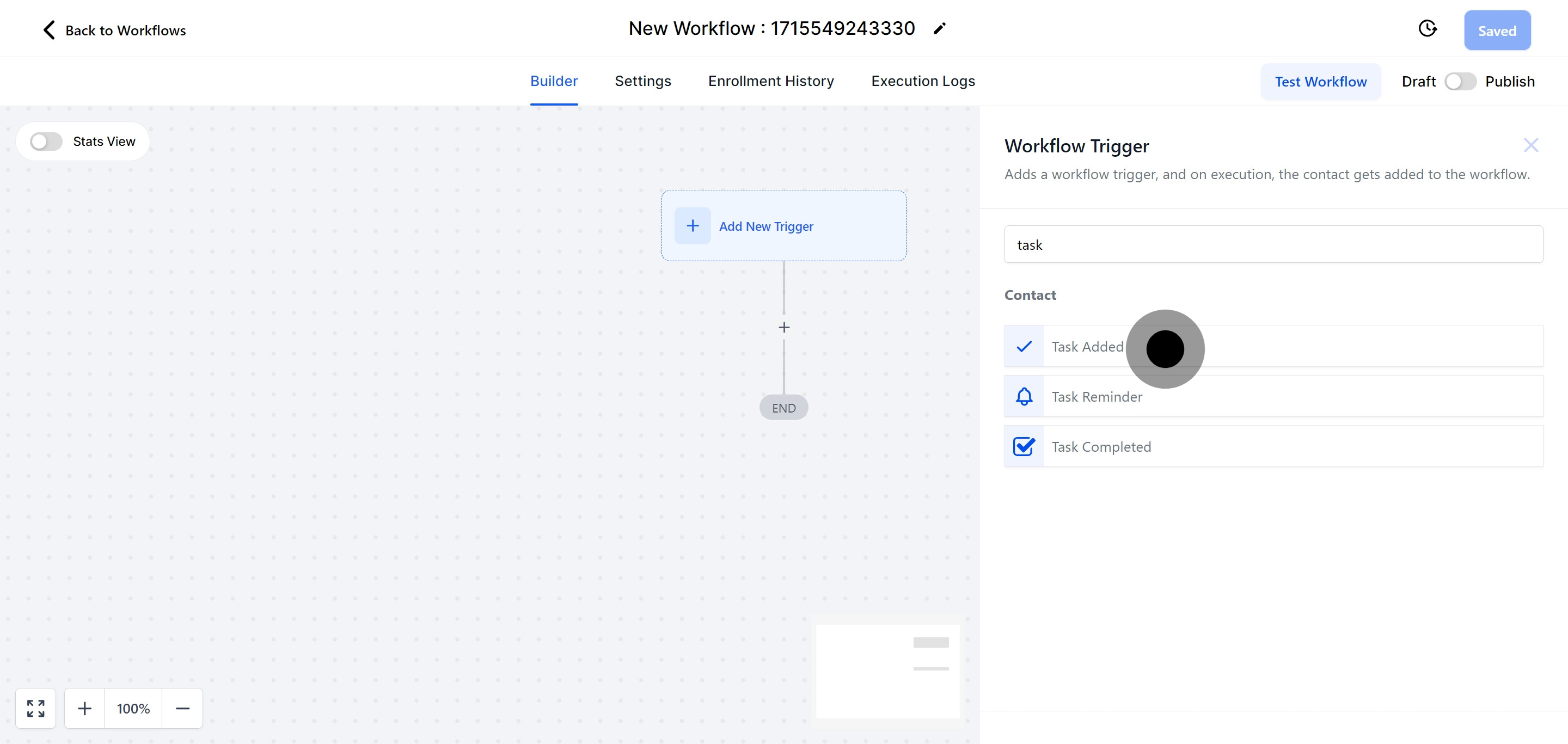
5. Proceed by selecting 'Task Added'.
This trigger activates whenever a task is created in the system, prompting one or multiple actions to be executed immediately.
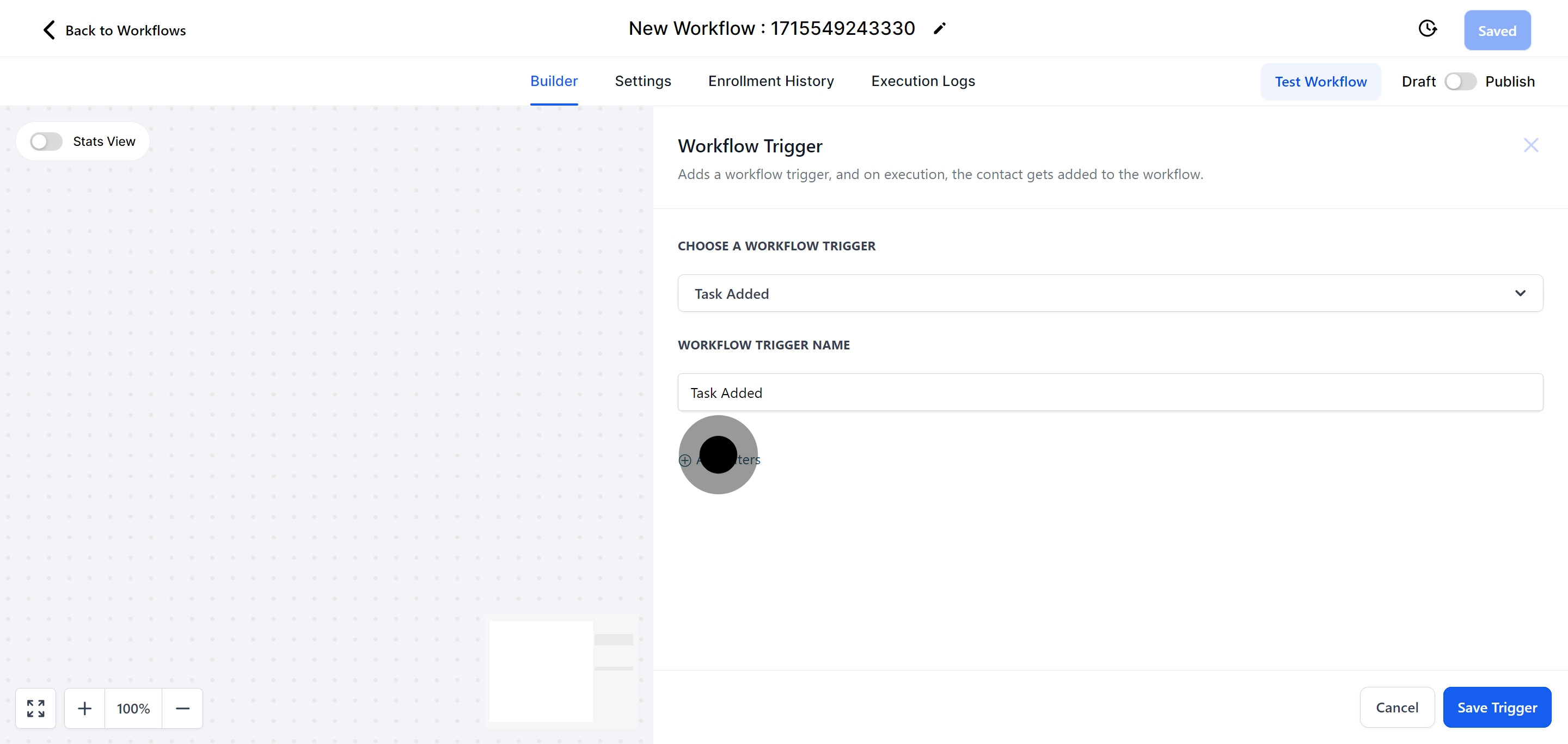
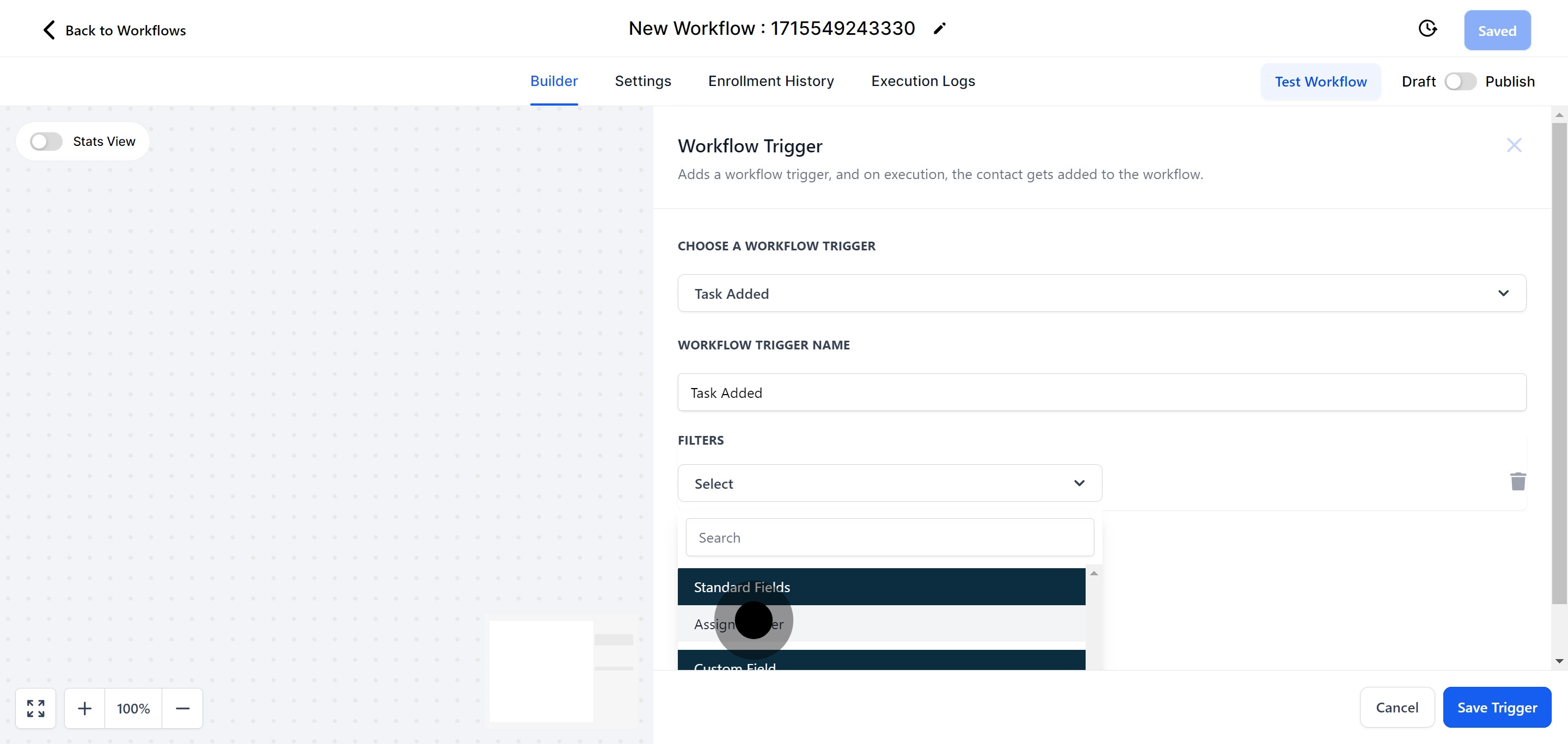
6. For more specific actions, you may wish to Add filters.

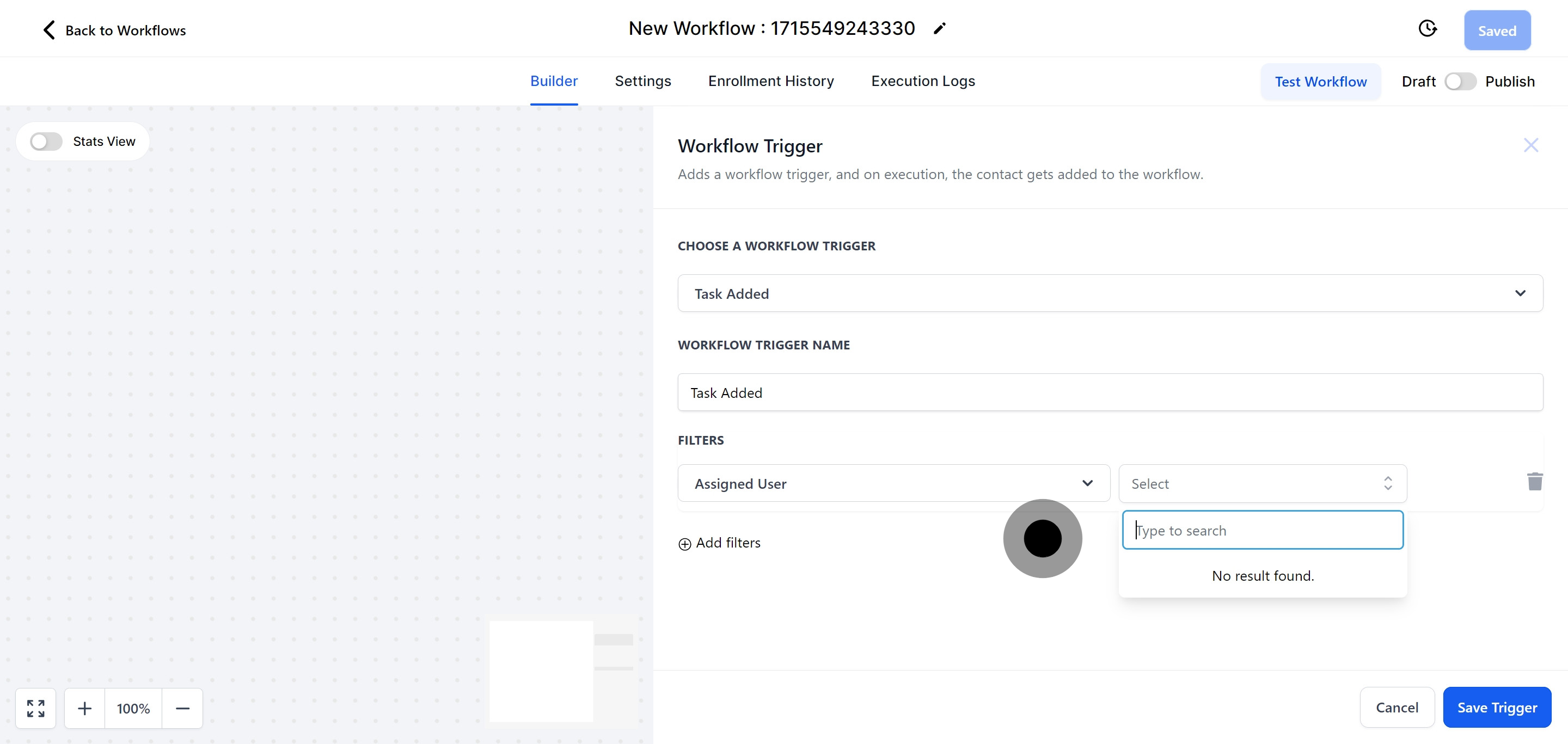
7. Apply the Assigned User filter to customize your project.

8. Complete the 'Assigned User' section.
The "Assign To User" trigger allows you to automatically allocate a contact to a user based on specified conditions.
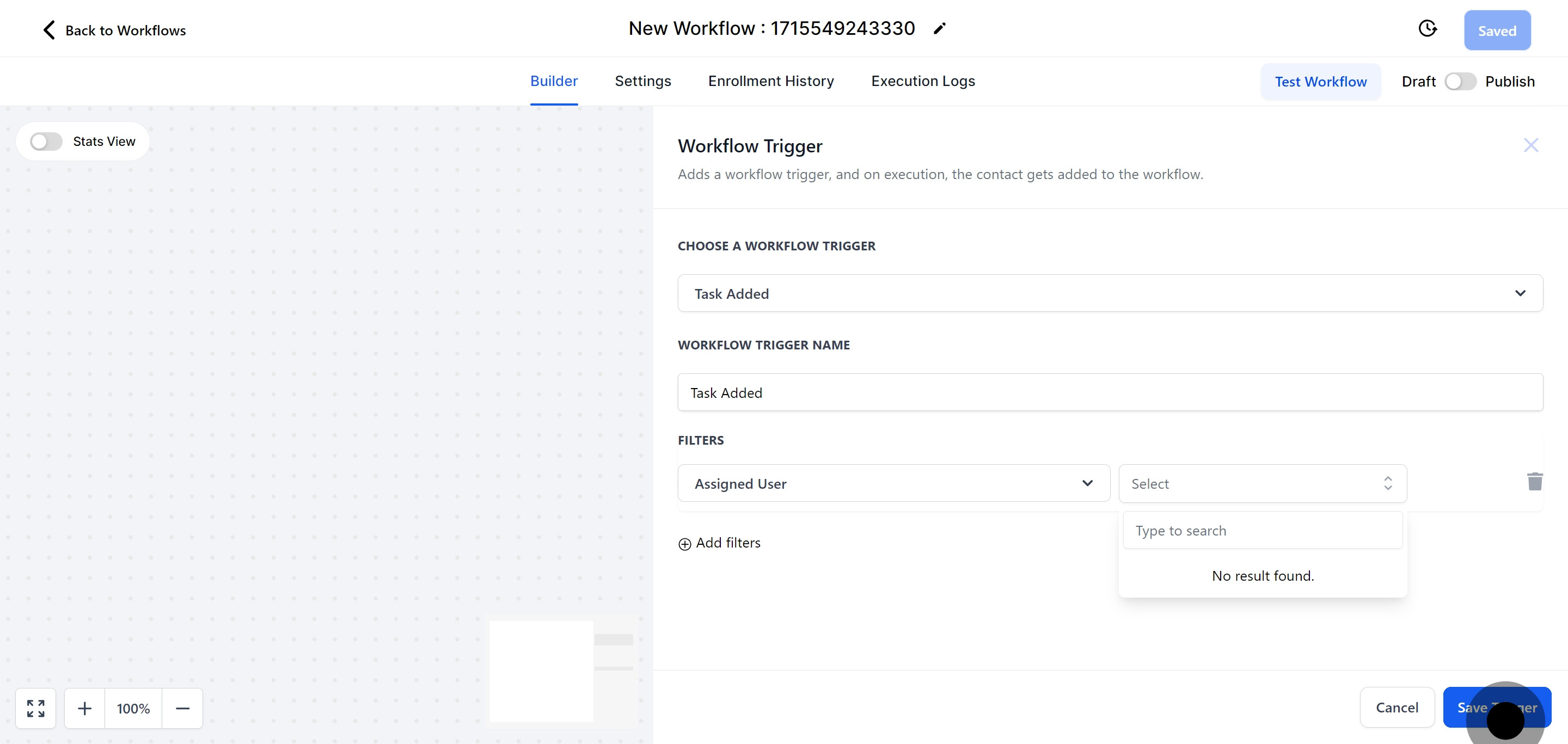
9. Seal your settings by hitting Save Trigger.