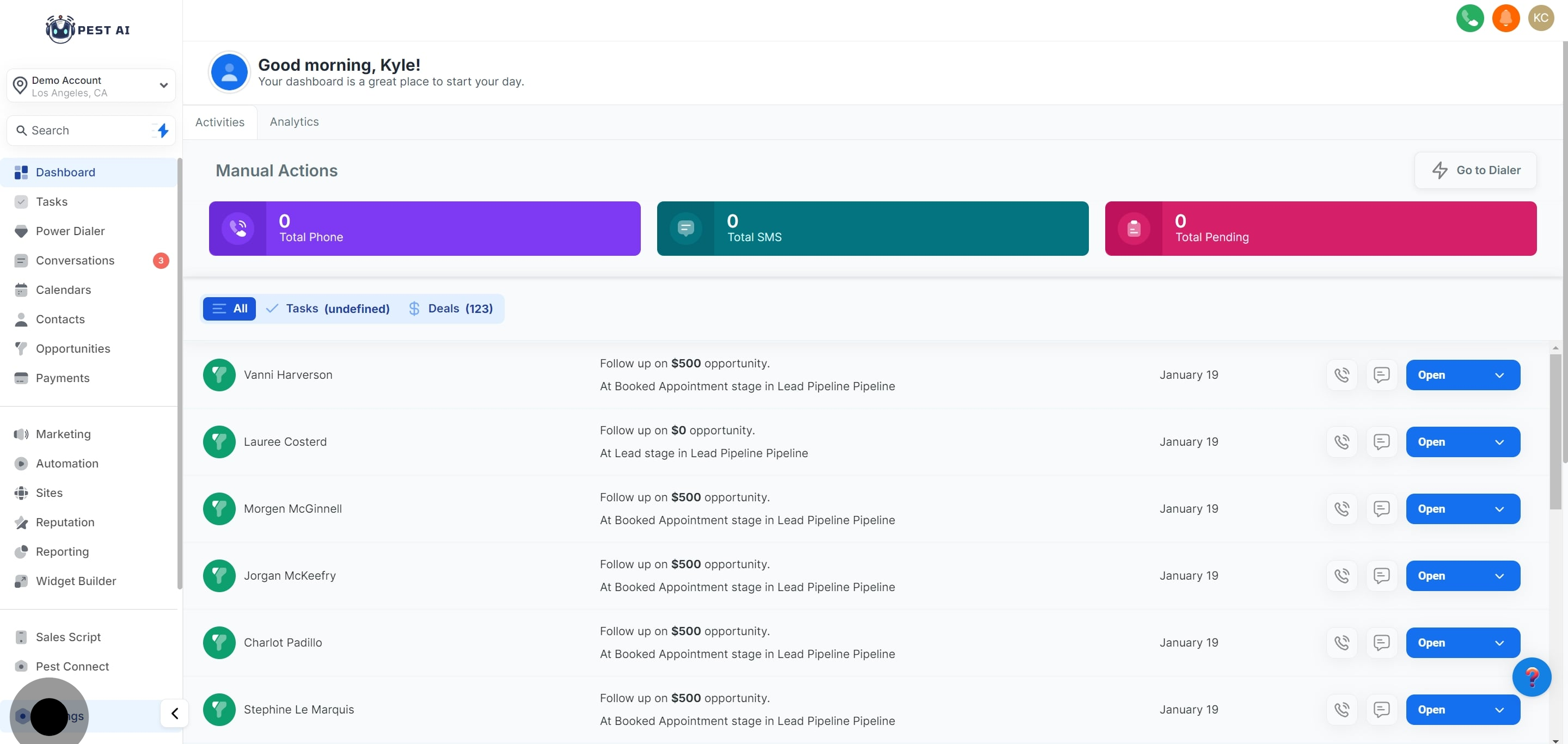
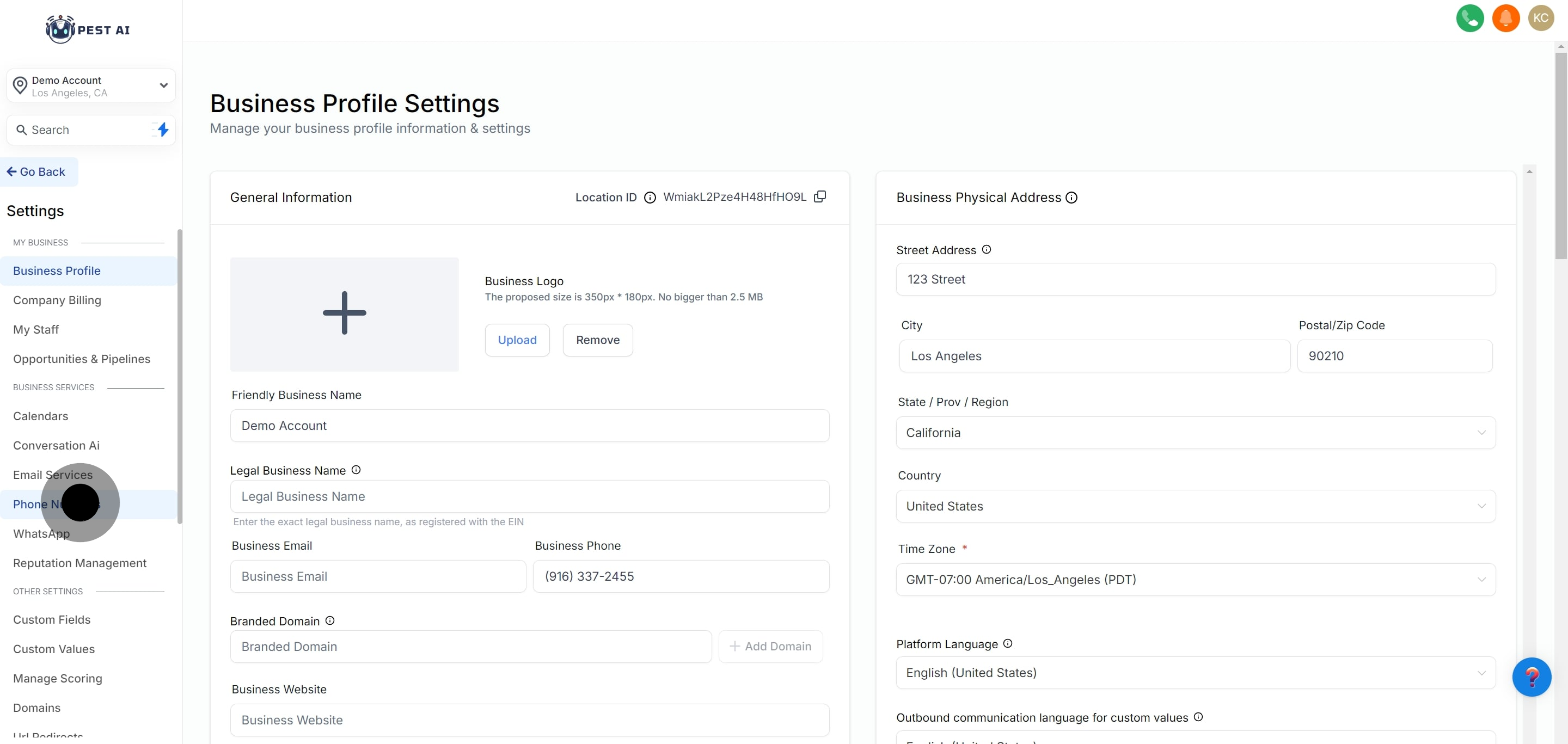
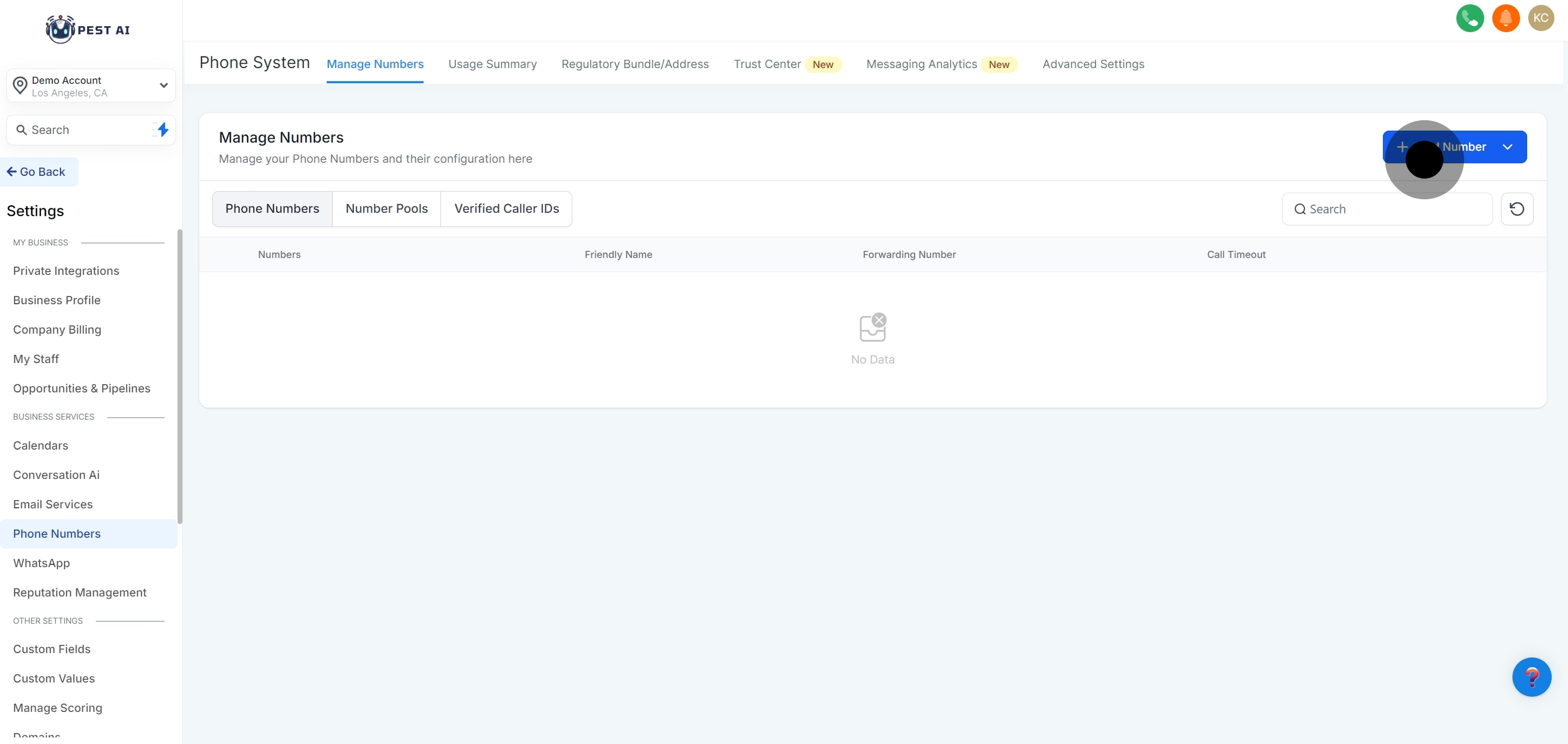
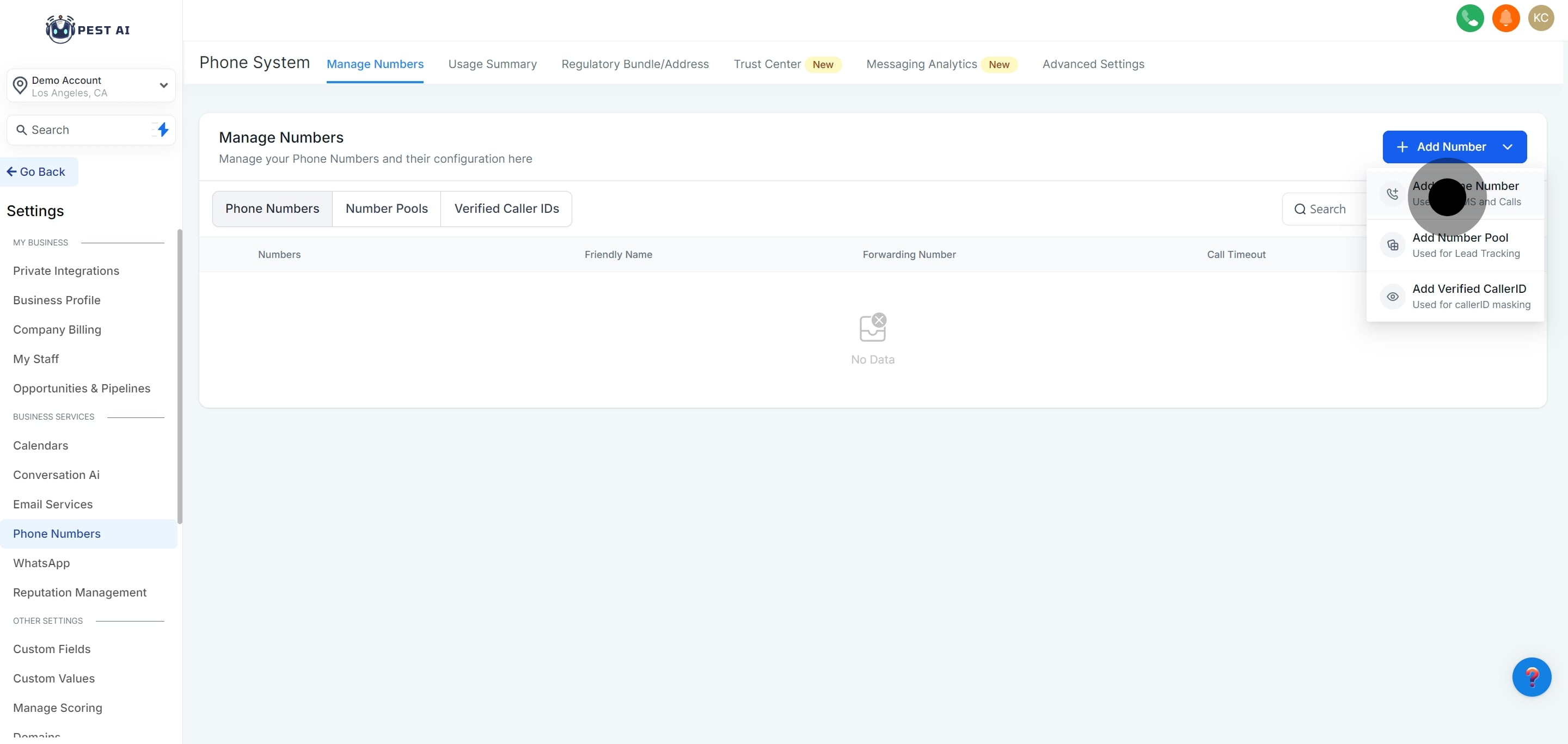
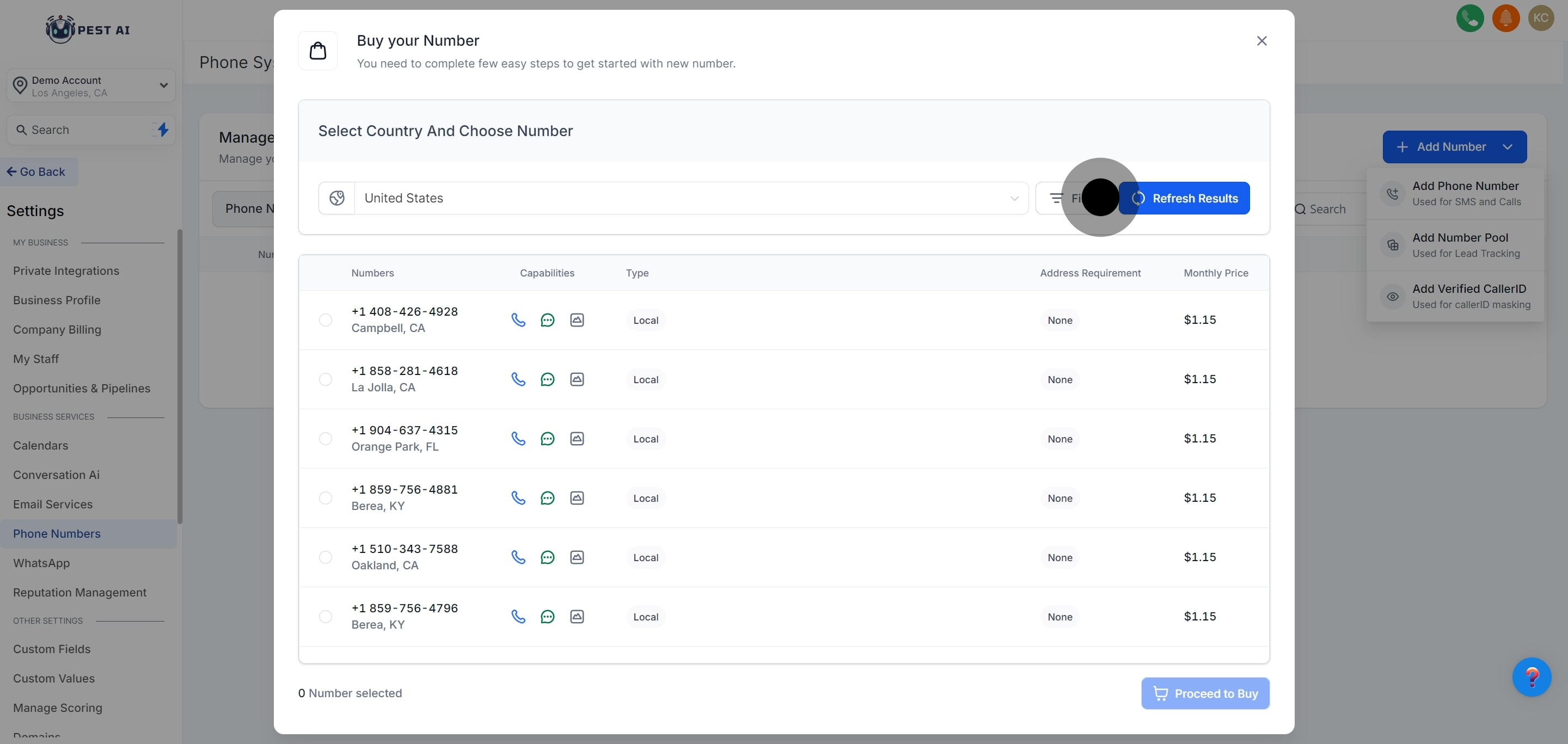
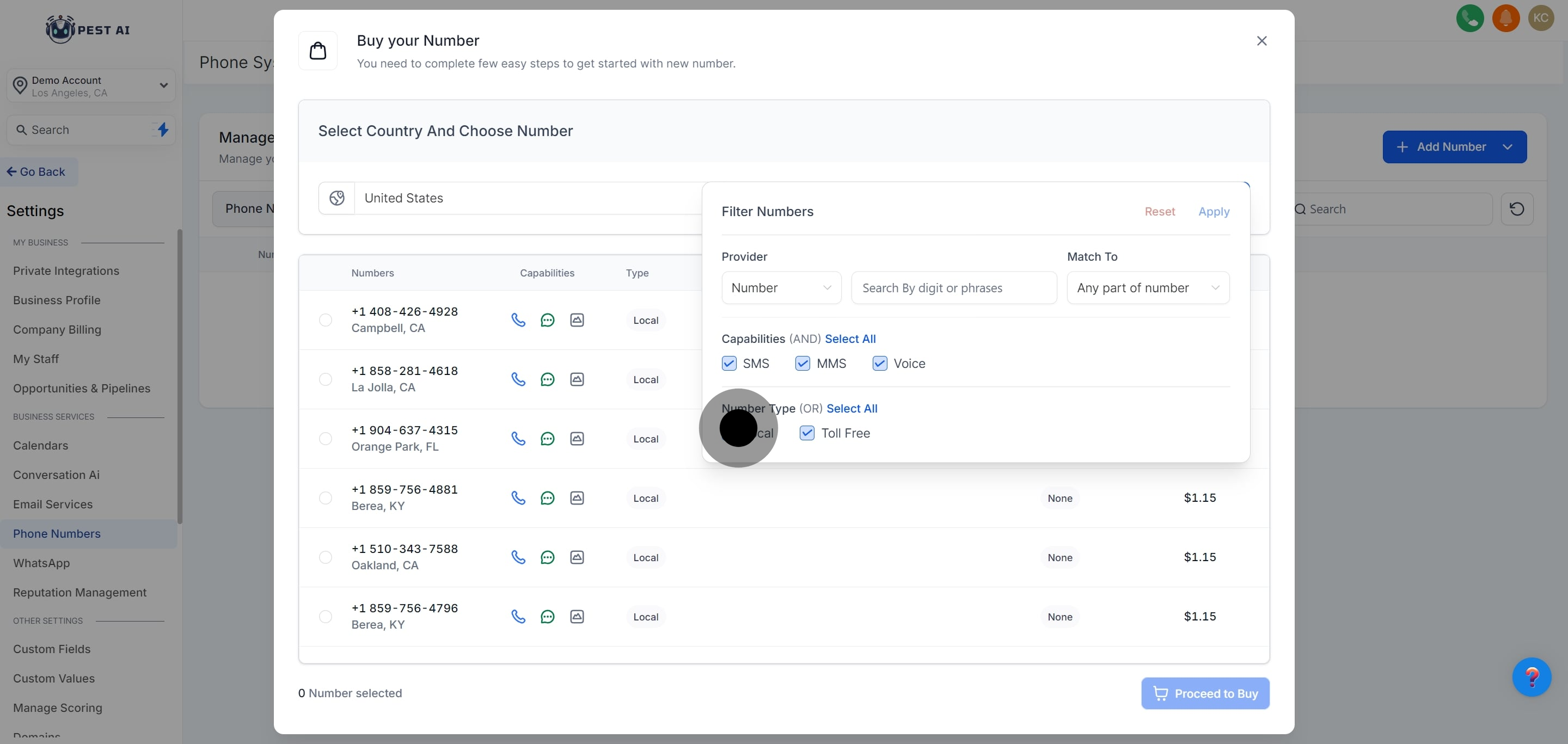
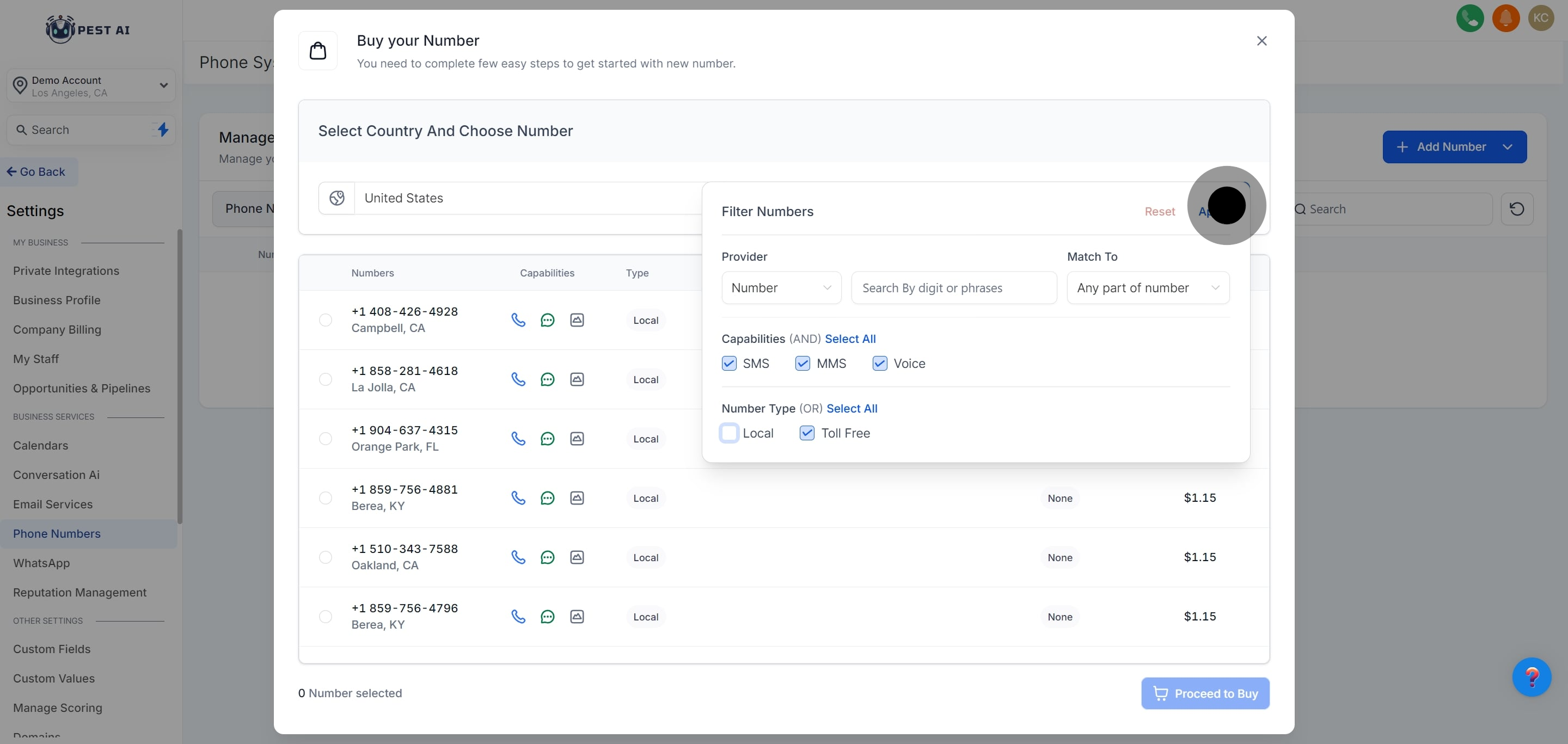
Toll-free numbers are numbers that begin with one of the following three-digit codes: 800, 888, 877, 866, 855, 844 or 833
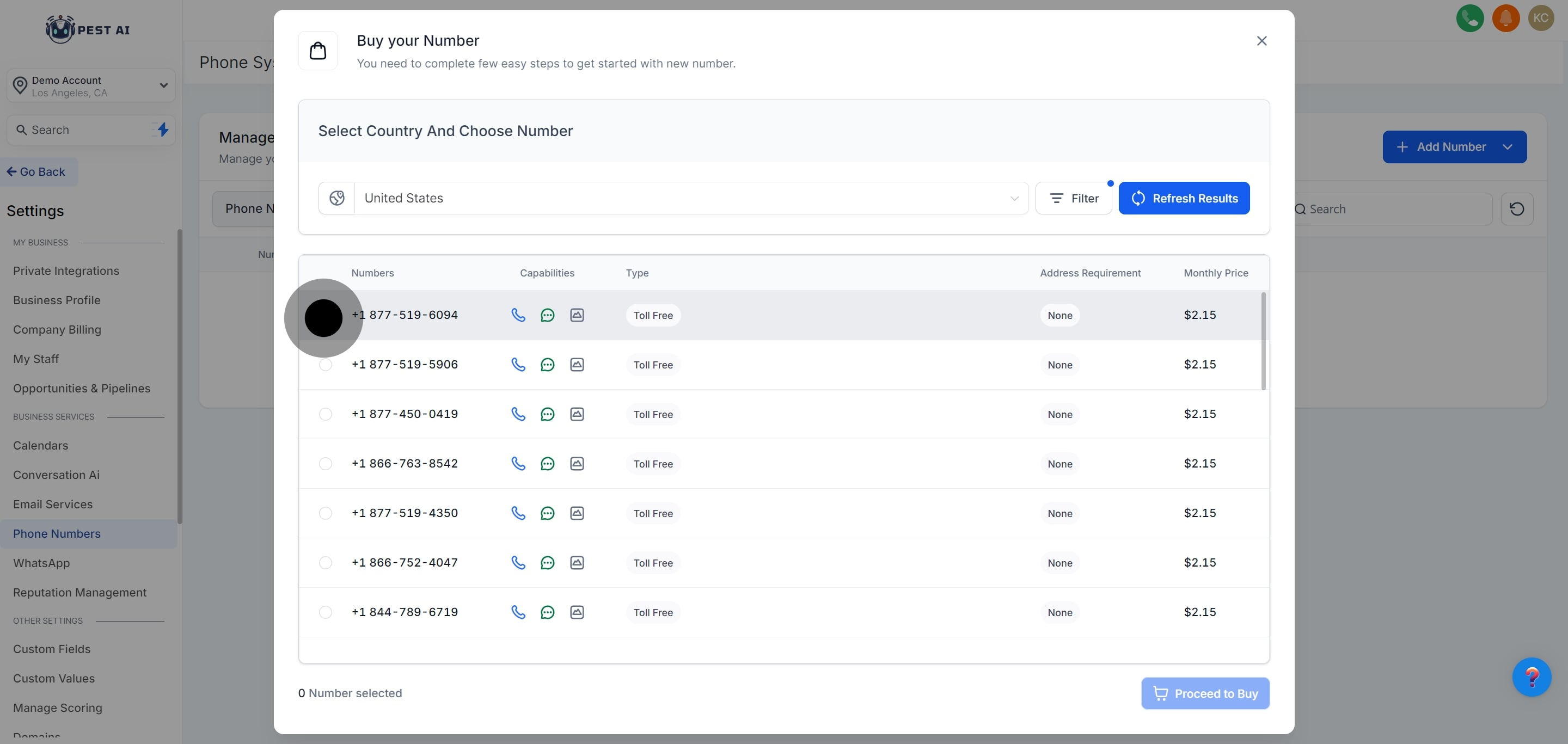
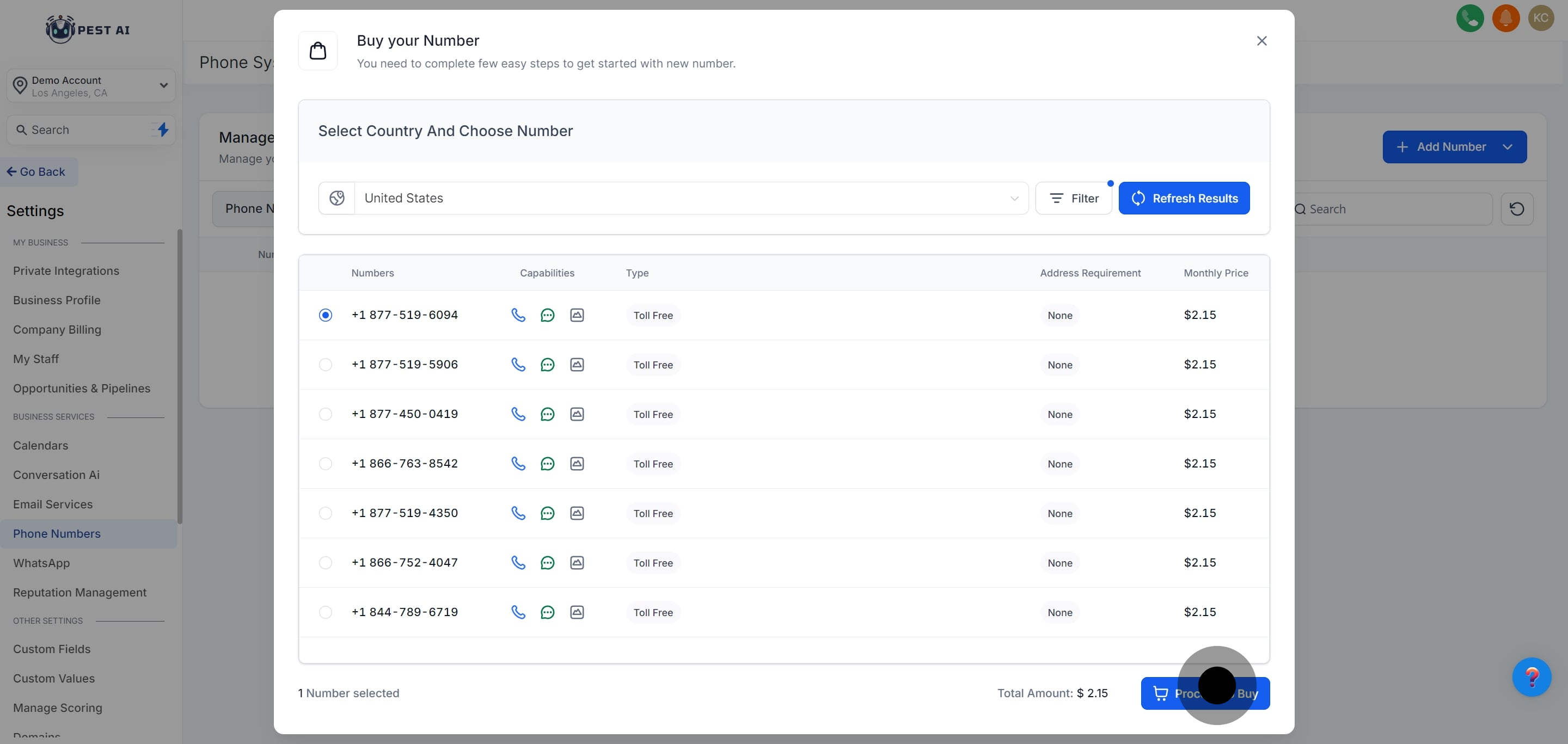
Though Toll-Free numbers are high priced they have added advantages to it, please see below:
Increased throughput of 3 Message segment per second when compared to 1 message segment per second in case of other 10DLC numbers.
[US/Canada Only] The Toll-Free Registration helps to send at least a few messages while the registration is in progress unlike the A2P registration for 10DLC numbers.
If the sub-account is on the LC phone, you can sign up for Toll-Free Number Registration for LC - Phone (US/Canada) from the application. [Only applicable to US/Canada Toll-Free Numbers]
If the sub-account is using your/their own Twilio account, you will need to contact Twilio support to register your toll-free number.If the sub-account is on the LC phone, you can sign up for Toll-Free Number Registration for LC - Phone (US/Canada) from the application. [Only applicable to US/Canada Toll-Free Numbers]